

A different way through the forest
Choose one replacement movement style and tune its controls. Fly opens up free travel, while Board, Ball and Kart bring a different feel to the terrain.

One style at a time
Use the Movement controls to choose a style. Switching styles releases the previous one. Turn Movement off to return to the game's normal controls.
Ride and explore
Ball adds a transparent rolling ball around your rider. Kart adds a small vehicle, and Board is for riding over land. This game's Board does not float over water.
Keep equipment handy
Bytonian Gear can be used alongside Movement, so you can equip a tool or weapon while riding. The default movement toggle is V and can be changed through keybind settings.
Available ability modifiers
MovementFree
Choose from eleven movement styles, including Fly, Board, Ball and Kart, with one style active at a time.
Supported movement styles: Fly, Free Walk, Board, Ball, Grapple, Glider, Parkour, Jetpack, Pogo, Ice Skates, Kart
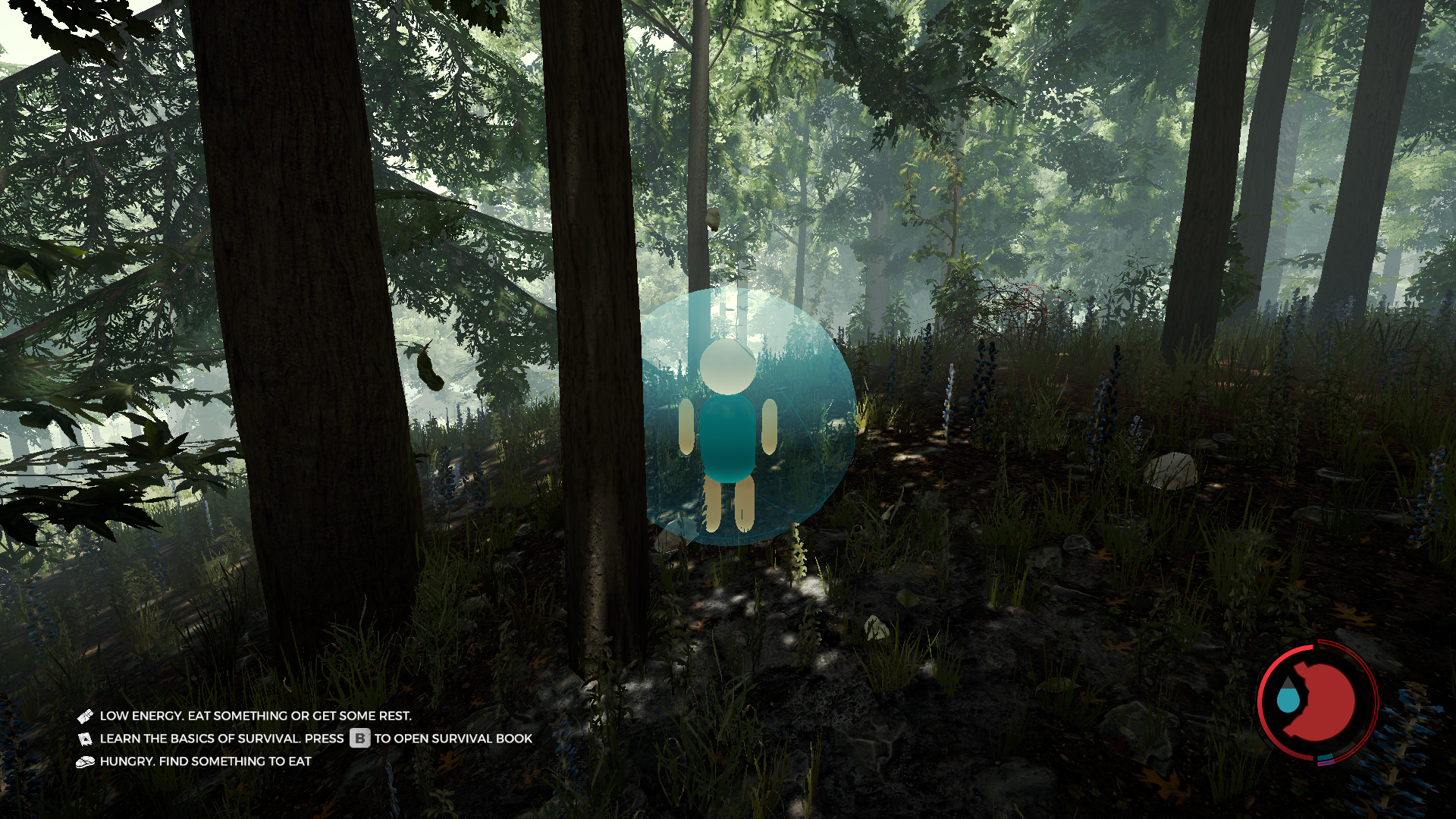
Roll through the forest
Choose Ball for rolling movement, or switch between the other movement styles from one menu.
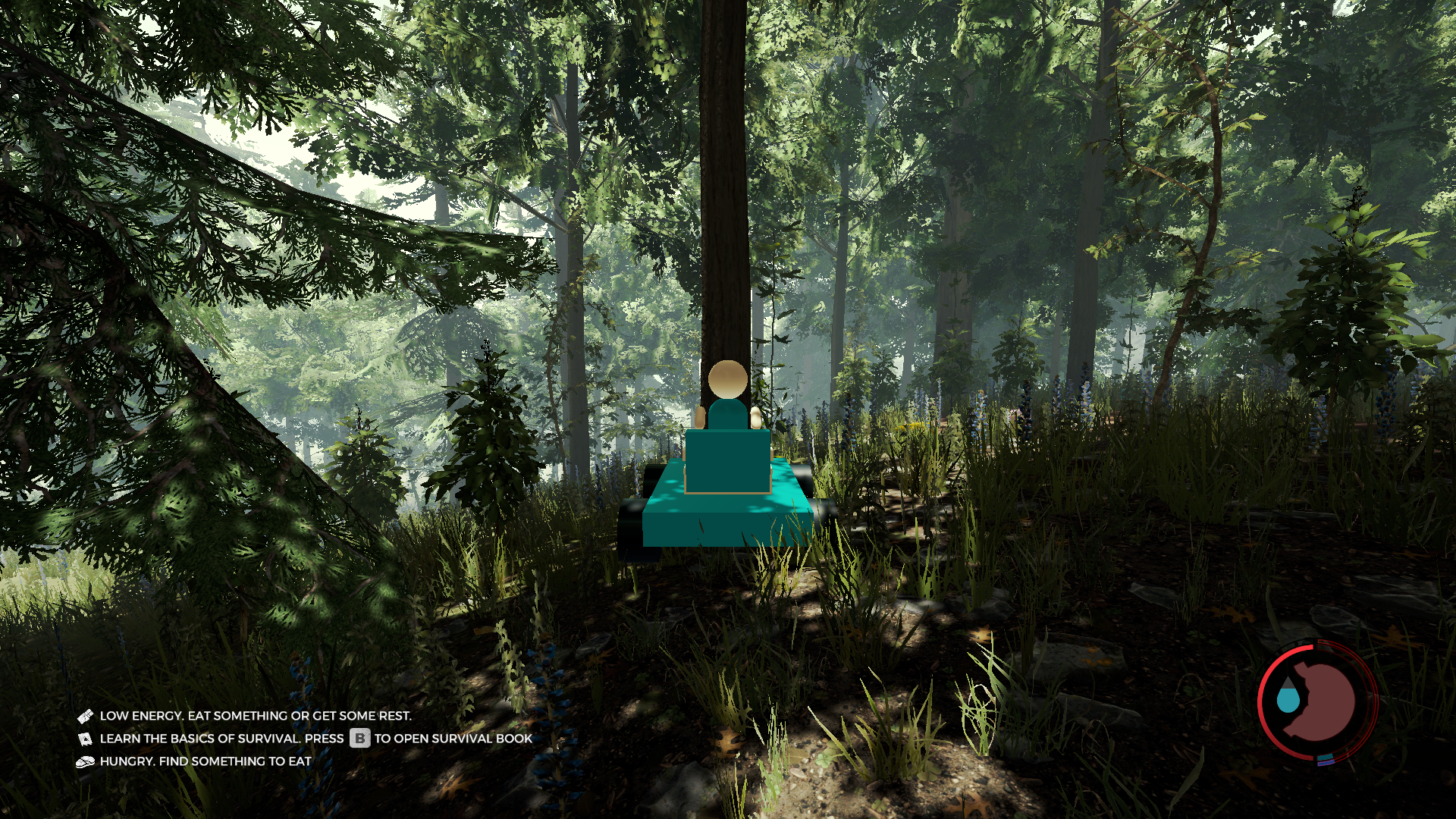
Take a kart into the forest
Drive a Bytonian kart with steering, braking and a chase camera.
1 / 2
More ways to customise The Forest
- The Forest resources
Set health, stamina, energy, hydration, fullness, rebreather air, fuel and strength in The Forest.
- The Forest stat modifiers
Adjust normal walking speed, running speed and jump strength in The Forest without choosing a replacement movement style.
- The Forest game actions
Finish blueprints, keep carried logs, protect buildings, spawn wildlife and items, and equip Bytonian tools in The Forest.
Using these features
Choose the feature in the Windows app after connecting your game. Check its requirements before making a change.
Setup for The Forest →