

Game Actions
2 optionsRestore health or refill an active shield.
View game actions →Guide ARID through a hostile world in The Fall, solving puzzles and facing danger in her combat suit. Restore health or refill an active shield when you need help pressing on.
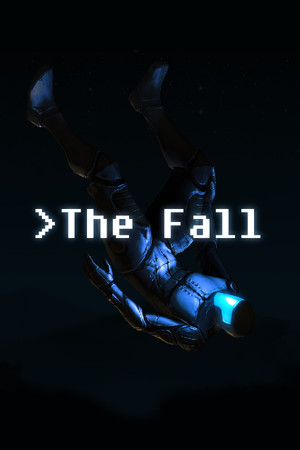
Start with free mods
Download Bytonian Mods for Windows and try these free features. Choose one to see how it works and any requirements.
Refill shield energy while the shield is active.
Use the action while your shield is active.
Wait for a depleted shield to recover first.
Restore your current health to its normal maximum.
Use the action before your health is depleted.
Does not revive a defeated player.
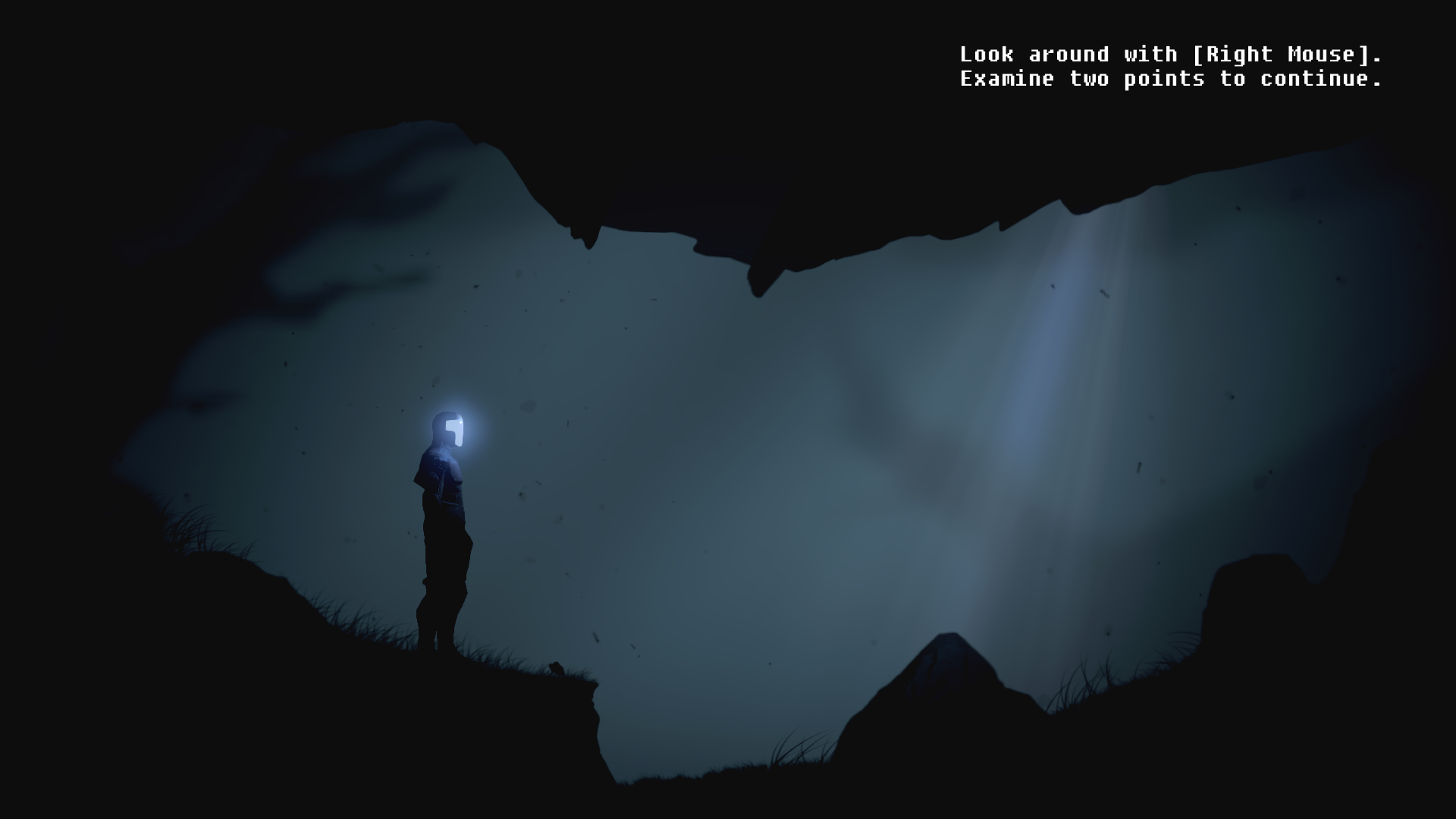
Explore the crash site
Guide ARID through the opening of The Fall.
Open Bytonian Mods, select The Fall, and choose Restore health or Refill shield energy during play.
Health cannot be restored after defeat. If the shield is depleted, wait for it to recover before refilling its energy.
Restore health or refill an active shield.
View game actions →Browse the Steam achievement names and descriptions for The Fall. Choose and unlock achievements for free with Bytonian Mods in the Windows app.
View all achievements →Download the Windows app and follow the setup prompts.
Open The Fall and select it in Bytonian Mods. Follow the app’s connection prompts.
Review the available options in the app and choose the ones that suit how you play.