

Set your room-decoration coins
Choose a coin balance from 0 to 1,000,000 and apply it before decorating your room.
Requires the Windows app and the Bytonian Mods browser extension for Chrome or Edge. Browser setup guide

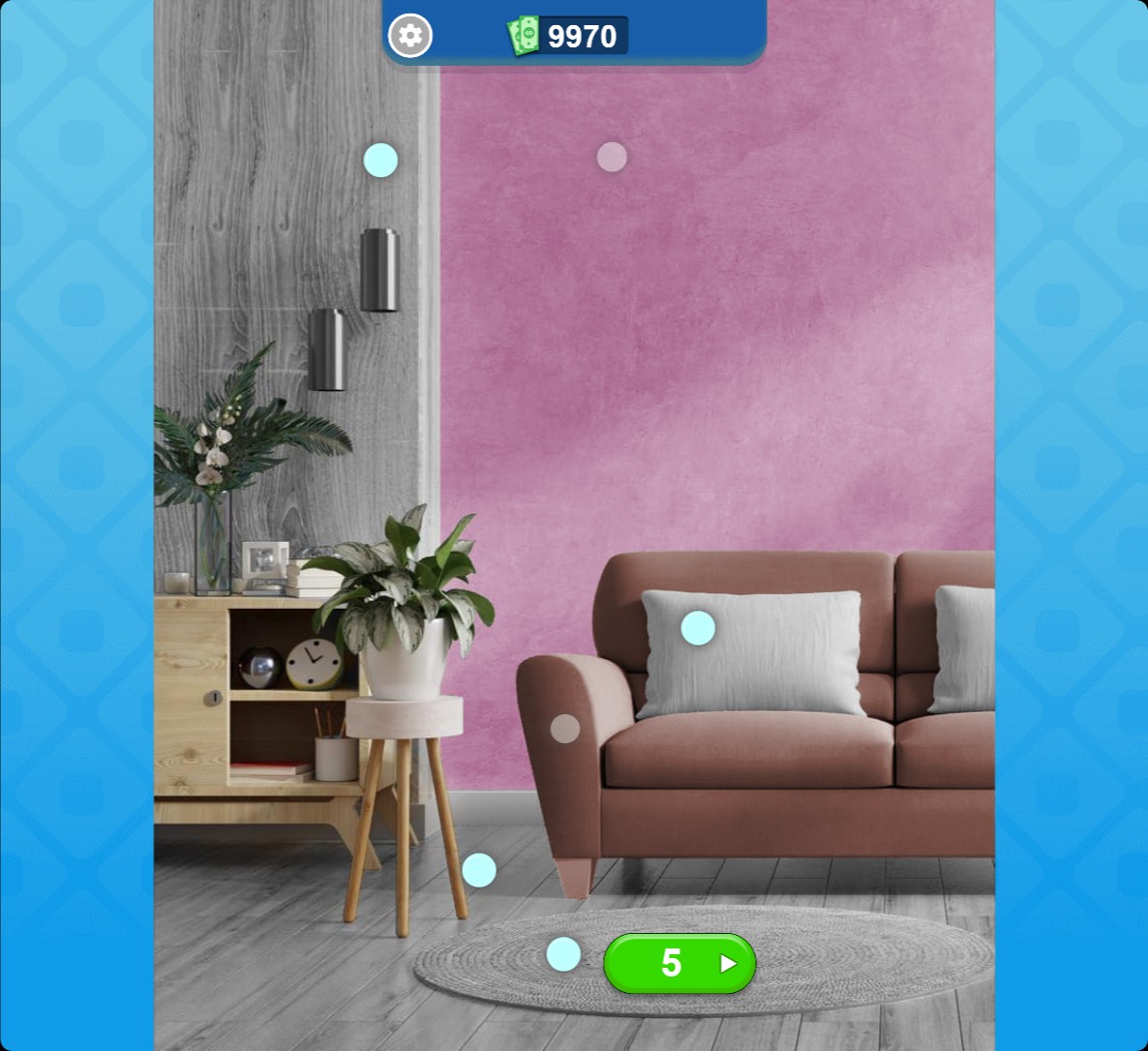
Choose a new room color
Spend coins in the decoration menu to give your room a new look.
Choose your budget
Enter the coin balance you want and apply it. Return to the room-decoration menu to see your available coins.
Spend coins on a color
Select one of the room points to open its color choices. Pick the color you want, check the displayed price and confirm the purchase.
The normal purchase cost is deducted from your balance when you confirm.
Available customisation options
CoinsFree
Set your decoration coin balance to afford the room colors you want.
Choose a balance, apply it, then select a room point, pick a color and confirm its coin cost.
Color choices and prices come from the normal decoration menu.
Questions about customisation options
- Does setting coins choose colors for me?
- No. You choose and confirm each room color through the normal decoration menu.
- Do I need to spend all the coins at once?
- No. Pick the room-color purchases you want and keep the rest of your balance.
Using these features
Connect your game, then open Customise in the Windows app. Choose an option, check its available values and follow its instructions. Each option lists its own requirements and limits.
Setup for Tap 3D Wood block away →