

Customize Cash and Day
Set the balance you want for purchases, or choose the day used by the ingredient menu. Apply your changes before starting the next cooking sequence.

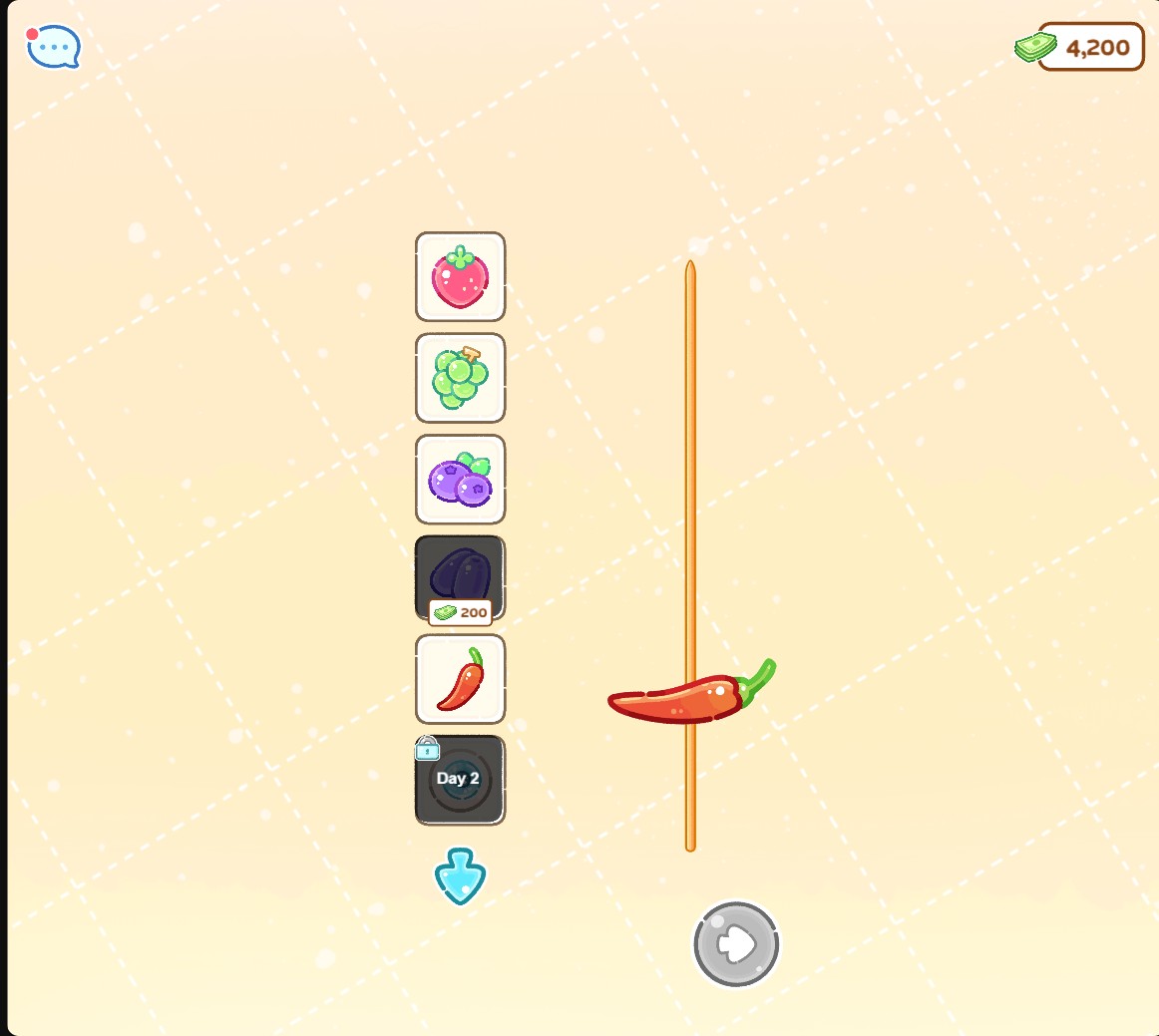
Cash for new ingredients
Choose your cash, buy ingredients and add them to a skewer. Hot Pepper is ready to use after its normal purchase.
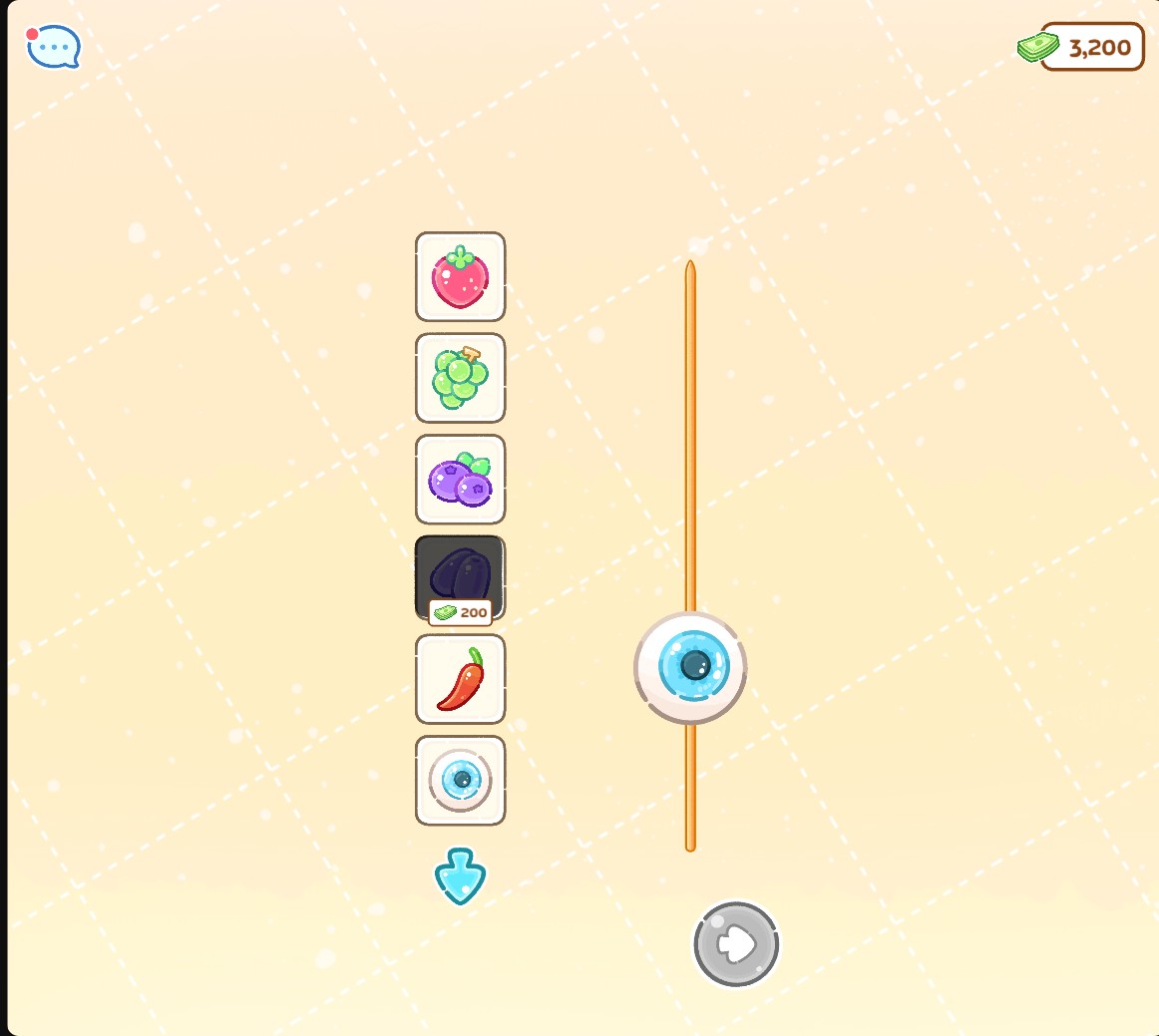
Day 2 ingredient choices
Choose day 2 to make Eyeball Jelly available, then buy it and add it to your skewer.
Buy an Ingredient
Enter your Cash amount and apply it. Start Live, choose Make Tanghulu and select a priced ingredient. Confirm its purchase, then drag it to the skewer tip to add it.
Open More Ingredient Choices
Choose a Day from 1 to 9 and apply it. Open the ingredient menu to browse the choices for that day. A day requirement can be met while an ingredient still needs to be purchased.
Available customise
CashFree
Choose your cash balance for ingredient purchases.
Enter an amount and apply it. Open Make Tanghulu, buy a priced ingredient and drag it to the skewer tip.
Before you use it: Purchases spend their listed cash cost. Ingredients can also require a particular day.
DayPremium
Choose the day used for ingredient availability.
Choose a day from 1 to 9 and apply it. Start the next cooking sequence and browse the ingredient menu.
Before you use it: Ingredients still need to be purchased with cash.
Questions about customise
- Does the Day control pay for ingredients?
- No. Day controls availability, while purchases spend your cash. You can set Cash separately.
- Does choosing an ingredient fill the skewer?
- Drag ingredients to the tip to add them. Add at least three before moving on to the sugar coating step.
Using these features
Choose the feature in the Windows app after connecting your game. Check its requirements before making a change.
Setup for Tanghulu Master →