

Resources
1 optionSet, add or subtract Tall Man Run gems with the free Gems mod.
View resources →Steer through height and width gates, dodge obstacles and build up your runner for the bots ahead. Choose a mod below to change your gems, grow on demand or try a different way to move.

Gems lets you set your balance. Character Growth adds height or width during a run. Experimental Fly takes you above or beside the track; speed and bomb protection apply to your current runner.
Connect the Bytonian Mods extension to Tall Man Run on YouTube Playables, then enable the package you want. Gems and bomb protection are free; Character Growth, Fly and speed require premium access.
For the experimental controls, read the instructions before switching them on. Return near the course before turning Fly off. Switch speed or bomb protection off and on after a new runner appears.

Grow through the gates in Tall Man Run
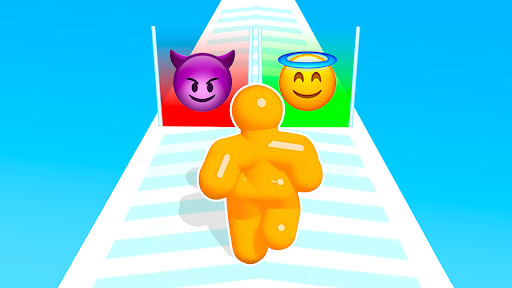
Steer along the raised course and choose gates that make your runner taller or wider.
Set, add or subtract Tall Man Run gems with the free Gems mod.
View resources →Grow taller or wider with Character Growth, or try adjustable speed from 25% to 300% for the current Tall Man Run runner.
View stat modifiers →Try free experimental bomb protection in Tall Man Run. Applies to the current runner; other hazards and falls remain dangerous.
View rule modifiers →Try Tall Man Run Fly to rise above or move beside the track. Includes editable movement keys and a fast movement modifier.
View ability modifiers →Download the Windows app and follow the setup prompts.
Set up the browser extension in Chrome or Edge, then open the supported YouTube Playable. Follow the connection guide if the game is already running.
Review the available options in the app and choose the ones that suit how you play.