

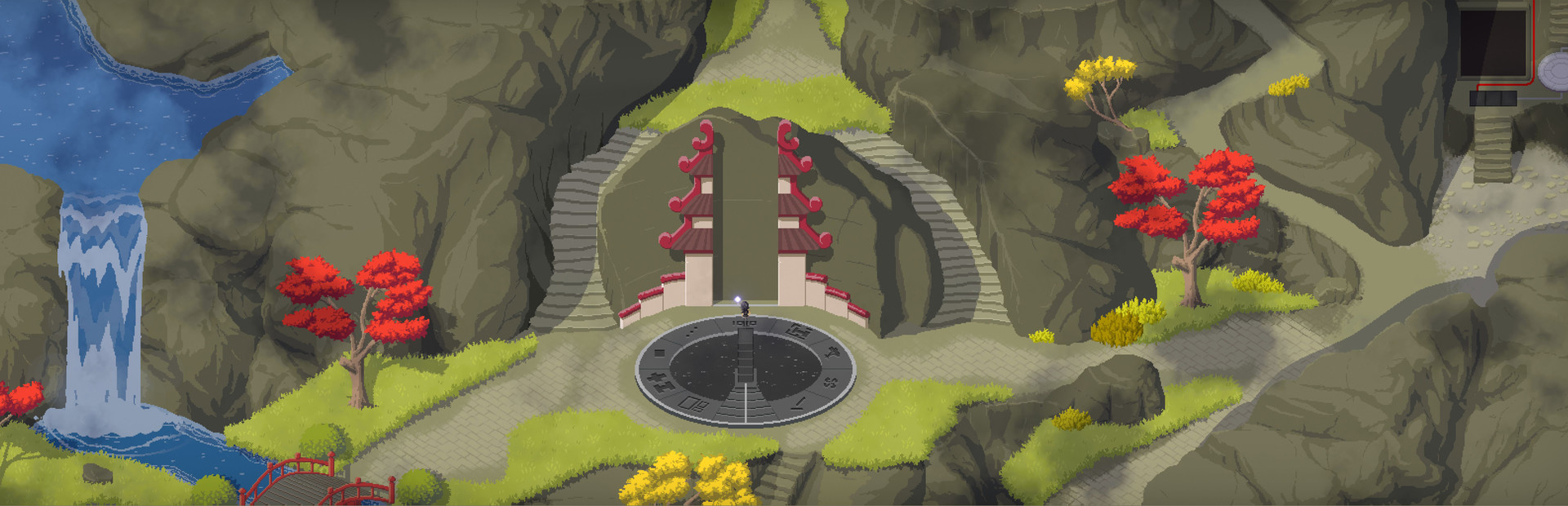
Set your exploration pace
Walk faster along familiar paths or move through obstacles to explore from another angle. These controls let you choose how you travel around Taiji.

Adjust walking and running together
Enable Walking Speed and choose a percentage from 100% to 400%. The control adjusts both walking and running, and turning it off restores the normal pace.
Move through obstacles
Enable No Clip to use WASD movement across the scene. Hold Shift for the faster speed, or expand the card to change either speed and the movement keys.
Return to normal movement
Move back to open ground before turning No Clip off. Normal movement and collision then resume. Movement also stops while the game is paused.
Available ability modifiers
No clipPremium
Move through obstacles using the card's movement keys.
Enable No Clip, use WASD to move and hold Shift for faster movement. Expand the card to edit speeds and keys.
Before you use it: Return to open ground before turning it off.
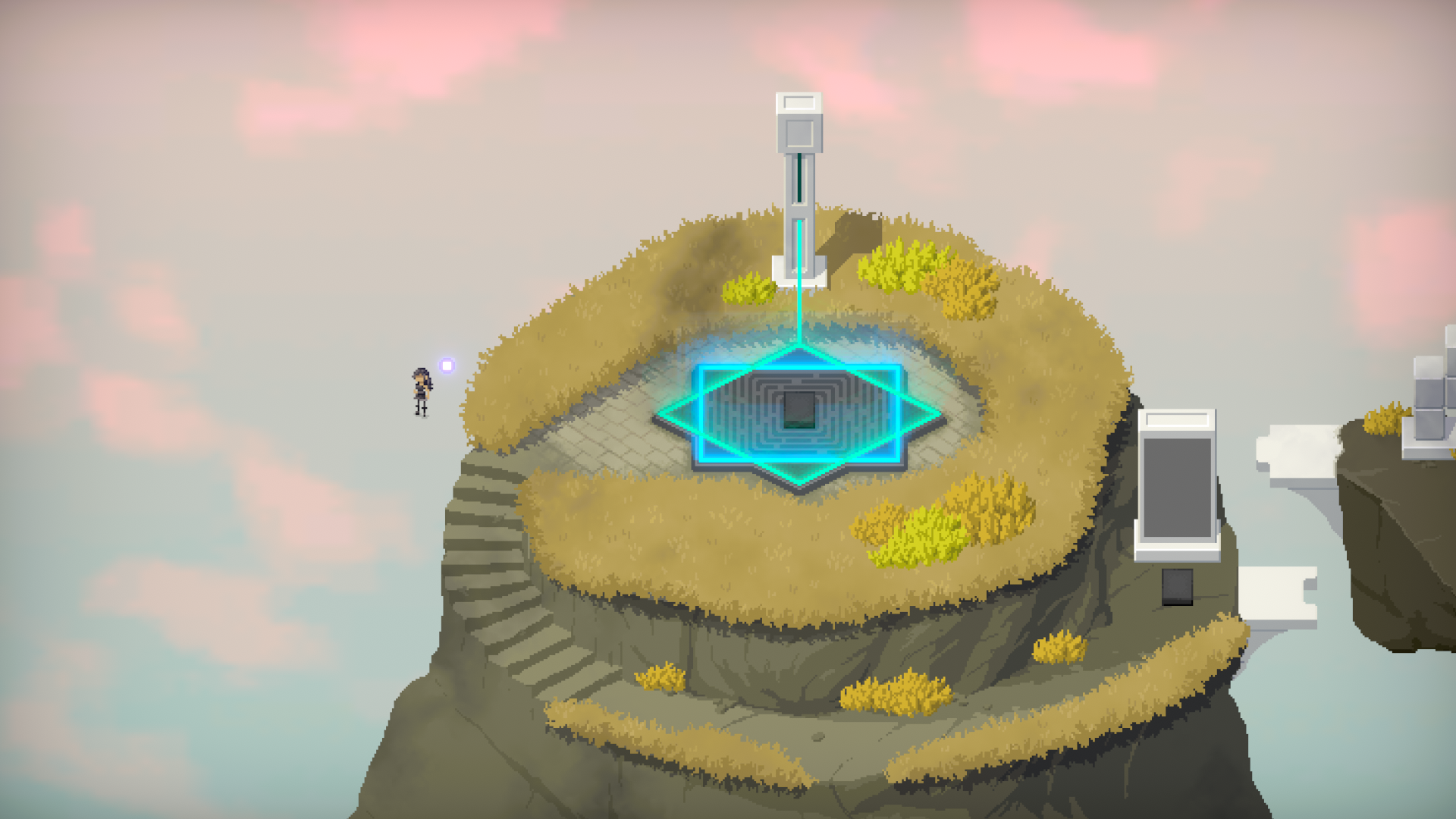
Move beyond the usual paths
No Clip lets you move through obstacles with WASD and hold Shift for faster movement. Here the player has moved beyond the island's edge. Return to open ground before turning it off.
Walking speedFree
Adjust walking and running pace while exploring.
Enable the card and choose a speed percentage. Turn it off to restore the normal pace.
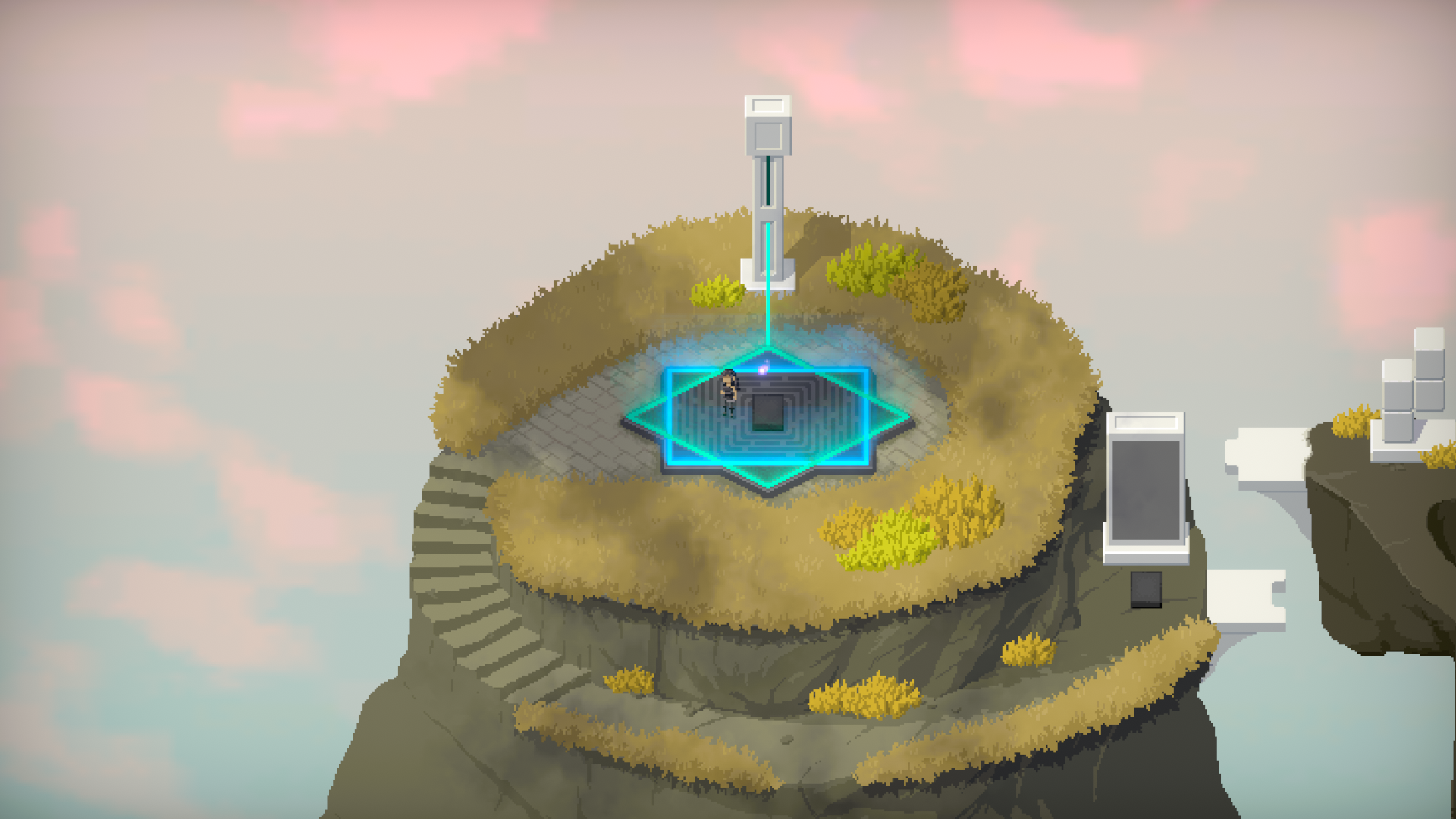
Explore Taiji at your own pace
Adjust walking and running speed while exploring Taiji's puzzle islands. Walking Speed lets you choose a pace, then return to the normal speed when you turn it off.
Questions about ability modifiers
- Can I change the No Clip keys?
- Yes. Expand the card to edit Up, Down, Left, Right and Faster movement.
- Does No Clip add height controls?
- It uses four movement directions across the scene, with no separate height keys.
Using these features
Choose the feature in the Windows app after connecting your game. Check its requirements before making a change.
Setup for Taiji →