


Customise
2 optionsTwo separate actions let you choose supported sword skins and trails.
View customise →Hold and drag to guide your sword through Sword Play's obstacle courses and enemies. Between attempts, the Skins menu lets you change the weapon and the trail behind each swing.
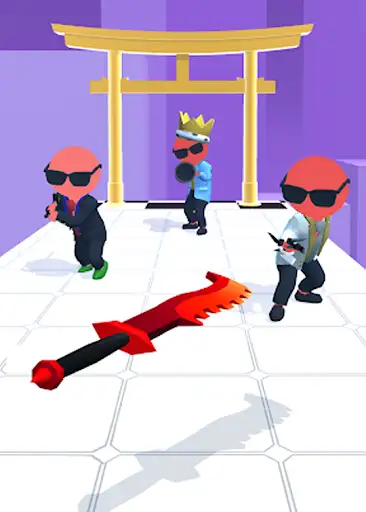
Make supported sword skins available and choose a weapon from the collection, including the scythe. Trail customization gives you a separate set of effects to pair with your chosen sword.
Two separate actions let you choose supported sword skins and trails.
View customise →Download the Windows app and follow the setup prompts.
Set up the browser extension in Chrome or Edge, then open the supported YouTube Playable. Follow the connection guide if the game is already running.
Review the available options in the app and choose the ones that suit how you play.