
Customise
1 optionCoins for random sushi skin draws.
View customisation options →Give your sushi a fresh look for its next roll. Choose your coin balance, open the shop and spend coins on random skin draws.
Requires the Windows app and the Bytonian Mods browser extension for Chrome or Edge. Browser setup guide
Start with free mods
Download Bytonian Mods for Windows and try these free features. Choose one to see how it works and any requirements.
Choose your coin balance and spend coins on random skin draws in the sushi shop.
Open the sushi shop from the main menu, buy a 150-coin draw and tap the covered card to reveal it.
Draws can produce duplicates. Large balances may extend beyond the coin counter.
A fresh sushi look
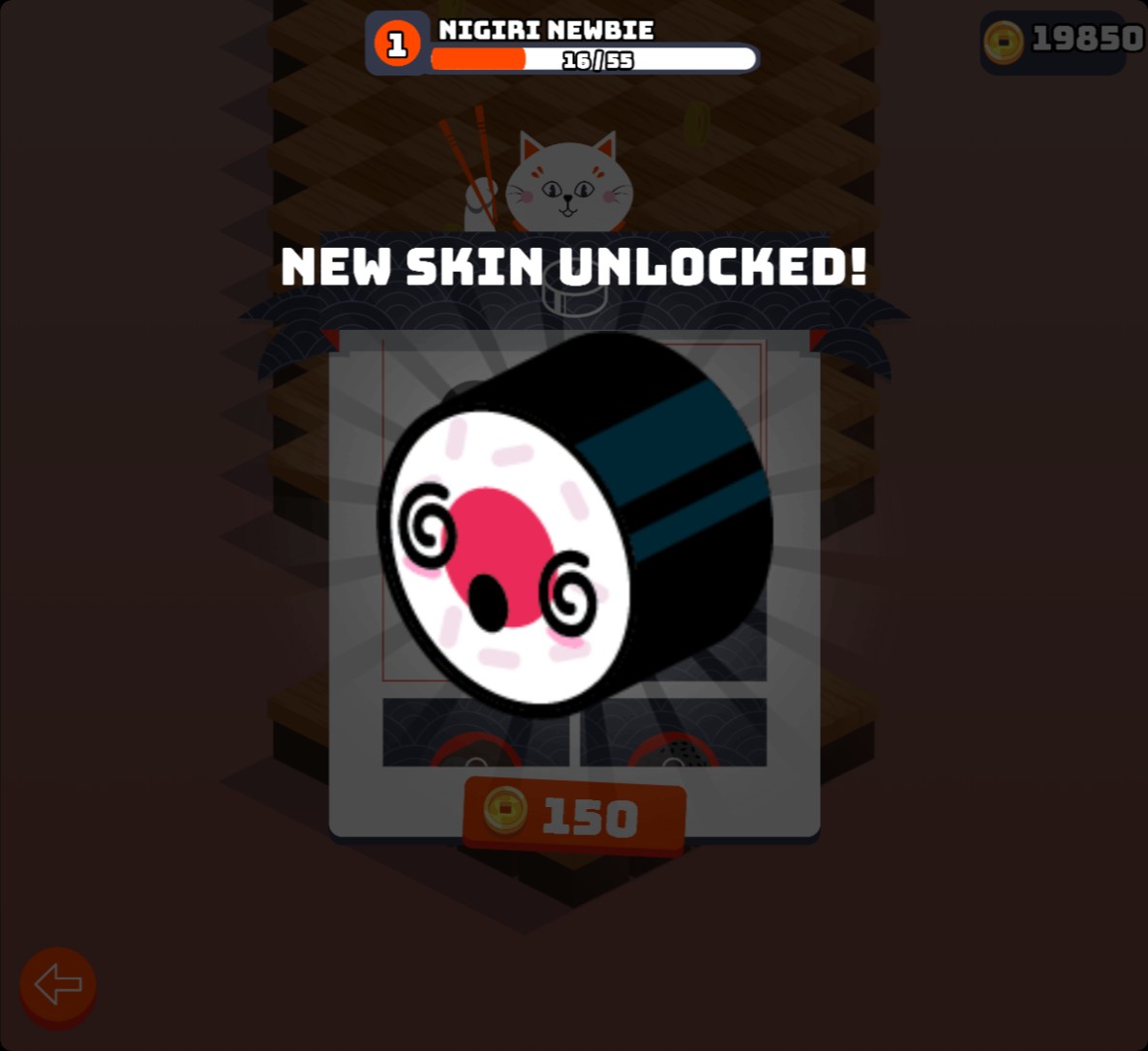
Use coins for a random skin draw in the shop. A new sushi look is revealed here, with 19,850 coins remaining.
Tap to turn along Sushi Roll's winding path. Between attempts, visit the sushi shop for a random skin draw and reveal the result with a tap.
Coins for random sushi skin draws.
View customisation options →Download the Windows app and follow the setup prompts.
Set up the browser extension in Chrome or Edge, then open the supported YouTube Playable. Follow the connection guide if the game is already running.
Open Customise in Bytonian Mods, choose an option and follow its instructions. Check the available values and any limits before making your change.