
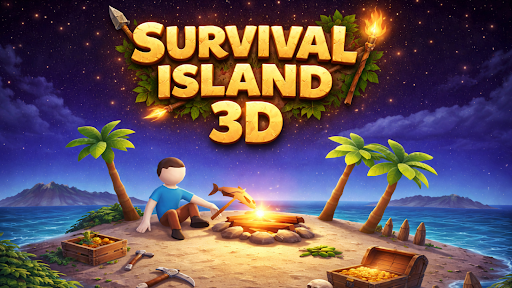
Choose the supplies you carry on your island
Set coins, wood, stone and fiber separately. Choose the supplies for your next island project or use the free Wood control to fill up before you head out.
Requires the Windows app and the Bytonian Mods browser extension for Chrome or Edge. Browser setup guide
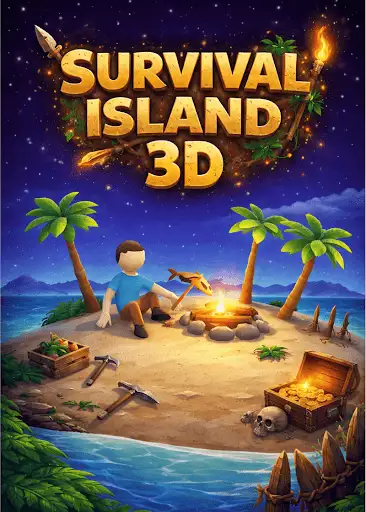
Adjust one resource at a time
Open the resource you want to change, refresh its balance and choose an amount. Wood, stone and fiber take up backpack space, so leave enough room for the materials you gather along the way.
Keep your island routine
Use the normal inventory screen to manage or sell carried supplies. Continue harvesting for objectives that count gathering actions.
Available resources
CoinsPremium
Choose your coin balance while exploring the island.
Refresh the balance, enter your chosen amount and use the resource control to apply it.
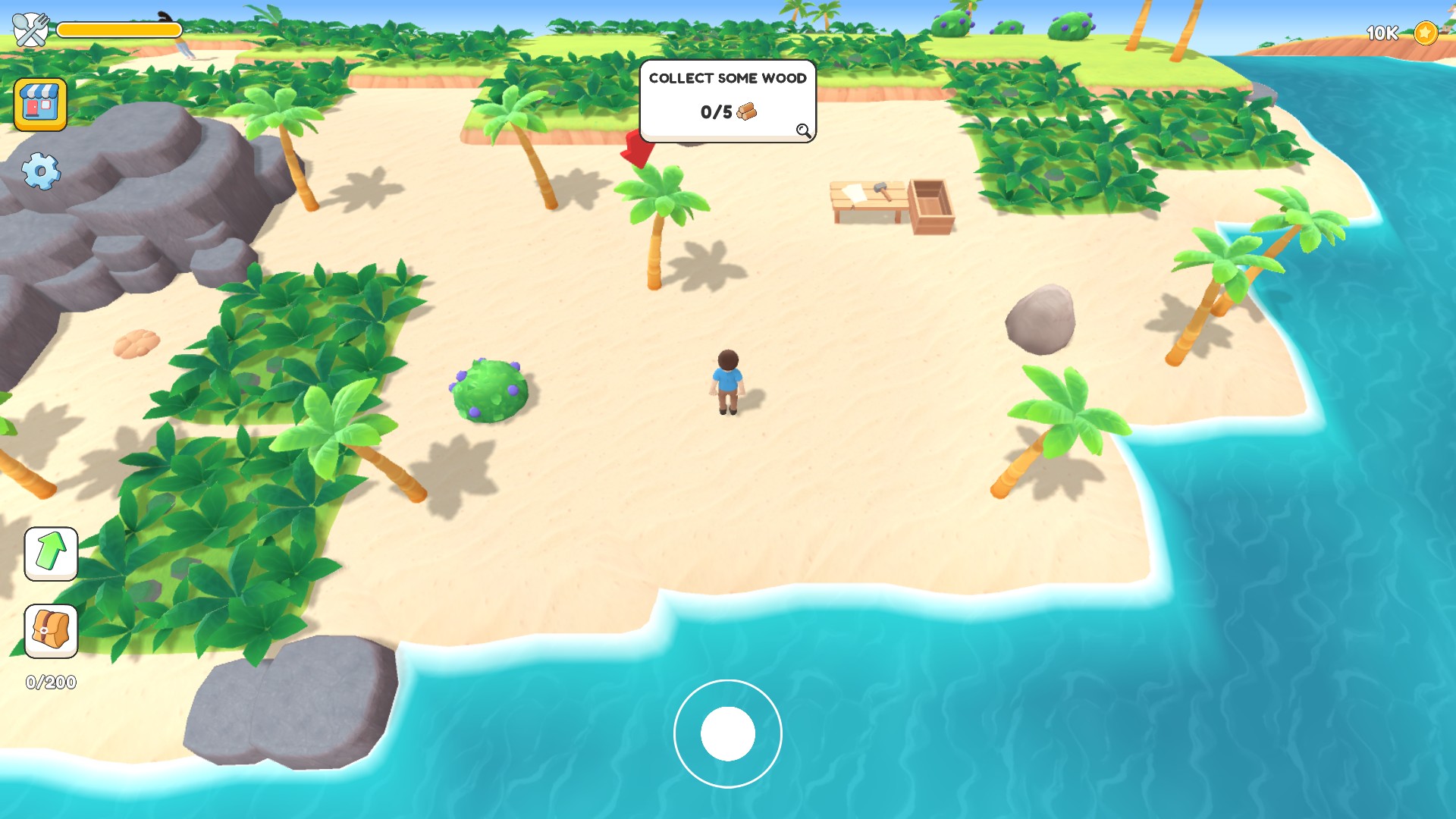
More coins for your island adventure
Set your coin balance while exploring Survival Island 3D. Your chosen amount appears in the coin counter at the top of the screen.
FiberPremium
Choose the fiber supply you carry alongside your other materials.
Refresh the balance, enter your chosen amount and use the resource control to apply it.
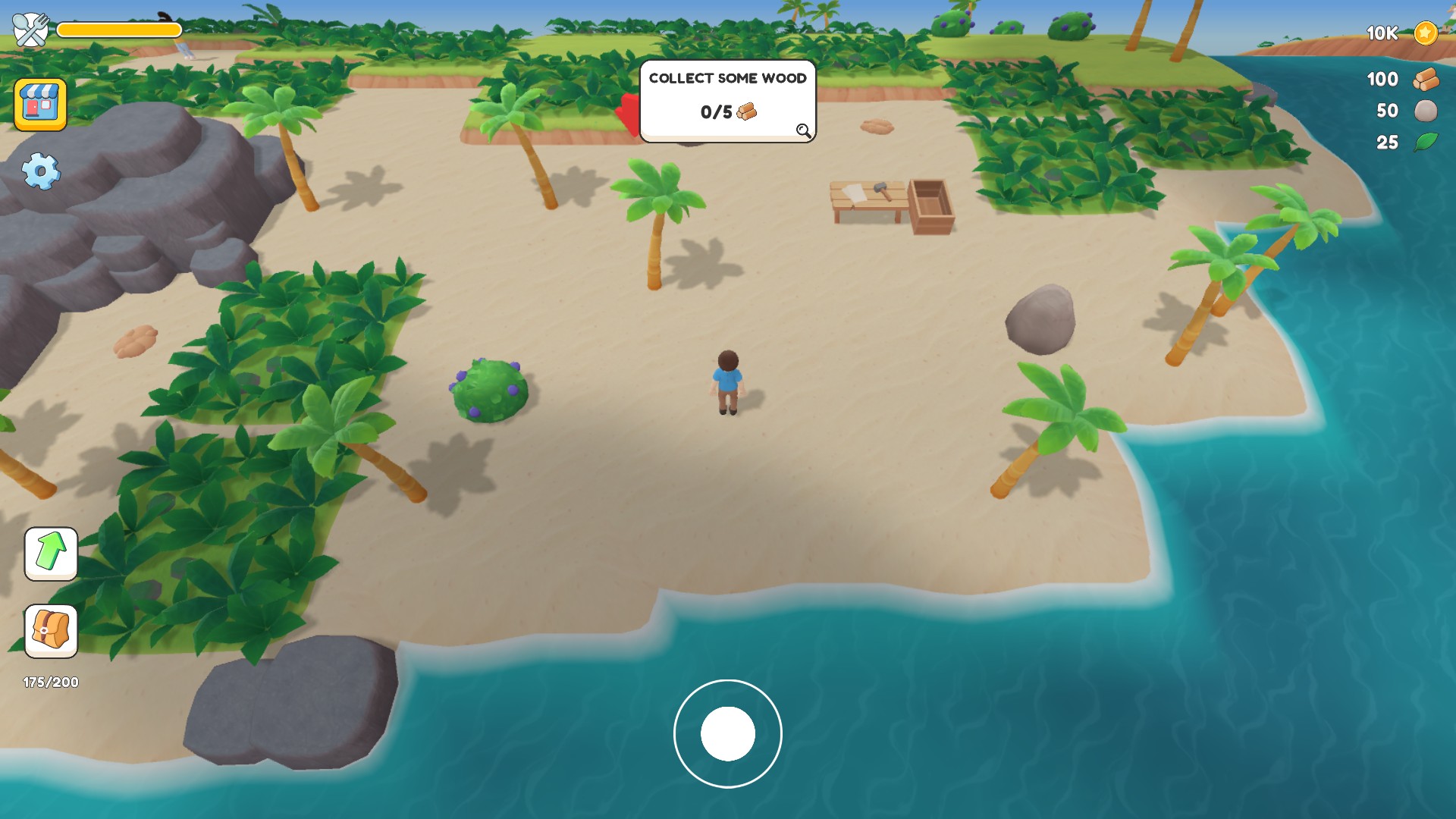
Keep fiber in your island backpack
Choose your fiber supply alongside the wood and stone you carry. This island backpack includes 25 fiber.
StonePremium
Choose the stone supply you carry for island projects.
Refresh the balance, enter your chosen amount and use the resource control to apply it.
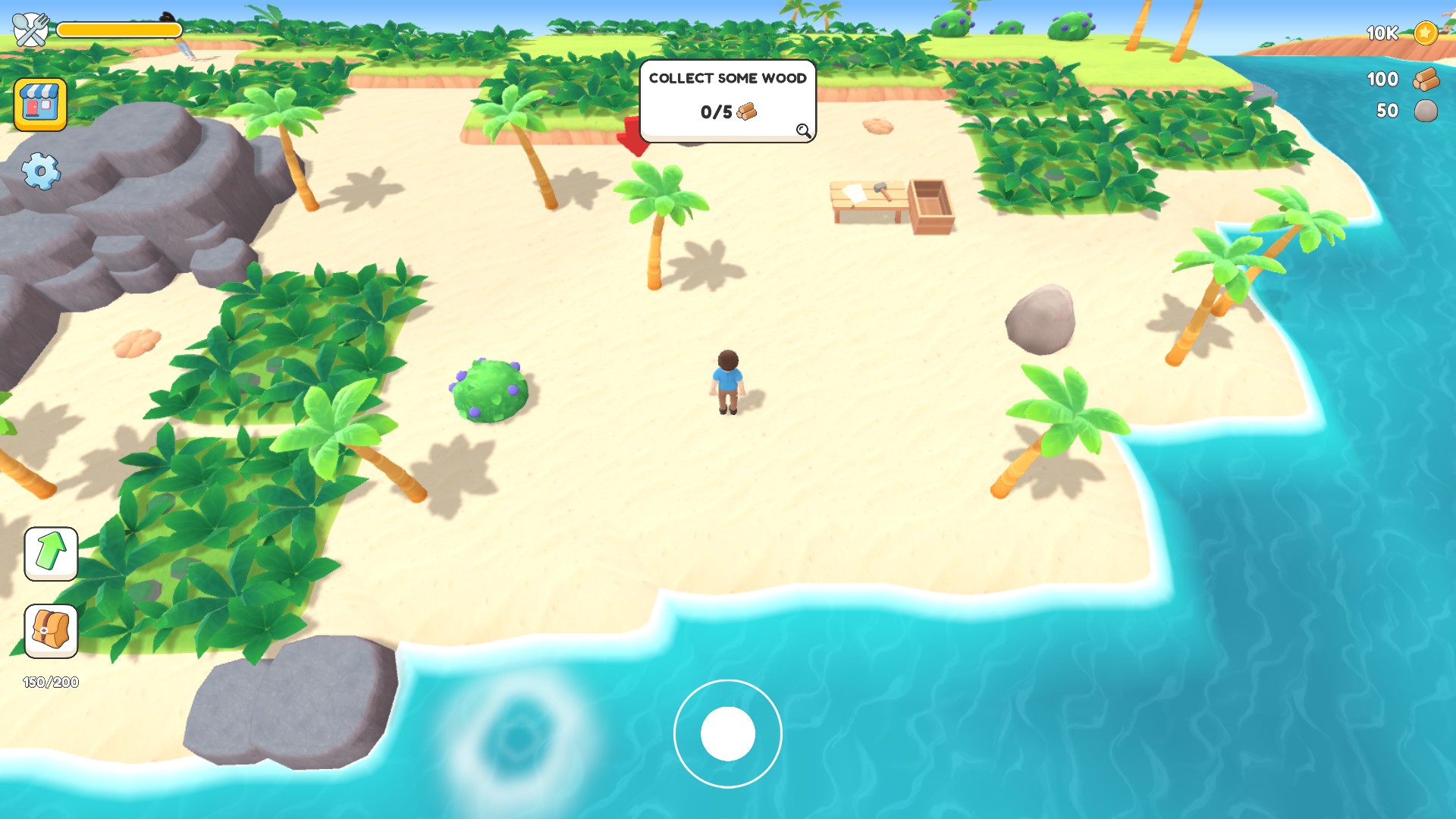
Add stone to your island supplies
Set your stone balance for island projects. This backpack holds 50 stone alongside 100 wood.
WoodFree
Stock your backpack with the wood you want to carry. This control is free.
Refresh the balance, enter your chosen amount and use the resource control to apply it.
Gathering tasks still progress through normal harvesting.
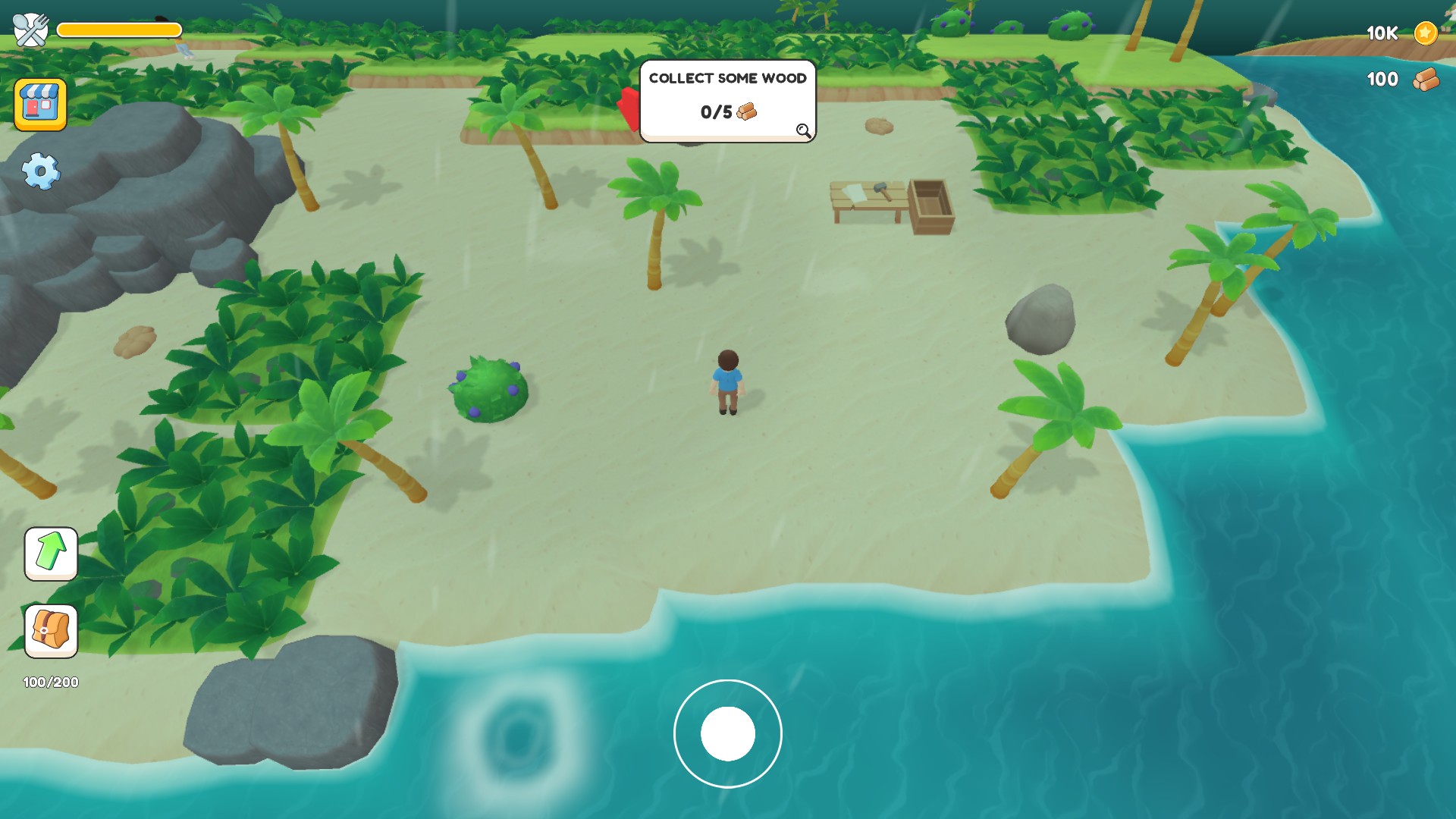
Stock your backpack with wood
Choose your wood supply for island projects. Here,100 wood fills100 of the backpack's200 slots.
More ways to customise Survival Island 3D
- Survival Island 3D stat modifiers
Choose backpack capacity and running speed while on the island.
Questions about resources
- Can I change wood without changing stone or fiber?
- Yes. Each supply has a separate control, so you can choose just the balance you want to adjust.
Using these features
Choose the feature in the Windows app after connecting your game. Check its requirements before making a change.
Setup for Survival Island 3D →