
Stat Modifiers
1 optionAdjust jump strength while playing alone.
View stat modifiers →Put scattered products back on their shelves and bring order to Supermarket Chaos. Adjust your jump strength as you explore the store.

Start with free mods
Download Bytonian Mods for Windows and try these free features. Choose one to see how it works and any requirements.
Adjust jump strength as a percentage while playing alone.
Set 100% for normal strength, or choose a value from 50% to 300%.
This control applies only in single-player.

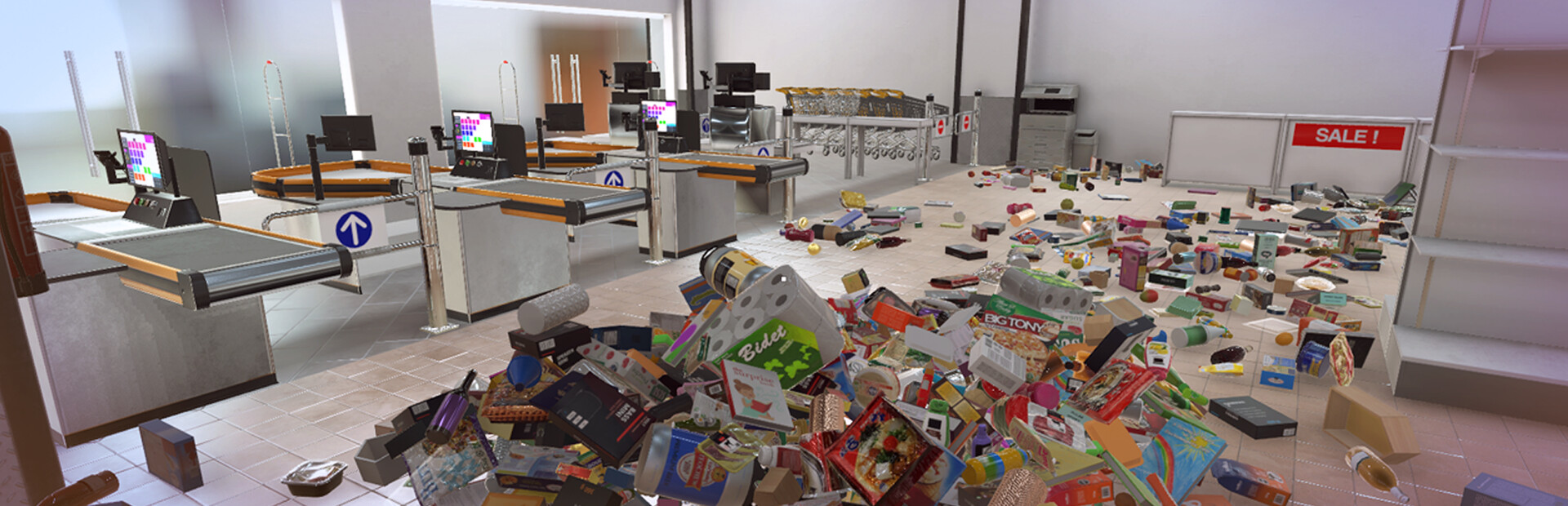
Supermarket Chaos gameplay
Put products back on their shelves in a disorganized supermarket.
Set Jump Strength as a percentage to change how strongly your character jumps in a single-player game.
Adjust jump strength while playing alone.
View stat modifiers →Browse the Steam achievement names and descriptions for Supermarket Chaos. Choose and unlock achievements for free with Bytonian Mods in the Windows app.
View all achievements →Download the Windows app and follow the setup prompts.
Open Supermarket Chaos and select it in Bytonian Mods. Follow the app’s connection prompts.
Review the available options in the app and choose the ones that suit how you play.