

Stat Modifiers
4 optionsTune movement, jumping, firing rate and story time.
View all stat modifiers →SUPERHOT turns each encounter into a careful sequence of movement, aiming and split-second decisions. These mods let you adjust the original game's story levels, whether you want more room to experiment or a different way to explore the white arenas.

Start with free mods
Download Bytonian Mods for Windows and try these free features. Choose one to see how it works and any requirements.
Choose a fixed pace for story gameplay instead of the usual movement-driven timing.
Set time from 5% to 100% of real time. Switch off to restore normal SUPERHOT timing.
Ignore lethal hits while you experiment with story encounters.
Enable during a normal story level. Switch off to restore normal vulnerability.
Stats controls adjust movement speed, jump height, firing rate and time. Abilities covers invulnerability and Unlimited Ammo. Open Movement to use Fly and explore story levels from above.
Install the Bytonian Mods Windows launcher, select SUPERHOT and enable the controls you want. Start the original SUPERHOT and continue into a story level before using them. These controls are for the original game, separate from SUPERHOT VR and MIND CONTROL DELETE.
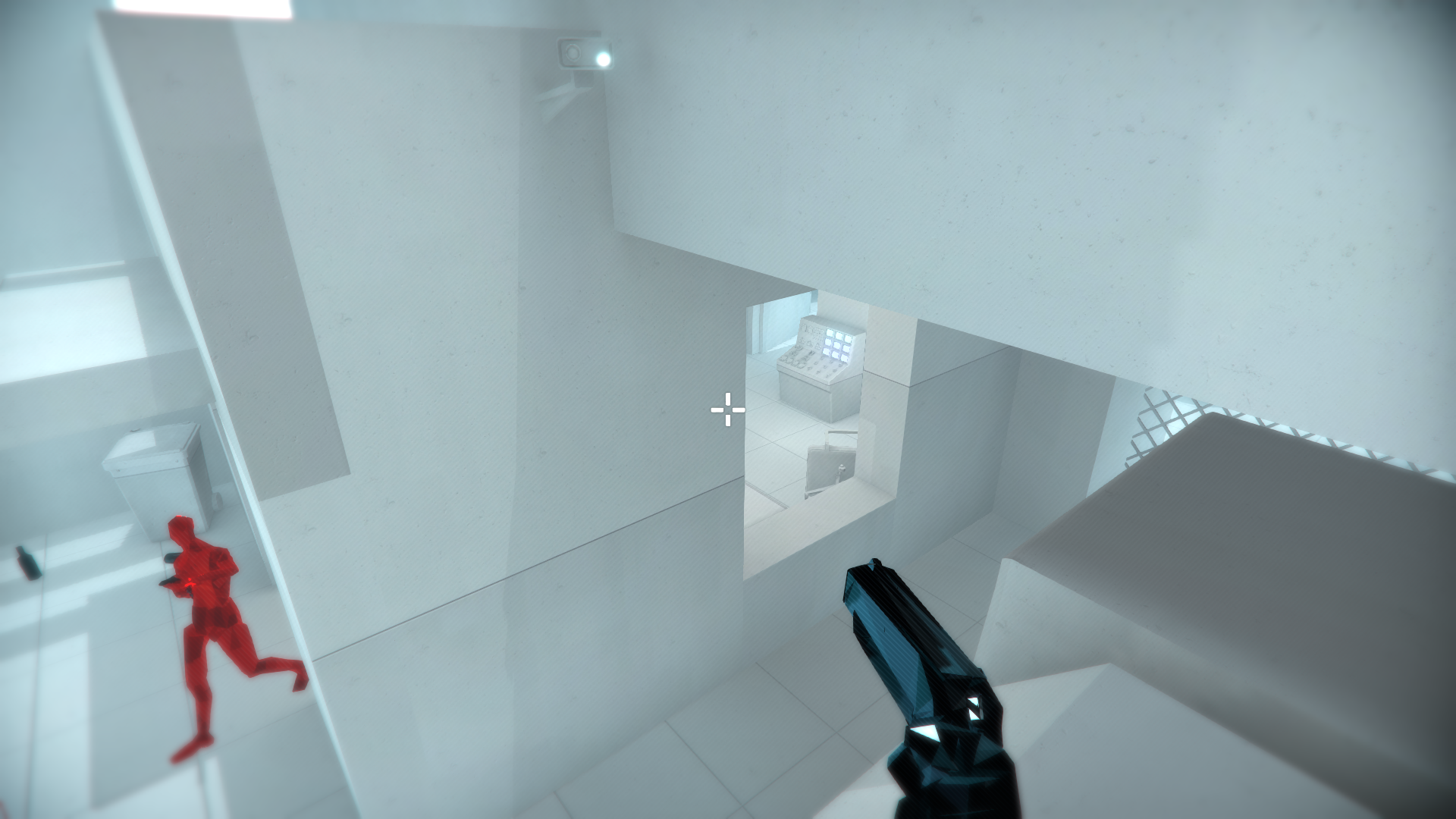
Explore SUPERHOT story mods
Adjust your story playthrough with controls for ammo, movement, jumping and time.
SUPERHOT, But the Fistfight Is Downstairs
Watch a downstairs fistfight in SUPERHOT.
Tune movement, jumping, firing rate and story time.
View all stat modifiers →Survive story encounters, preserve loaded rounds and explore with Fly.
View ability modifiers →Browse the Steam achievement names and descriptions for SUPERHOT. Choose and unlock achievements for free with Bytonian Mods in the Windows app.
View all achievements →Download the Windows app and follow the setup prompts.
Open SUPERHOT and select it in Bytonian Mods. Follow the app’s connection prompts.
Review the available options in the app and choose the ones that suit how you play.