
Customise
9 optionsSet your supplies, choose starting boosters and strengthen blue hero goal bonuses.
View all customisation options →Set coins or lives, stock the boosters you use most or raise the blue hero's level. Match sweets and work through each campaign board's goals.
Requires the Windows app and the Bytonian Mods browser extension for Chrome or Edge. Browser setup guide
Start with free mods
Download Bytonian Mods for Windows and try these free features. Choose one to see how it works and any requirements.
Raise the blue hero's level to strengthen its goal bonuses. At level seven, a boosted piece can count for six toward its goal.
The blue hero must be unlocked and present on the board.
Refill Hammer charges to remove a chosen tile without spending a move.
Choose the Hammer during a level, then select the tile.
The Hammer must be unlocked through normal progression.
Choose your coin balance for ordinary booster and life purchases.
Explore this free feature →Refill Rainbow Lollipops to remove pieces of a chosen color.
Select a Rainbow Lollipop during a level, then choose the color to clear.
The Rainbow Lollipop must be unlocked through normal progression.
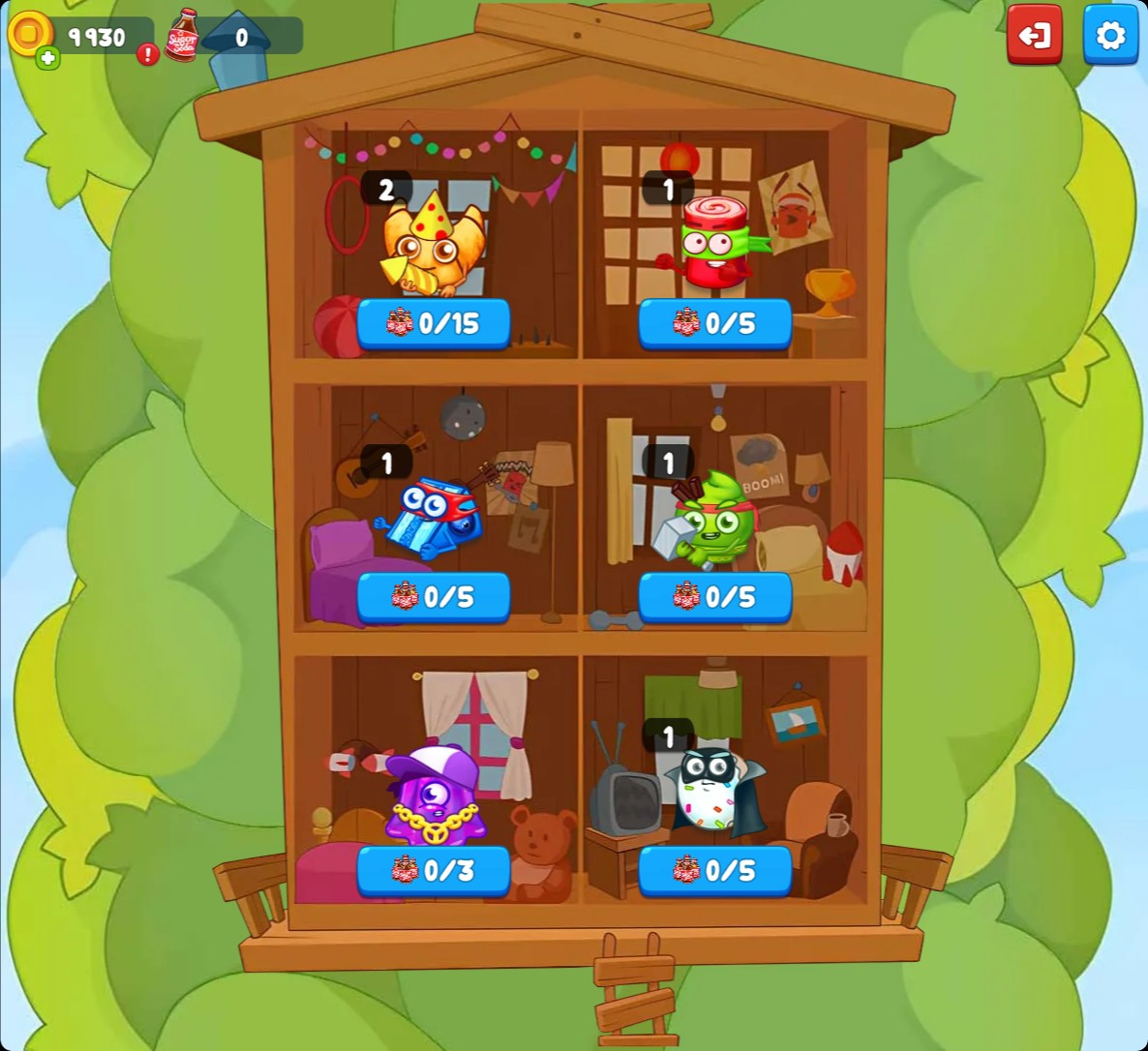
Meet your Sugar Heroes
Build your team of sweet-powered heroes and keep coins ready for useful boosters.
Open Customization to adjust coins, lives and six booster supplies. Use a Hammer for one awkward tile, a Rocket for a whole column or a Rainbow Lollipop to clear one color. Starting boosters help you prepare before a level begins.
Set your supplies, choose starting boosters and strengthen blue hero goal bonuses.
View all customisation options →Download the Windows app and follow the setup prompts.
Set up the browser extension in Chrome or Edge, then open the supported YouTube Playable. Follow the connection guide if the game is already running.
Open Customise in Bytonian Mods, choose an option and follow its instructions. Check the available values and any limits before making your change.