
Refill your next hint
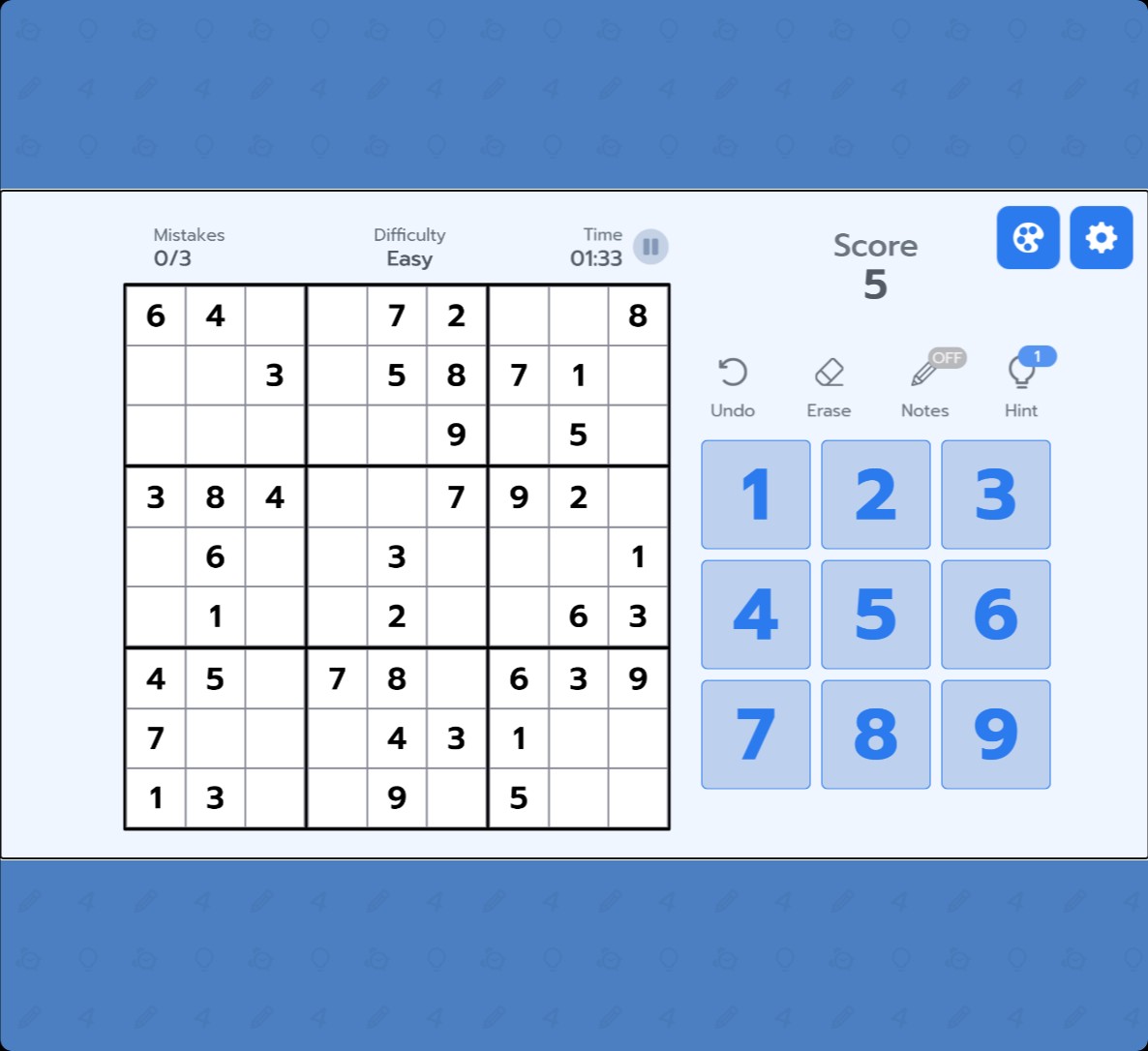
Apply Refill Hint when your continued Classic puzzle needs another hint. Choose Continue Game, select an empty cell and tap Hint.
Requires the Windows app and the Bytonian Mods browser extension for Chrome or Edge. Browser setup guide
Refill your next hint
Restore one hint for your continued Classic puzzle. Select an empty cell and use Hint when you want help with the next number.
Continue your Classic puzzle
Start a Classic puzzle before using the refill. The control restores one available hint for that puzzle.
After using the hint, keep solving from the revealed number.
Available customisation options
Refill HintFree
Restore one hint for your continued Classic puzzle.
Apply the refill, choose Continue Game, select an empty cell and tap Hint.
Requires an existing Classic puzzle to continue.
Questions about customisation options
- How many hints does this restore?
- One available hint for your continued Classic puzzle.
Using these features
Connect your game, then open Customise in the Windows app. Choose an option, check its available values and follow its instructions. Each option lists its own requirements and limits.
Setup for Sudoku Classic →