

Manage your Store Simulator cash
Use the Cash card to adjust your carried money while your game is loaded. Set an exact balance or add and subtract an amount from the latest reading.

Refresh before editing
Close the pause menu and refresh Cash to read your current balance. Use Set for a total balance, or add and subtract to change it by an amount. If the balance changes before your edit is applied, refresh and choose again.
Available resources
CashFree
Read, set, add or subtract the cash you carry.
Load your game and close the pause menu. Refresh Cash before editing, then choose a whole-number amount between 0 and 1,000,000,000.
Bank savings are separate. Refresh again if your cash changes before the edit is applied.
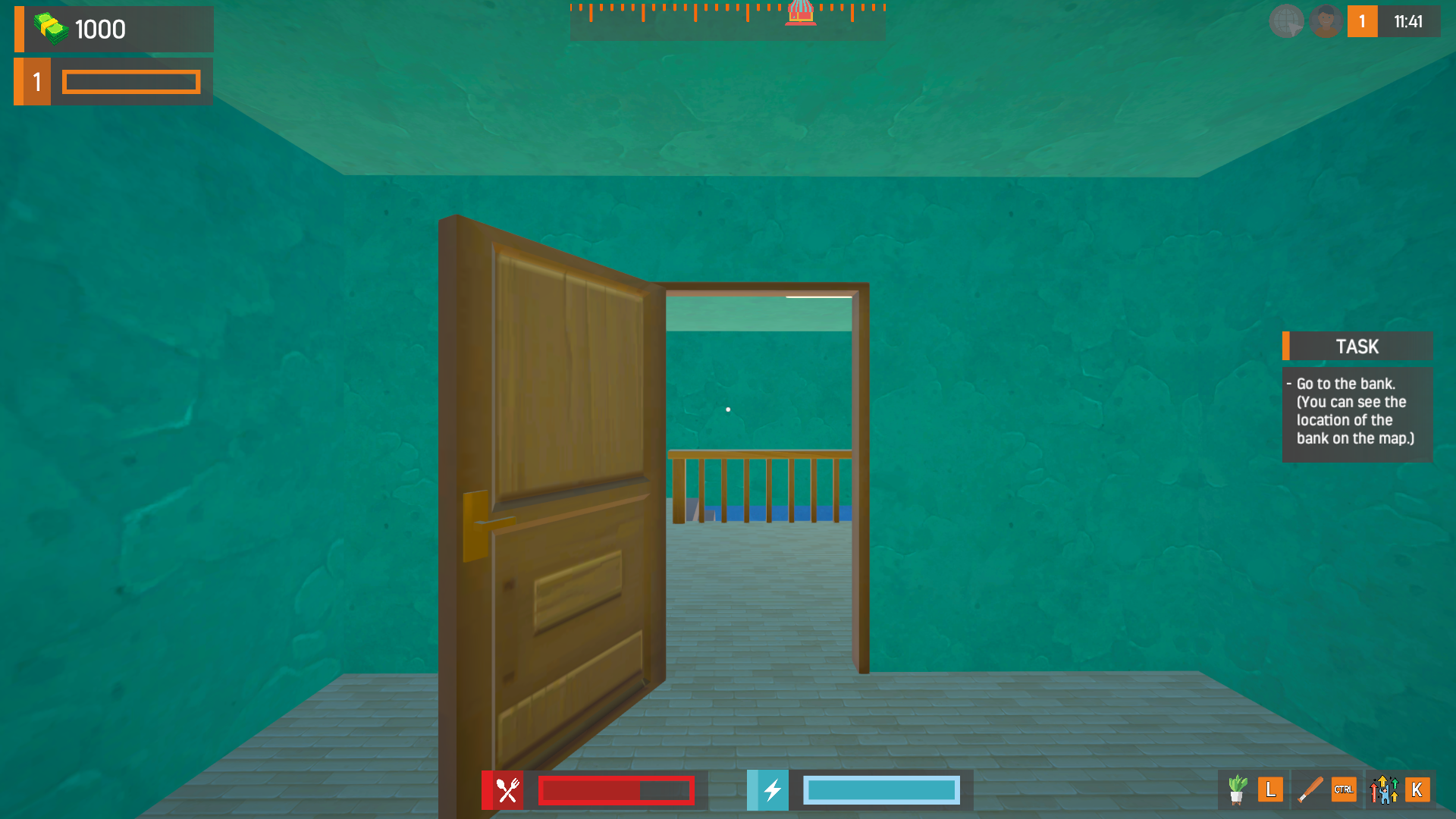
More cash for your next purchase
Adjust your cash with the Cash card and see the updated balance during play.
Using these features
Choose the feature in the Windows app after connecting your game. Check its requirements before making a change.
Setup for Store Simulator →