

Cash and hammers for your next project
Pick the supply you need for the part of Sticky Carnage you want to explore next. Cash goes toward equipment looks, while hammers turn an empty building site into a house.
Requires the Windows app and the Bytonian Mods browser extension for Chrome or Edge. Browser setup guide

Make room for a new weapon look
Set your cash balance, then open the shop and use its normal unlock controls. Cash supports both weapon and glove choices, so you can decide which look to pursue next.
Put hammers to work
Choose your hammer supply in Construction, then hold the game's build button. The house takes shape as your hammers are spent.
Available resources
CashFree
Choose your cash balance for weapon and glove unlocks.
Set the balance you want, then use the normal equipment shop.
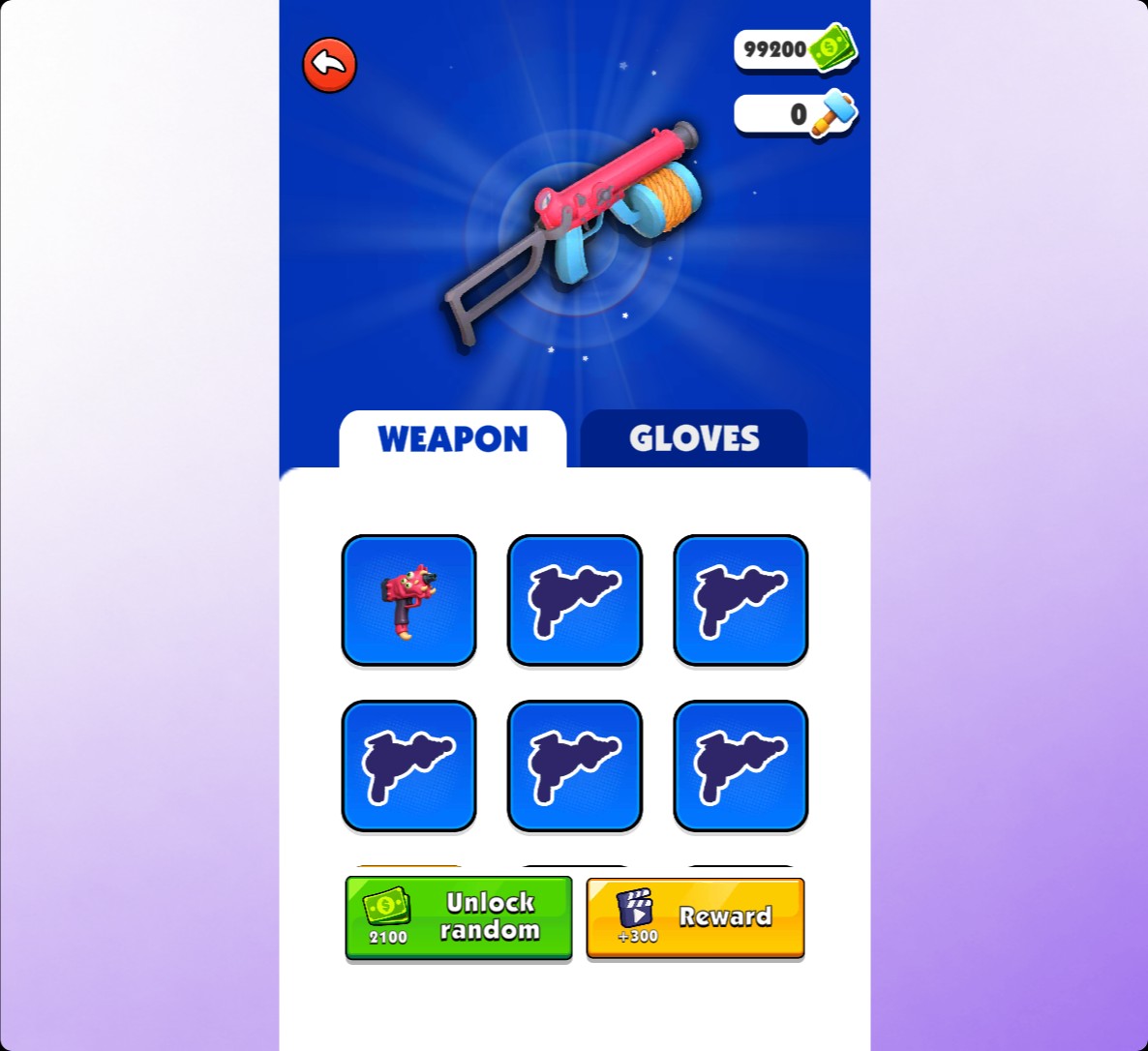
Pick up a new weapon
Set your cash balance and unlock more weapon looks in the shop.
HammersPremium
Choose your hammer supply and put it to work on construction.
Open Construction, set your hammers, then hold the game's build button.
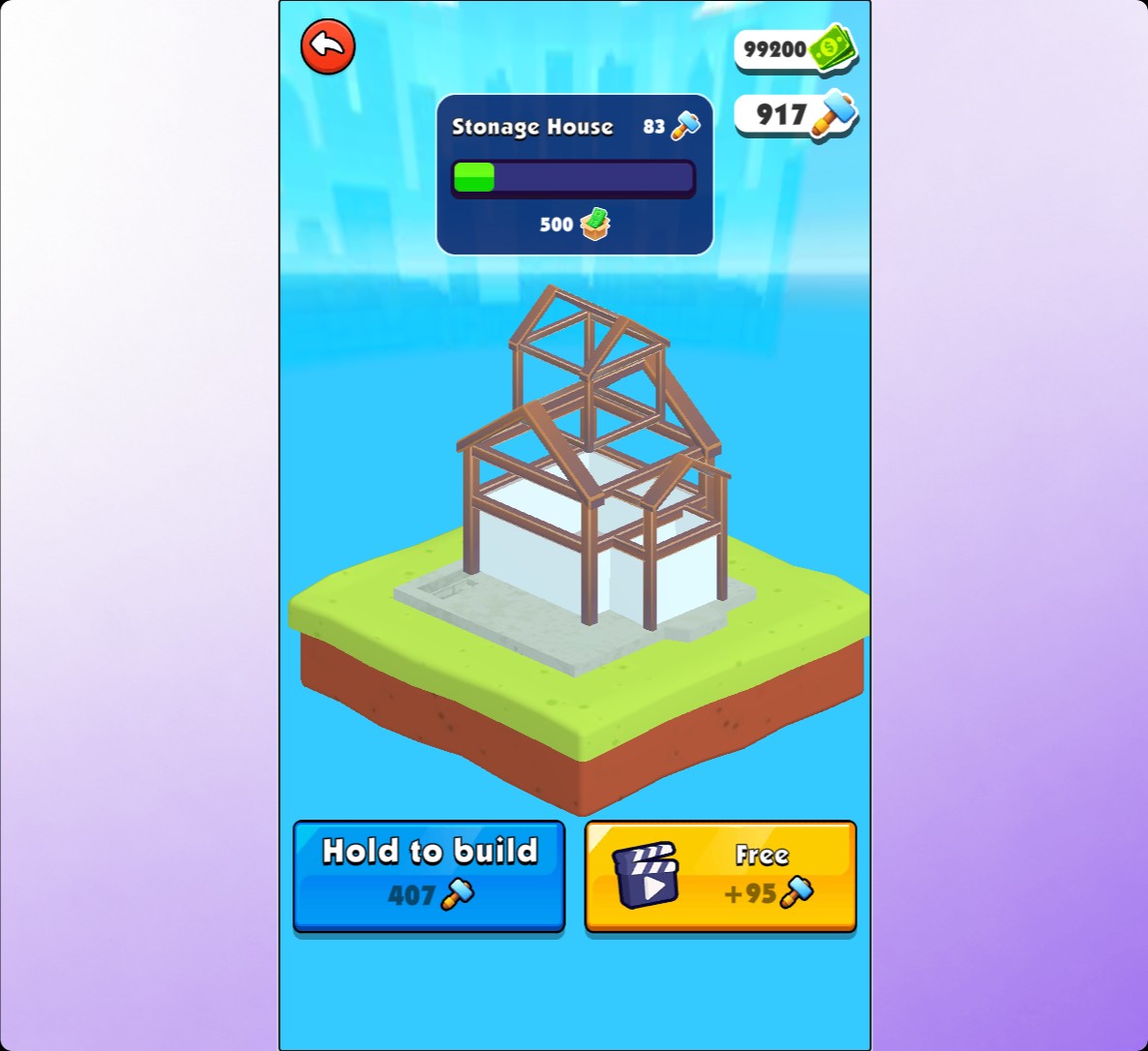
Bring your next build to life
Choose your hammer supply and use the building controls to shape your next house.
More ways to customise Sticky Carnage
- Sticky Carnage game actions
Raise attack or income by one upgrade level from the main menu.
Using these features
Choose the feature in the Windows app after connecting your game. Check its requirements before making a change.
Setup for Sticky Carnage →