
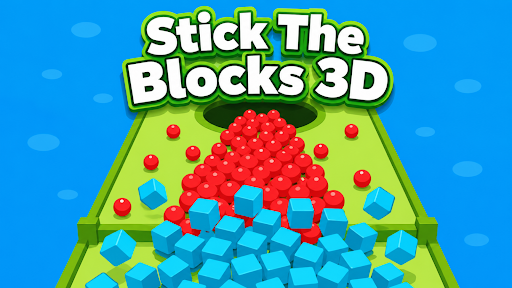
Customise
1 optionA free control for the game's saved Coins balance.
View customisation options →Send a shape down the course, collect a run reward, and explore the Garage for new shapes. Choose your saved Coins balance before returning to the game, then decide which Garage shape to unlock.
Requires the Windows app and the Bytonian Mods browser extension for Chrome or Edge. Browser setup guide
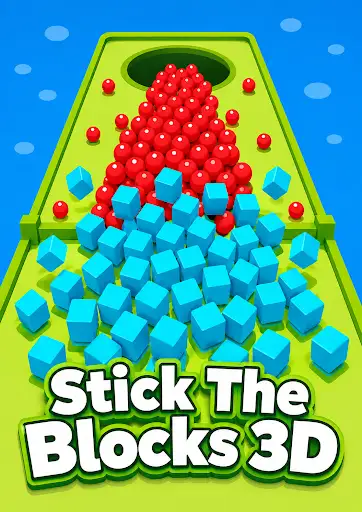
Start with free mods
Download Bytonian Mods for Windows and try these free features. Choose one to see how it works and any requirements.
Choose the saved Coins balance used for shapes in the Stick The Blocks 3D Garage.
Enter a whole number from 0 to 100,000, apply it, then use the game's Garage to unlock a shape normally.
Changes Coins only; shapes, Gems, lives and level progress are not added directly.
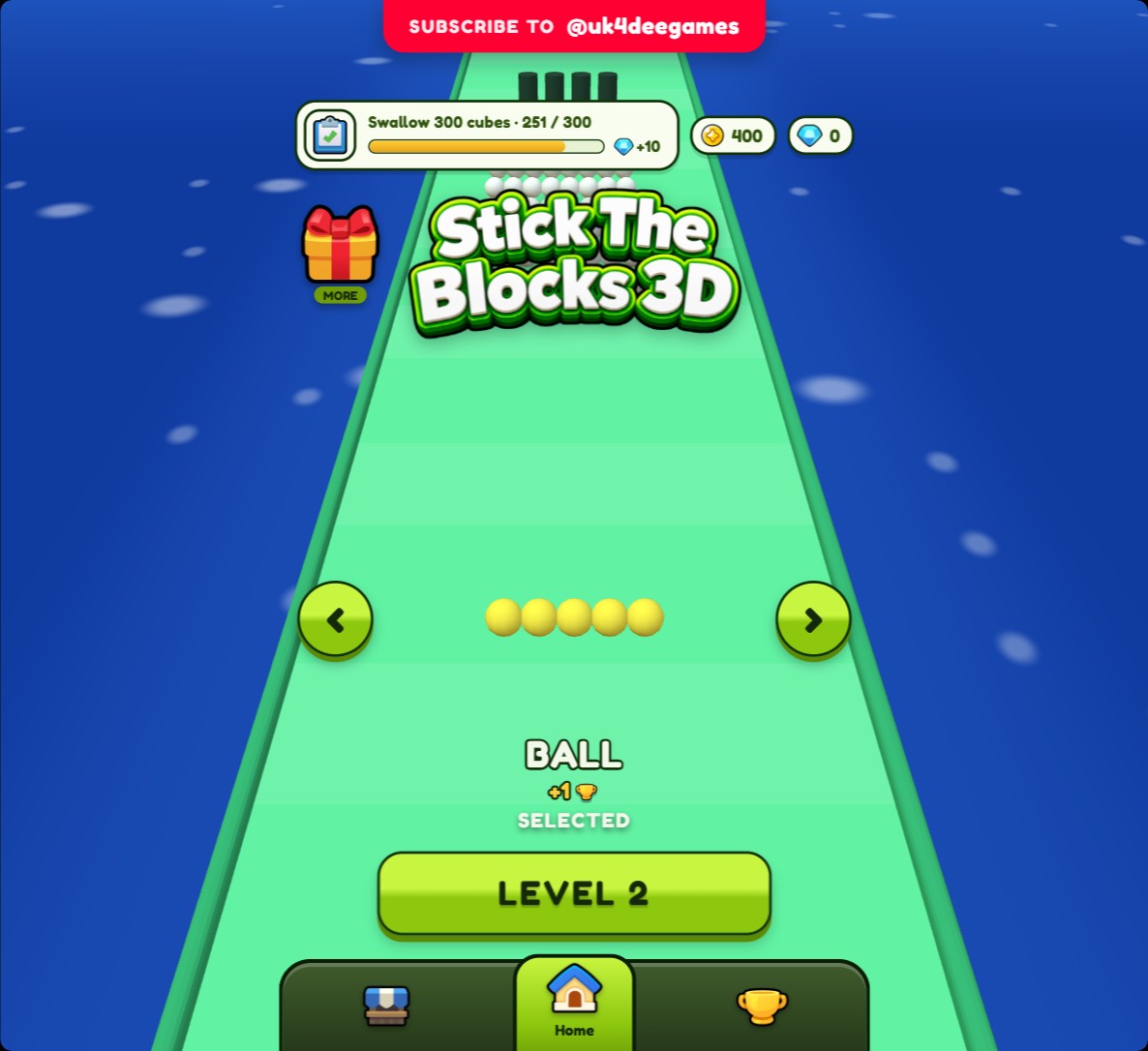
Stick The Blocks 3D Garage
Choose a shape in the Garage before the next block run.
A completed run can award Coins. In the Garage, BALL costs 600 Coins and unlocks through the game's normal button.
Set a whole-number Coins balance to plan a Garage purchase. The control changes the balance; it does not unlock a shape for you.
A free control for the game's saved Coins balance.
View customisation options →Download the Windows app and follow the setup prompts.
Set up the browser extension in Chrome or Edge, then open the supported YouTube Playable. Follow the connection guide if the game is already running.
Open Customise in Bytonian Mods, choose an option and follow its instructions. Check the available values and any limits before making your change.