
Customize your jigsaw supplies
Set up your next story picture with the pieces and placement help you want. Choose a collected-piece total or restore the daily jigsaw hint supply.
Requires the Windows app and the Bytonian Mods browser extension for Chrome or Edge. Browser setup guide
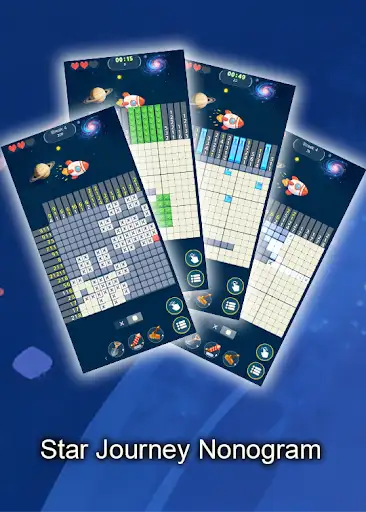
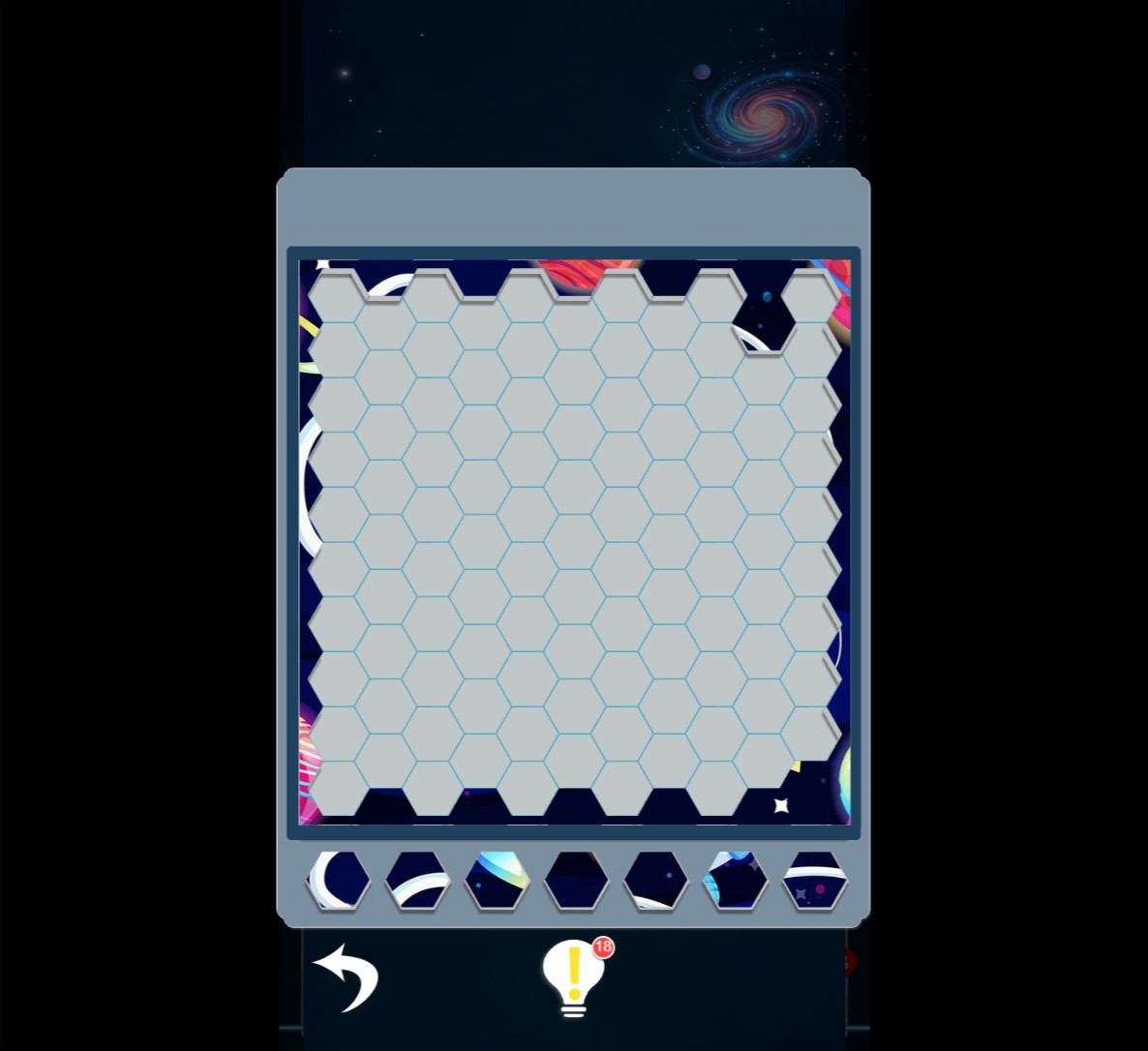
More pieces for your story jigsaw
Choose your collected jigsaw pieces, then arrange them on the picture board or use a hint to place one.
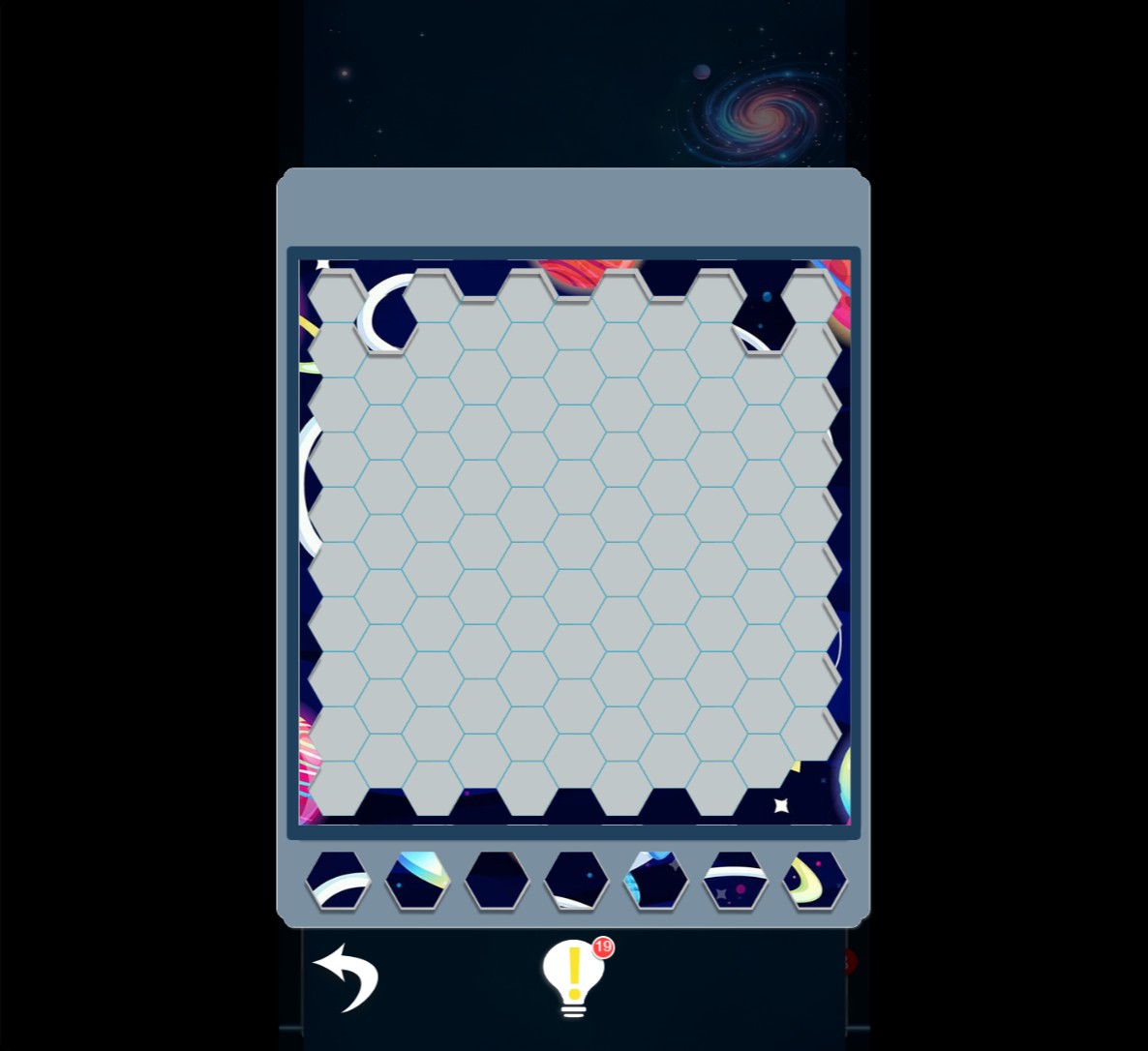
Refill hints for picture-piece placement
Restore your 20 daily jigsaw hints and use the lightbulb to place an available picture piece.
Choose your collected pieces
Set Jigsaw pieces to the collected total you want. Return to the Jigsaw tab and open a story picture to see the available pieces in its tray. The control supplies pieces for you to arrange.
Refill your jigsaw hints
Use Refill jigsaw hints to restore 20 daily hints. Open an unfinished story picture, then press the lightbulb to place an available piece. Hints need an unplaced piece in the picture or its tray.
Available customisation options
Jigsaw piecesFree
Choose your collected story jigsaw-piece total and make more picture pieces available to arrange.
Set the total, open the Jigsaw tab and choose a story picture. Place its available tray pieces manually or with a jigsaw hint.
Refill jigsaw hintsFree
Restore 20 daily jigsaw hints to help place available picture pieces.
Use Refill jigsaw hints, then open an unfinished story picture and press its lightbulb.
You need an available unplaced picture piece for a hint to place.
Questions about customisation options
- How do I use the extra pieces?
- Open the Jigsaw tab, choose a story picture and move pieces from the tray onto its hexagonal board. You can also use a jigsaw hint to place a piece.
- Which hints does the refill affect?
- It restores the daily lightbulb hints used for jigsaw picture-piece placement.
Using these features
Connect your game, then open Customise in the Windows app. Choose an option, check its available values and follow its instructions. Each option lists its own requirements and limits.
Setup for Star Journey Nonogram →