

Set your solo Training shop funds
Give yourself room to try different shop upgrades during solo Training. Choose a balance, then apply Set Training Shop Funds to replace your current amount.

Choose an amount and apply it
Enter a whole number from 1 to 10,000 in Funds, then select Set Training Shop Funds. The action sets the balance to that number rather than adding it to your existing funds.
The control requires a running solo Training match against the AI. It will refuse other modes, and it does not change your opponent’s balance or account resources.
Available game actions
Set Training Shop FundsFree
Set your current solo Training shop balance so you can try different upgrades.
Start solo Training, choose a whole-number Funds value from 1 to 10,000, then apply the action. The default is 1,000.
Solo Training against the AI only. Online and other match modes are refused; account resources and unlocks are unaffected.
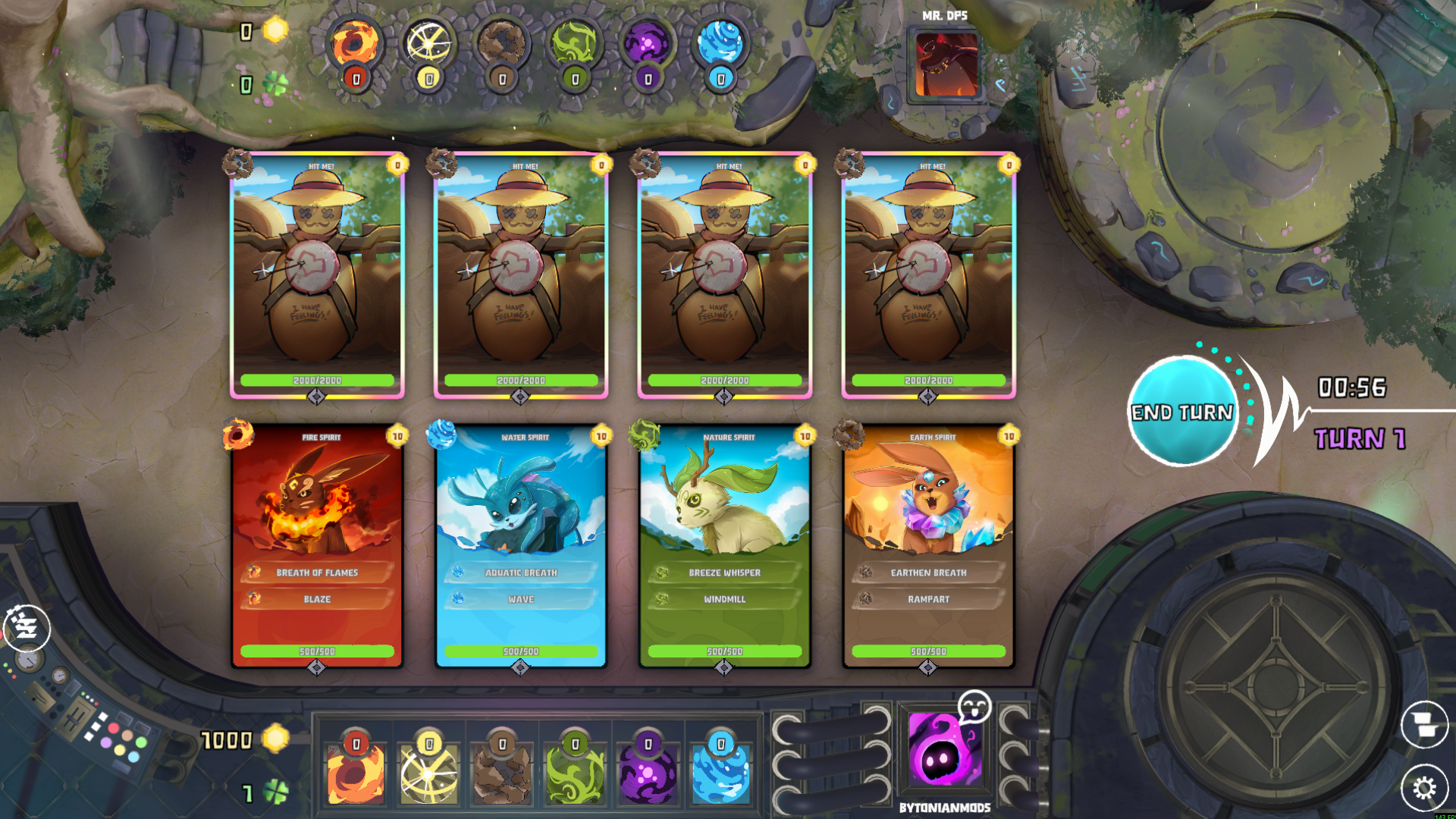
1,000 funds in solo Training
The Training Tools action sets your current solo Training shop balance. This capture shows 1,000 funds after applying the default amount; online and other match modes are excluded.
Using these features
Choose the feature in the Windows app after connecting your game. Check its requirements before making a change.
Setup for SPAM →