
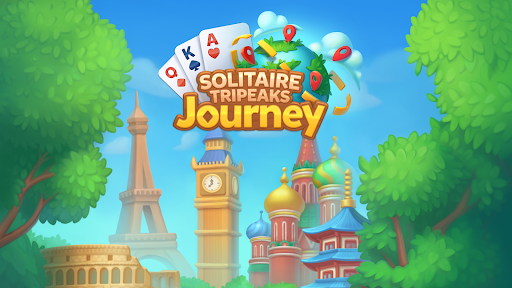
Customise
6 optionsSeparate controls for coins and consumable stock.
View all customisation options →Keep Undo, extra cards, wildcards and boosters ready for a tricky layout in Solitaire TriPeaks Journey. Choose those supplies or a coin balance, then clear exposed cards one rank above or below the card on the pile.
Requires the Windows app and the Bytonian Mods browser extension for Chrome or Edge. Browser setup guide

Start with free mods
Download Bytonian Mods for Windows and try these free features. Choose one to see how it works and any requirements.
Choose your stock of extra-card items.
Enter a whole-number quantity and apply it.
Normal tutorial and level requirements still apply to item controls.
Choose how many Undo items you have in stock.
Enter a whole-number quantity and apply it.
Normal tutorial and level requirements still apply to item controls.
Watch the exposed cards and choose a sequence that opens more of the board. Draw from the stock when you need a new starting card.
Open Solitaire TriPeaks Journey on YouTube in the browser connected to Bytonian Mods. Choose a control, enter a whole-number amount and apply it. Continue through the game normally to reach its item controls.
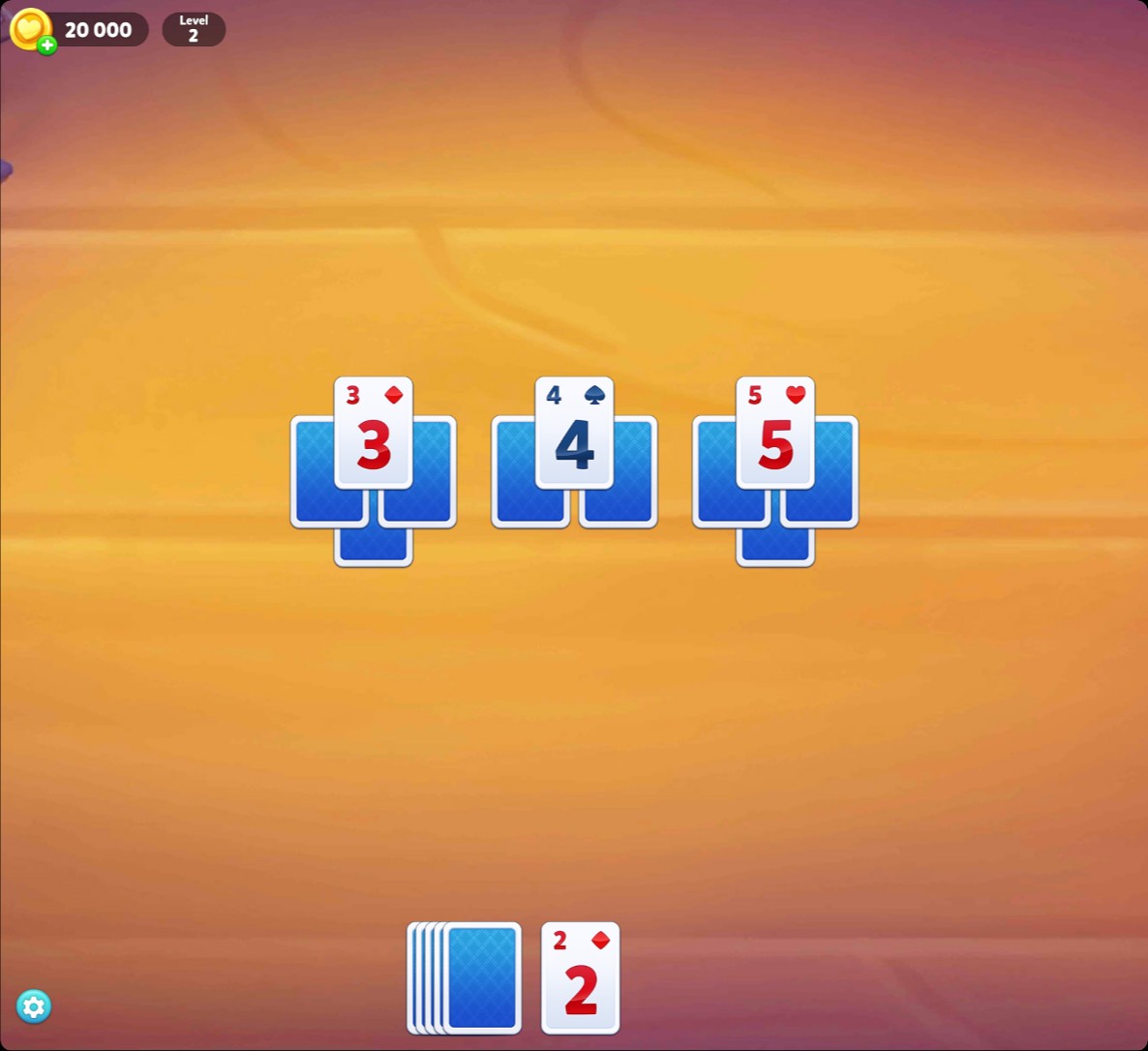
Your Coin Balance on the Board
Choose the coin balance displayed during your card game.
Separate controls for coins and consumable stock.
View all customisation options →Download the Windows app and follow the setup prompts.
Set up the browser extension in Chrome or Edge, then open the supported YouTube Playable. Follow the connection guide if the game is already running.
Open Customise in Bytonian Mods, choose an option and follow its instructions. Check the available values and any limits before making your change.