

Stat Modifiers
1 optionRemove the shared firing wait while enabled; individual weapon cooldowns may remain.
View stat modifiers →Solar Smash puts a planet in front of you and lets you experiment with destructive weapons. Watch the surface and population counters as you try different attacks, then reset the planet for another attempt.

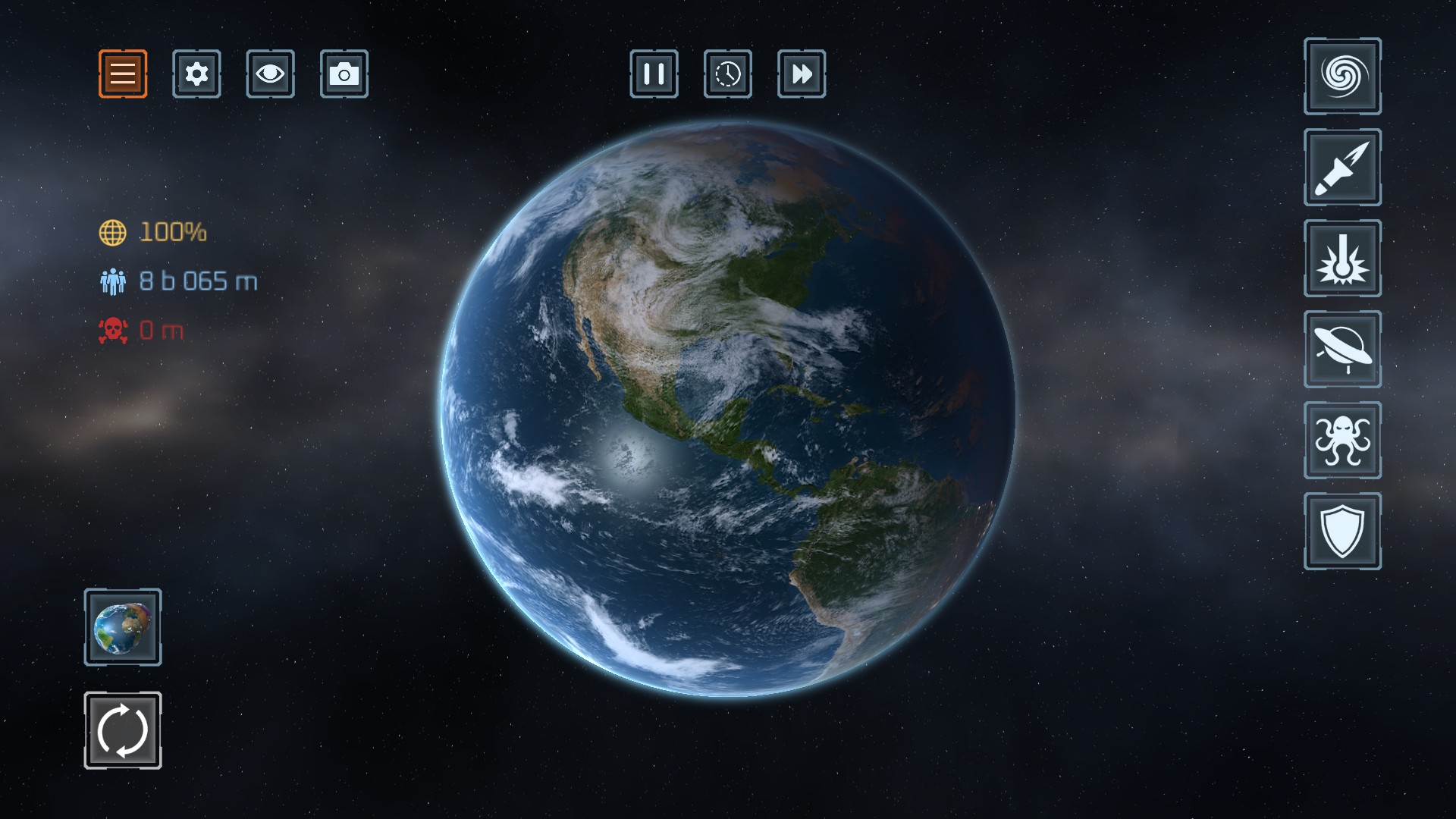
Earth before the experiment
An intact Earth in Planet Smash, with planet health, population and weapon controls visible.
The available Stats Modifier offers Rapid Fire for Planet Smash. It removes the shared firing wait while enabled; individual weapons may still have their own cooldowns.
Open Solar Smash through Bytonian Mods and enter Planet Smash before enabling Rapid Fire. Turn the toggle off to restore the original firing wait. This Experimental option is intended for Planet Smash.
Remove the shared firing wait while enabled; individual weapon cooldowns may remain.
View stat modifiers →Download the Windows app and follow the setup prompts.
Set up the browser extension in Chrome or Edge, then open the supported YouTube Playable. Follow the connection guide if the game is already running.
Review the available options in the app and choose the ones that suit how you play.