
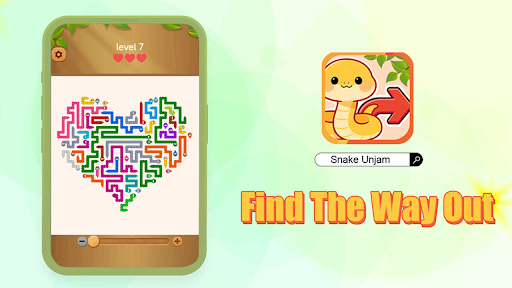
Customise
2 optionsFree piece-style selection and a Premium dark background.
View customisation options →Pick Arrows, Snakes or Colorful arrows and switch between light and dark backgrounds. Tap each piece to send it along its path, clearing pieces in the order that frees the board.
Requires the Windows app and the Bytonian Mods browser extension for Chrome or Edge. Browser setup guide

Start with free mods
Download Bytonian Mods for Windows and try these free features. Choose one to see how it works and any requirements.
Choose Arrows, Snakes or Colorful arrows for the puzzle pieces.
Choose a style, apply, then select Play. Puzzle paths and rules stay the same.
Replace the snake bodies with arrow lines for a simpler visual style, or choose colorful arrows. Add a dark background to change the board contrast. The puzzle layout stays the same.
Free piece-style selection and a Premium dark background.
View customisation options →Download the Windows app and follow the setup prompts.
Set up the browser extension in Chrome or Edge, then open the supported YouTube Playable. Follow the connection guide if the game is already running.
Open Customise in Bytonian Mods, choose an option and follow its instructions. Check the available values and any limits before making your change.