
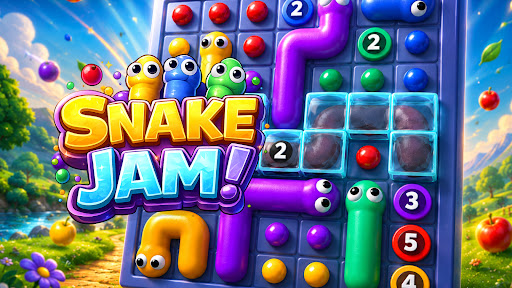
Add five minutes to the clock
Give a tricky Snake Jam! board a little more breathing room. Use Add Five Minutes during an active puzzle to extend the countdown and keep working on your snakes' paths.
Requires the Windows app and the Bytonian Mods browser extension for Chrome or Edge. Browser setup guide

How to add time
Start a puzzle, open Add Five Minutes and press the action before time runs out. You can carry on dragging your snakes as the longer countdown runs.
Find the route at your own pace
The extra time gives you room to think. Fruit, blocked paths and colored exits still need to be worked out as you play.
Available game actions
Add Five MinutesFree
Add five minutes to the current puzzle and give yourself more room to plan your next move.
Use during an active puzzle before the countdown reaches zero.
The clock keeps counting down after the extra time is added.
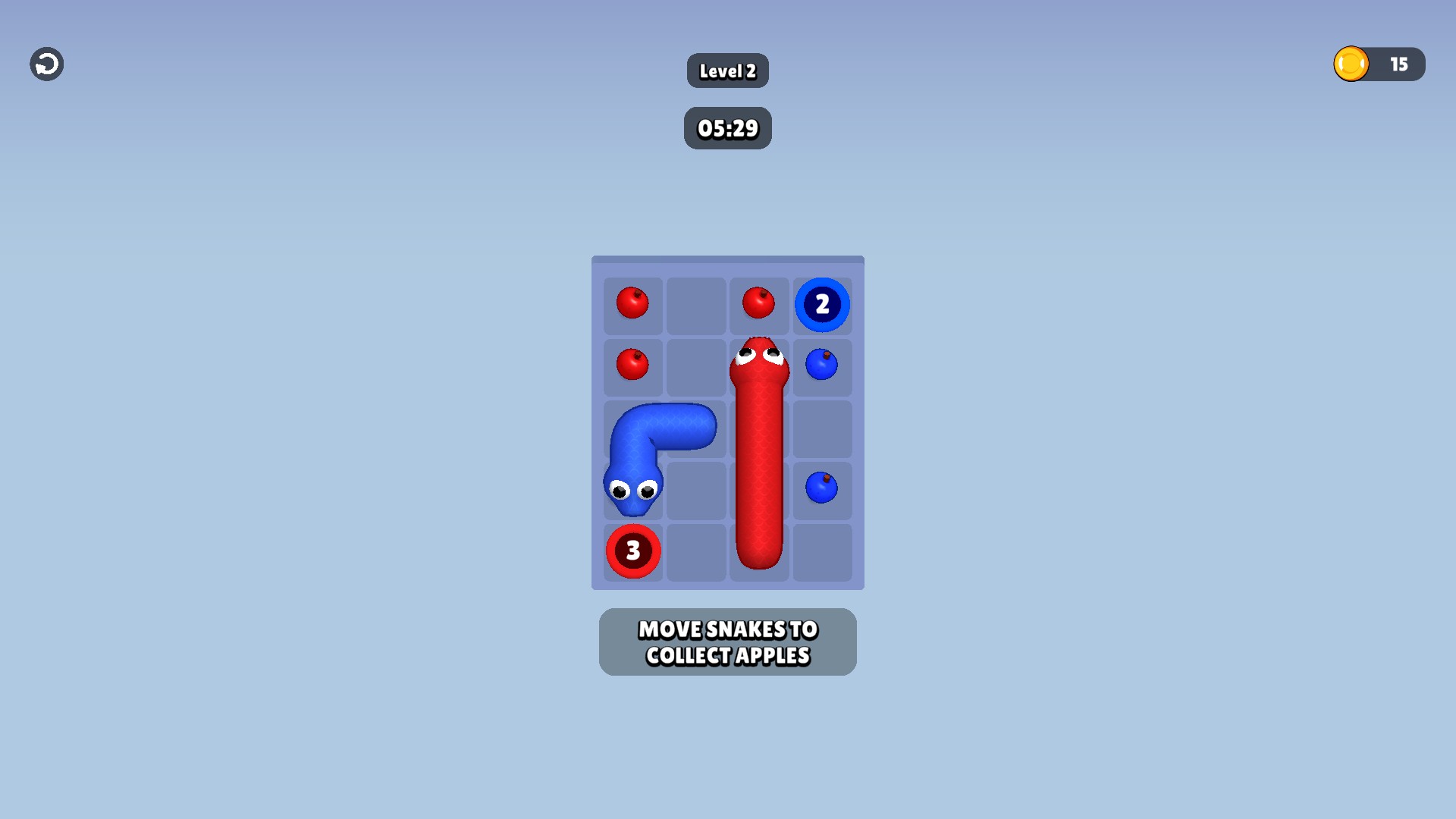
More time to plan your next move
Add five minutes to the puzzle clock and keep working out a path for your snakes.
Using these features
Choose the feature in the Windows app after connecting your game. Check its requirements before making a change.
Setup for Snake Jam! →