
Customize your Snake Escape Puzzle setup
Choose the current puzzle, your coin balance and the booster stock you want, then apply the changes before starting a level.
Requires the Windows app and the Bytonian Mods browser extension for Chrome or Edge. Browser setup guide

Coins and normal purchases
Choose your balance and buy boosters with the game's usual buttons. Purchases still spend their normal coin price.
Pick a level
Set the current level from 1 to 3506, then press the selected level button on the map to open that puzzle.
Grid Vision and Hint stock
Grid Vision displays paths on the board. Hint highlights a snake that can escape. Each normal use spends one stock.
Grid Vision unlocks at level 4 and Hint at level 6. Their introductions set a starting stock, so finish an introduction before applying a stock amount while playing it.
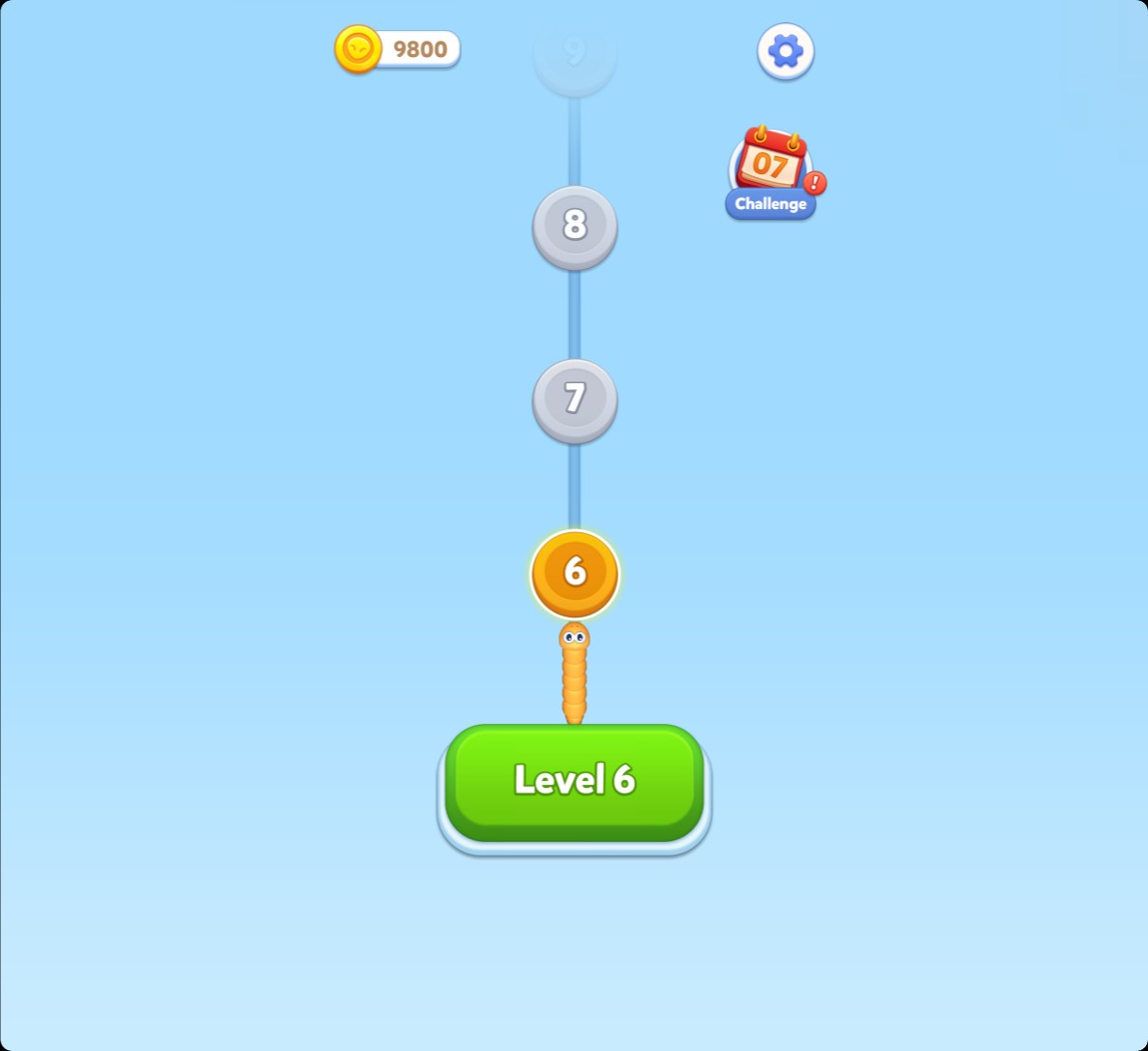
Set coins for booster purchases
Choose your coin balance, then buy boosters normally. A 200-coin Hint purchase leaves 9800 coins from a balance of 10000.
Available customisation options
CoinsPremium
Set coins for normal booster purchases.
Choose a balance, apply it and use the game's booster purchase buttons. Purchases spend coins normally.
LevelFree
Choose the current snake puzzle from level 1 to 3506.
Set a level and apply it, then press the selected level button on the map to open the puzzle. Move the snakes through the normal controls.
Grid Vision stockPremium
Set Grid Vision stock to show snake paths on the grid.
Choose a stock amount, apply it and press Grid Vision during a level. It is available from level 4. If you are playing its introduction, finish that before setting stock.
Hint stockPremium
Set Hint stock for help finding a snake that can escape.
Choose a stock amount, apply it and press Hint during a level. It is available from level 6. If you are playing its introduction, finish that before setting stock.
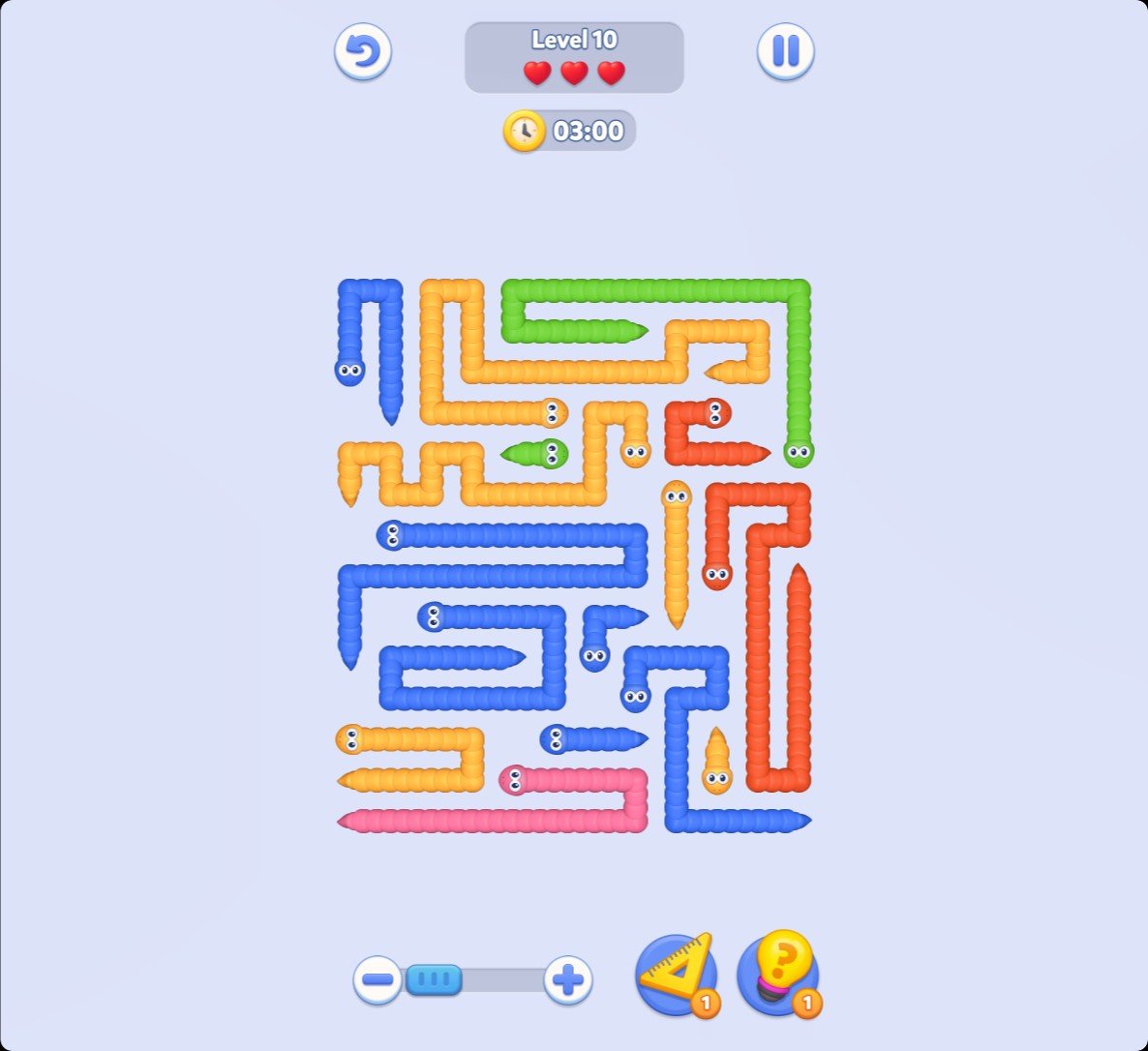
Choose your next snake puzzle
Set the current level, then start that puzzle from the map.
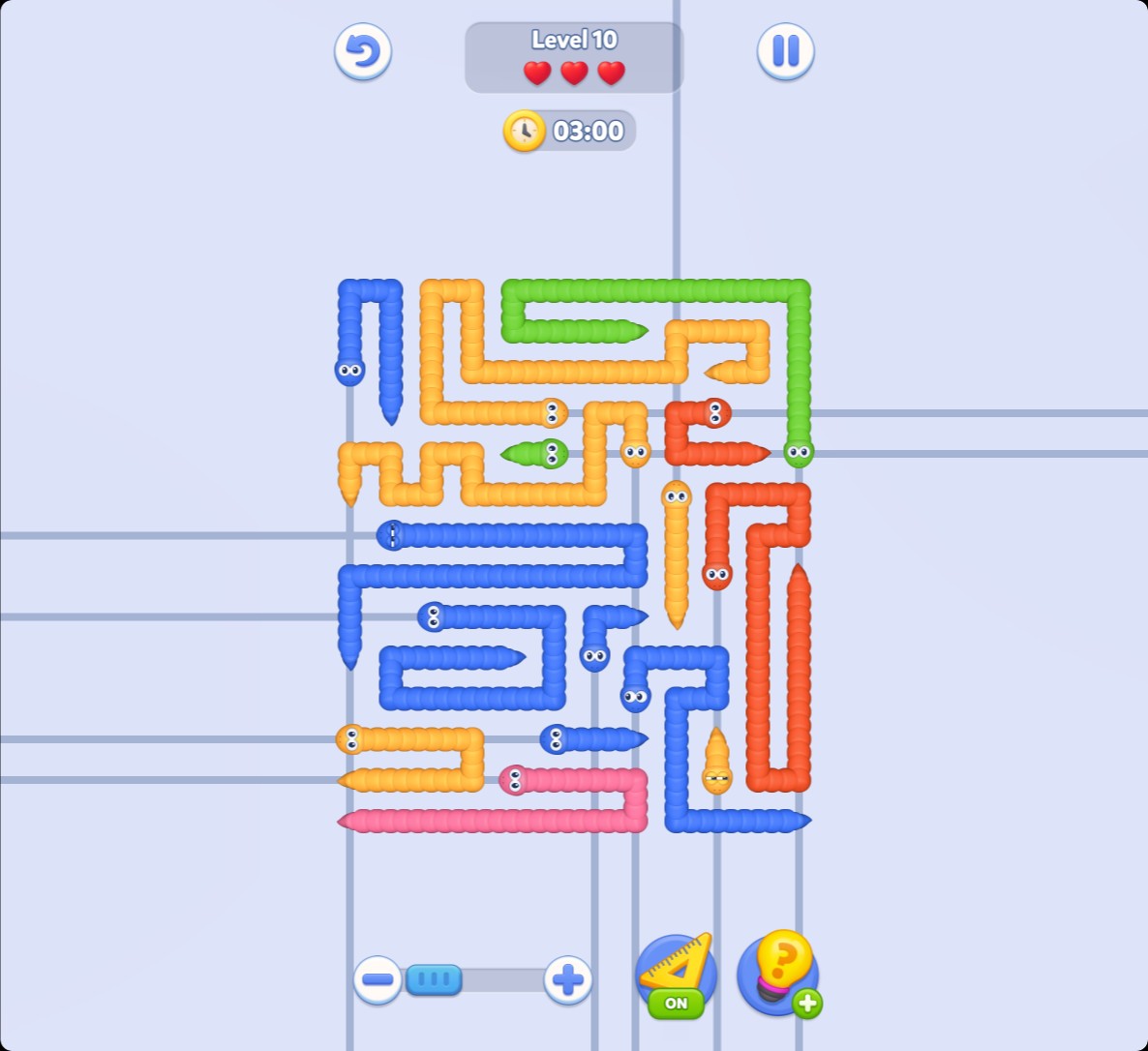
See paths with Grid Vision
Set your Grid Vision stock, then press its normal button during a puzzle to display paths on the grid.
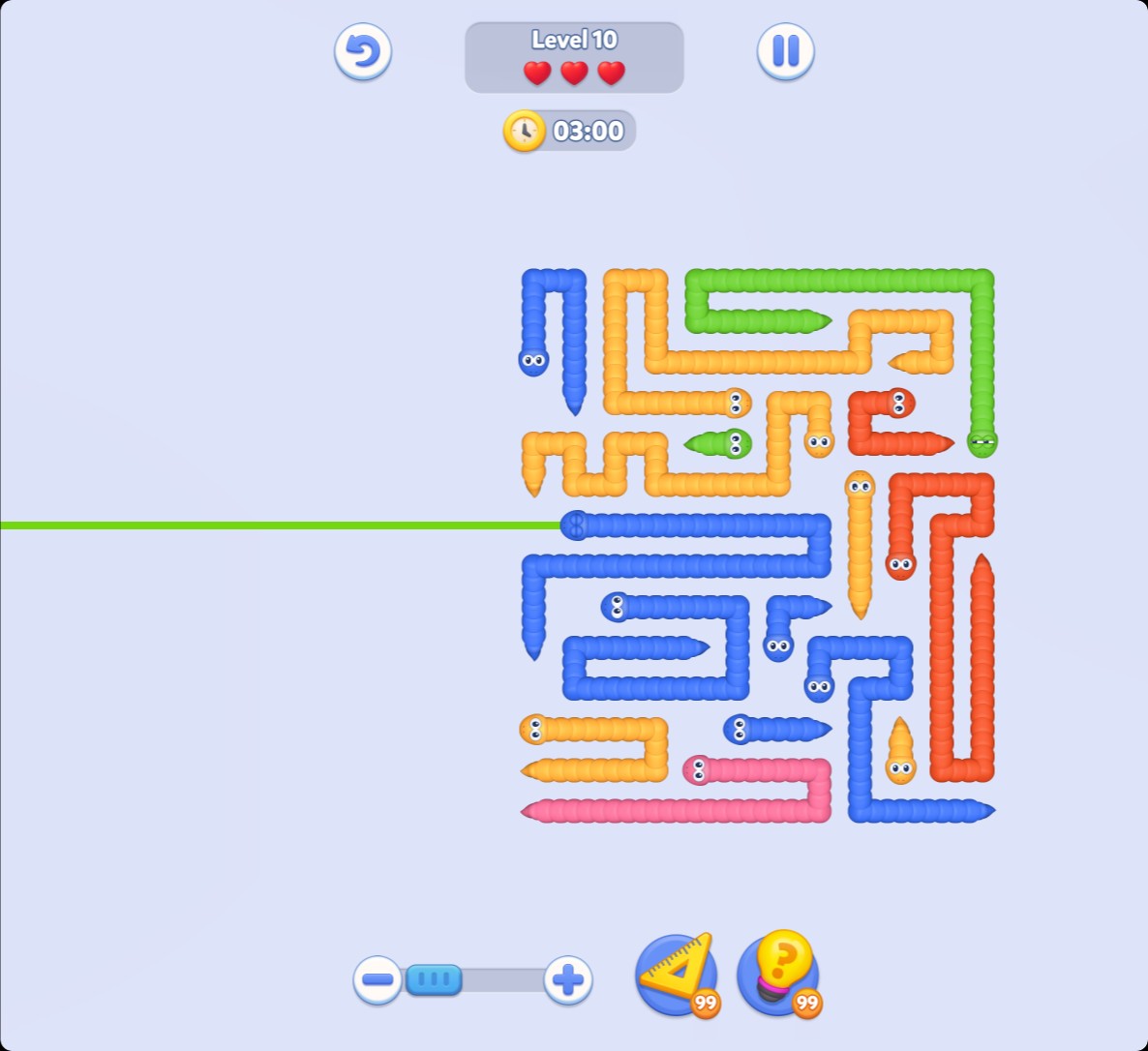
Find an open escape path
Set your Hint stock, then use the normal Hint button to point out a snake that can escape.
Questions about customisation options
- Does setting stock activate a booster?
- No. After applying, start a level and press the game's Grid Vision or Hint button when you want to use it.
- Does the level control solve a board for me?
- No. It chooses the current puzzle; you still move the snakes through the normal controls.
Using these features
Connect your game, then open Customise in the Windows app. Choose an option, check its available values and follow its instructions. Each option lists its own requirements and limits.
Setup for Snake Escape Puzzle →