

Stat Modifiers
3 optionsThree independent controls for your movement and stamina during offline solo play.
View stat modifiers →Adjust your pace, jump height or sprint stamina during an offline solo shift in Smithonion Natural History Museum. Use the controls as you return wandering exhibits to their places.

Start with free mods
Download Bytonian Mods for Windows and try these free features. Choose one to see how it works and any requirements.
Move through the museum faster, or lower walking and sprinting speed for finer control in offline solo play.
Enable Movement Speed and choose 50% to 400% of the original setting. Adjust it while enabled, or switch it off to restore the original speeds.
Applies during active offline solo gameplay and waits in menus or while paused. Terrain, air movement and collisions still affect travel.
Movement Speed lets you cross the halls faster or slow down for finer control. Jump Height adjusts your normal jumps, while Unlimited Stamina keeps your stamina available for sustained sprinting.
Install Bytonian Mods for Windows and launch Smithonion Natural History Museum. Choose your controls in Mods, start an offline solo game and resume play to apply them. Each control has its own switch.
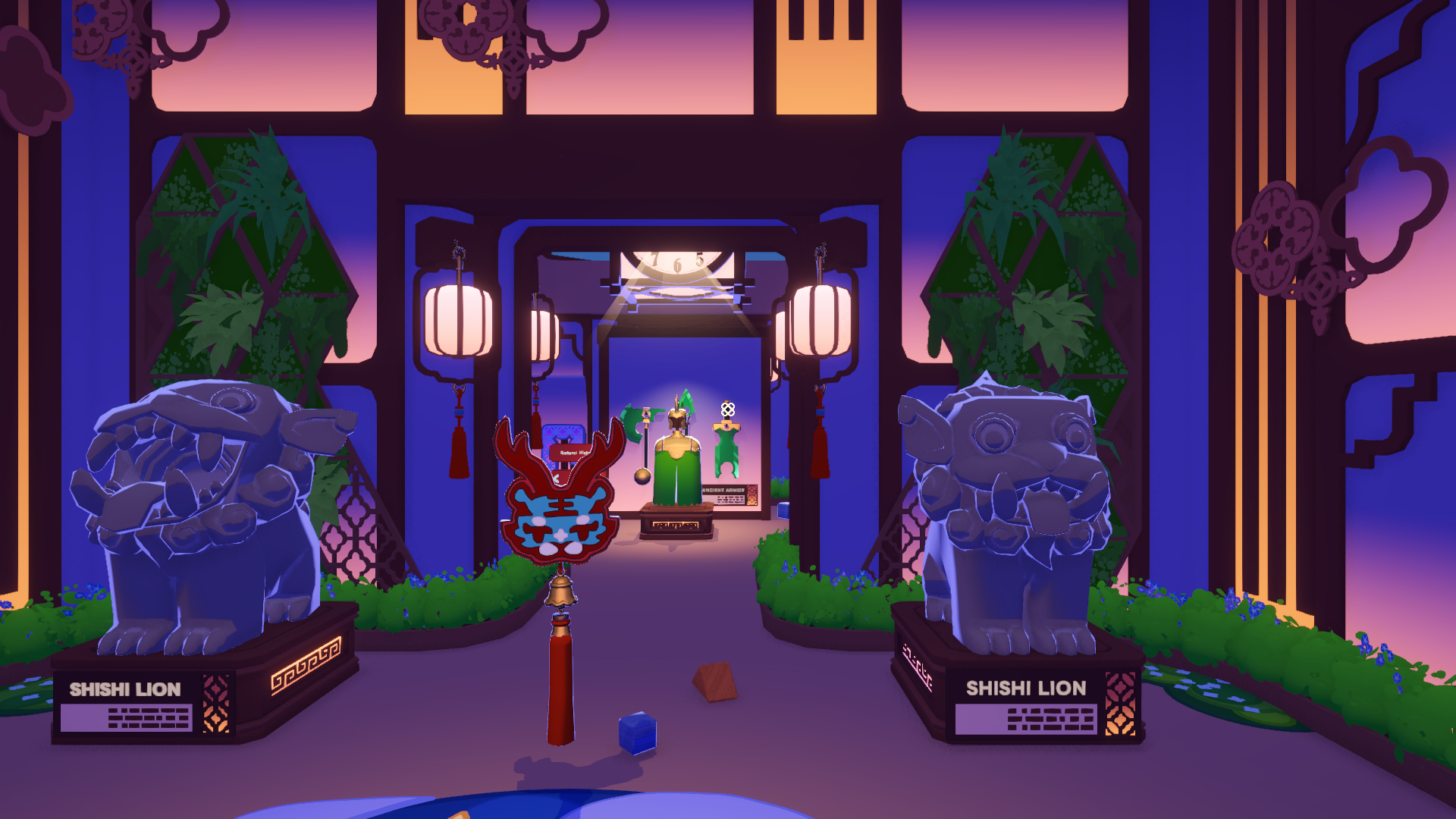
Set your own pace for the night shift
Explore the living museum in offline solo play with adjustable movement speed, tunable jump height and unlimited stamina. Choose the controls that suit the way you want to tackle the shift.
Three independent controls for your movement and stamina during offline solo play.
View stat modifiers →Browse the Steam achievement names and descriptions for Smithonion Natural History Museum. Choose and unlock achievements for free with Bytonian Mods in the Windows app.
View all achievements →Download the Windows app and follow the setup prompts.
Open Smithonion Natural History Museum and select it in Bytonian Mods. Follow the app’s connection prompts.
Review the available options in the app and choose the ones that suit how you play.