

Resources
1 optionSet a cash balance of your choice.
View resources →Swerve along the road, collect pickups and build up your rider as you head for the finish. Choose a different cash balance, power up your ride or take control of when a level ends.
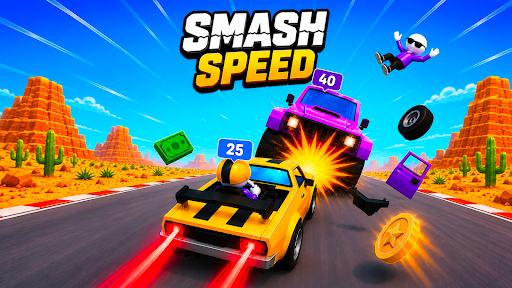
Take on the road in Smash Speed!
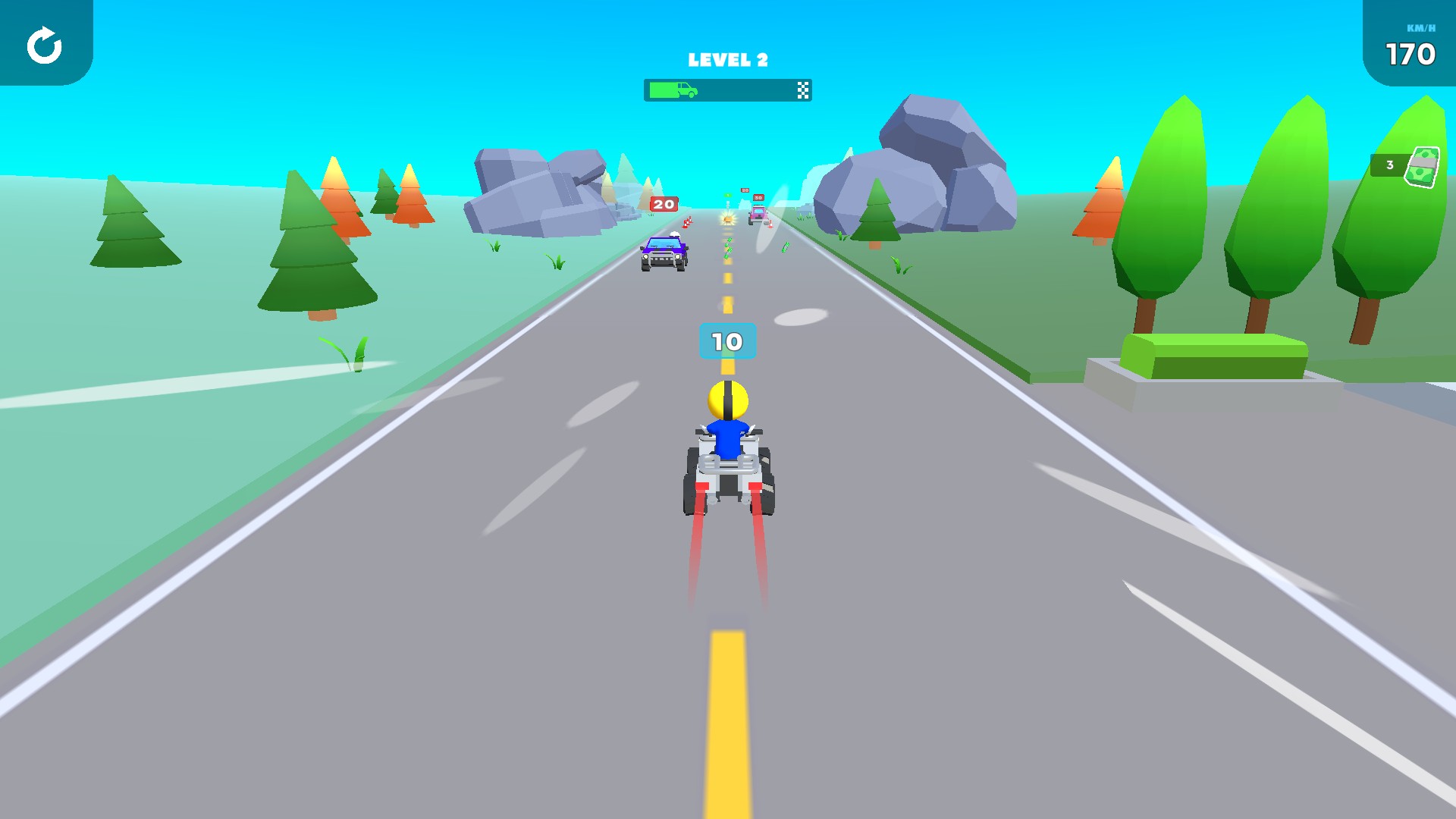
Swerve through pickups, build rider power and work your way toward the finish.
Use Cash to choose a balance. Rider power and Rage burst give you two ways to change your rider, while Finish level takes you to the results screen. The Free Retry level control lets you start the current road attempt again.
Open Smash Speed! with Bytonian Mods and enable the controls you want. Let the road load before using an action. Swerve to begin riding, and choose the amount before pressing an action with a number setting.
Set a cash balance of your choice.
View resources →Rider boosts and simple level controls.
View all game actions →Download the Windows app and follow the setup prompts.
Set up the browser extension in Chrome or Edge, then open the supported YouTube Playable. Follow the connection guide if the game is already running.
Review the available options in the app and choose the ones that suit how you play.