

Resources
4 optionsSeparate controls for diamonds, shields, magnets and x2 power-ups.
View all resources →Set diamonds for the shop or stock up on shields, magnets and x2 power-ups. Steer down the neon course and keep your ball clear of gaps and obstacles.
Requires the Windows app and the Bytonian Mods browser extension for Chrome or Edge. Browser setup guide

Start with free mods
Download Bytonian Mods for Windows and try these free features. Choose one to see how it works and any requirements.
Set your diamond balance for ball styles and power-ups in the shop.
Refresh the balance, then set a total or add or subtract diamonds. Open the shop to choose your purchases.
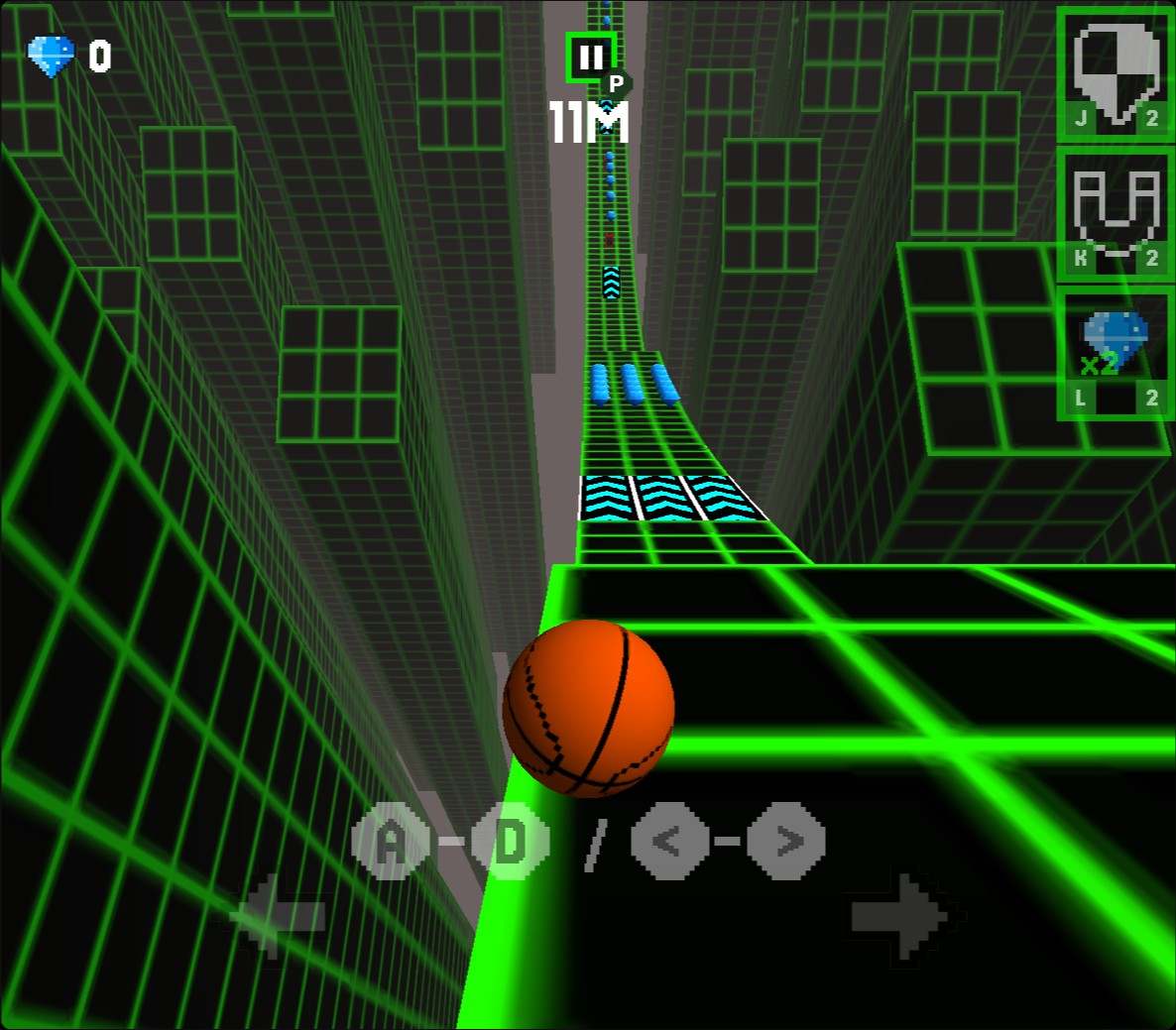
Roll through the neon course
Guide your ball down the course, steer around obstacles and collect diamonds along the way.
Use the free Diamonds control to choose your shop balance. Pick another ball style or buy more power-ups without waiting to collect the full cost on the track.
Resources has separate controls for Shields, Magnets and x2 power-ups. Adjust the supplies you use, then activate them with the game's own controls during a run.
Open Slope 3D in YouTube Playables and connect your game to Bytonian Mods. Open Resources, choose a control and refresh its current amount before making a change.
Separate controls for diamonds, shields, magnets and x2 power-ups.
View all resources →Download the Windows app and follow the setup prompts.
Set up the browser extension in Chrome or Edge, then open the supported YouTube Playable. Follow the connection guide if the game is already running.
Review the available options in the app and choose the ones that suit how you play.