
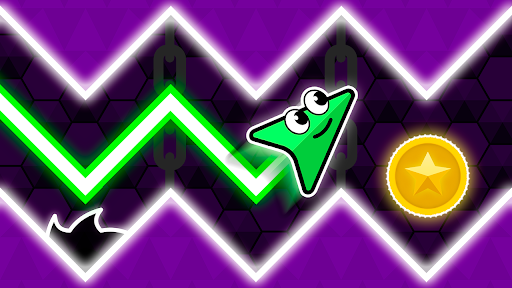
Customise
1 optionChoose an amount from 0 to 20,000 and apply it before shopping.
View customisation options →Buy normal boxes for arrow skins and trail colors in Sliding Wave. Choose how many crystals to take to the Skins menu before your next run through its obstacle courses.
Requires the Windows app and the Bytonian Mods browser extension for Chrome or Edge. Browser setup guide
Start with free mods
Download Bytonian Mods for Windows and try these free features. Choose one to see how it works and any requirements.
Choose your crystal balance for normal skin and tail-color box purchases.
Set an amount from 0 to 20,000, apply the change and open Skins to shop.
Boxes still choose random rewards, and normal mode unlock requirements still apply.
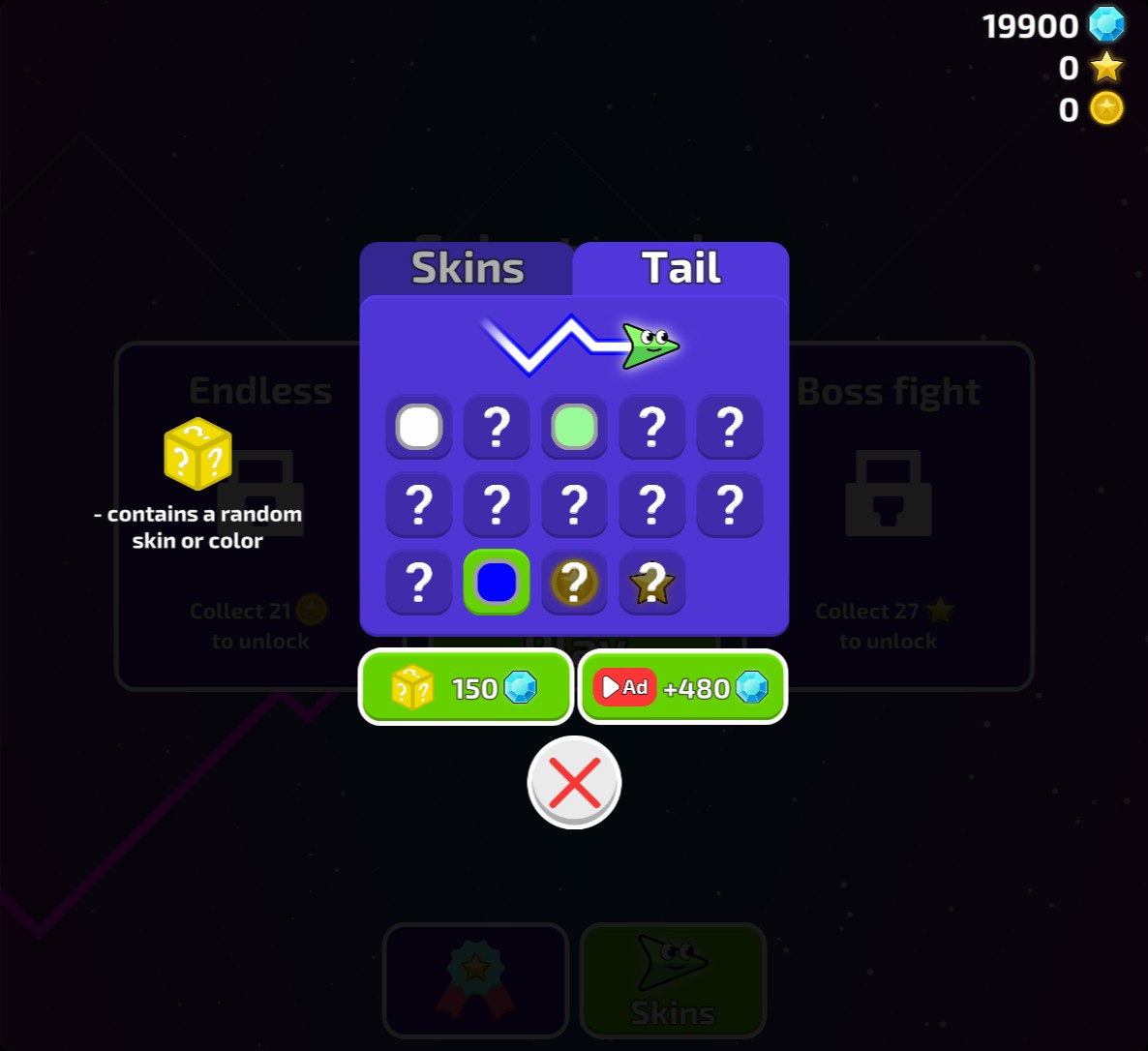
A new tail color from the shop
Blue tail color selected after a normal shop purchase, with 19,900 crystals remaining.
The Skins menu includes random boxes that can reveal a skin or tail color. Adjust your crystals when you want more room to explore those cosmetic choices.
Levels, Endless and Boss fight appear in the mode menu. The extra modes keep their normal collectible requirements, so choosing a crystal balance fits alongside your regular progress.
Choose an amount from 0 to 20,000 and apply it before shopping.
View customisation options →Download the Windows app and follow the setup prompts.
Set up the browser extension in Chrome or Edge, then open the supported YouTube Playable. Follow the connection guide if the game is already running.
Open Customise in Bytonian Mods, choose an option and follow its instructions. Check the available values and any limits before making your change.