

Slice It All! Money customization
Choose a cash balance before returning to the knife course. Spend it in the normal shop to pick a different knife or trail.
Cash for a new knife
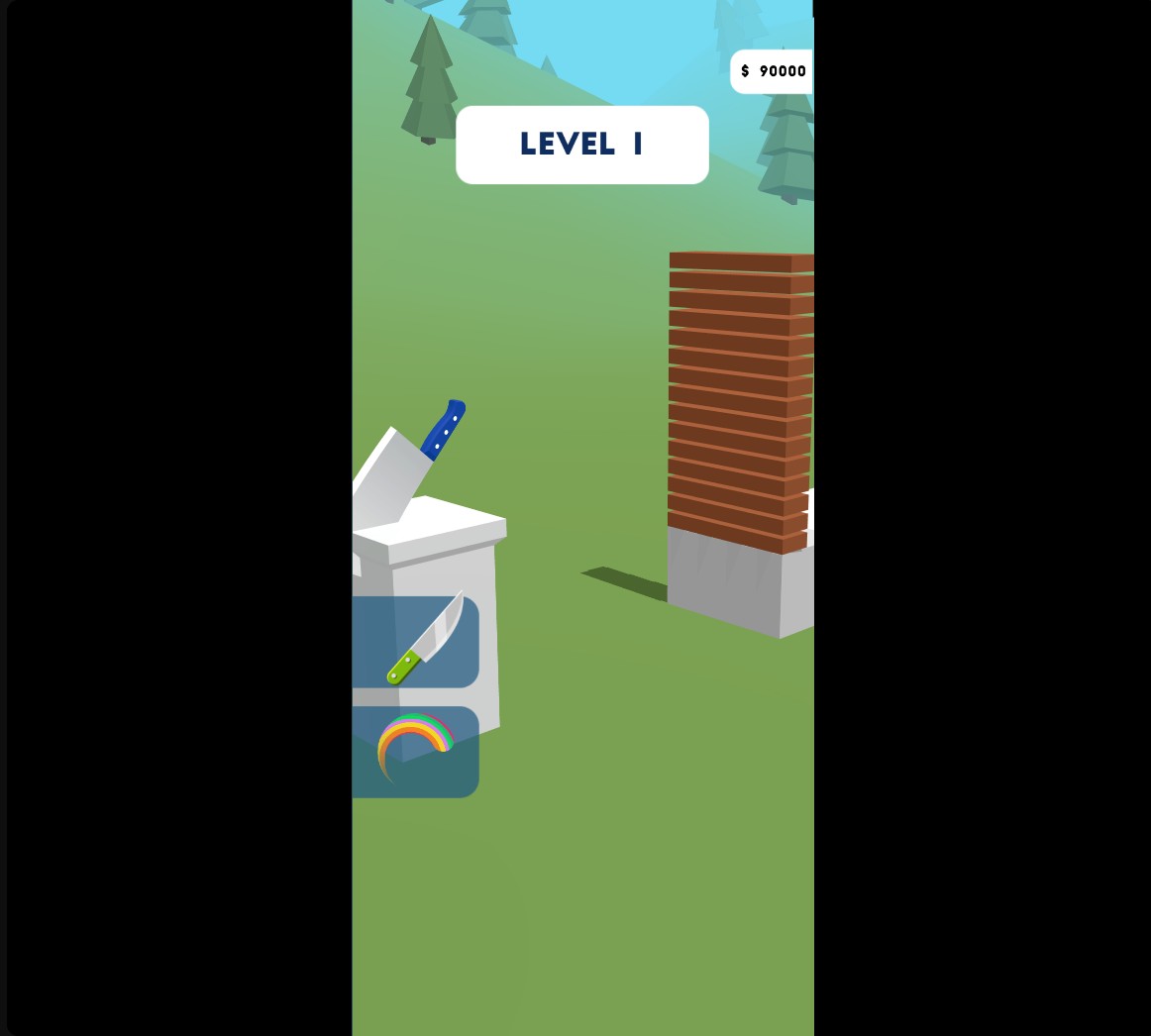
A blue cleaver bought in the shop with edited cash, with 90,000 remaining for more choices.
Buy through the normal shop
Enter your cash amount and apply the customization. Open the shop and select a purchase as usual. If the balance still shows the old amount, a purchase or reload refreshes the display.
Available customise
MoneyFree
Set your cash balance to buy knives and trails from the normal shop.
Choose a whole cash amount from 0 to 1,000,000, apply it and open the shop to make your purchase.
Before you use it: If the displayed balance has not refreshed, make a purchase or reload the game.
Questions about customise
- Can I choose the exact cash amount?
- Yes. Money accepts whole amounts from 0 to 1,000,000.
- Will this change my level?
- The Money customization changes cash. Your course progress and knife controls remain yours to play.
Using these features
Choose the feature in the Windows app after connecting your game. Check its requirements before making a change.
Setup for Slice It All! →