

Resources
2 optionsAdjust health and food within the current maximum for each.
View resources →Explore the SKYHILL hotel with controls for health, food and supplies. Choose what you need as you make your way down through the building.

Start with free mods
Download Bytonian Mods for Windows and try these free features. Choose one to see how it works and any requirements.
Browse food, weapons, medical supplies and materials and add them to your inventory.
Search or select a category, then choose an item and quantity.
Set your food level within its current maximum.
Load a game, then choose a food amount.
Set your health within its current maximum.
Load a game, then choose a health amount.
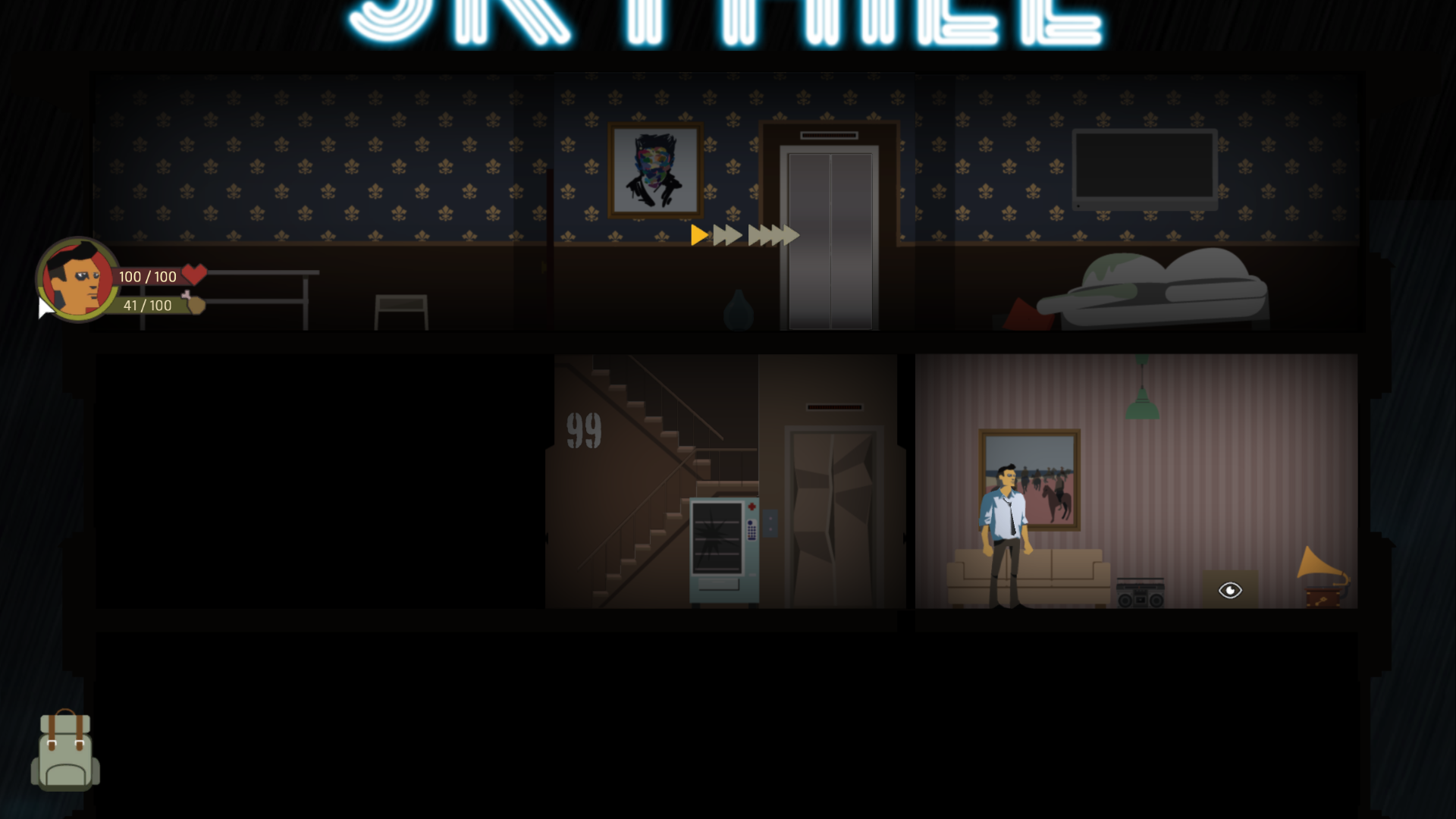
Exploring the hotel
Explore a room in SKYHILL with the character's health and food meters visible.
Adjust health and food within their current maximums, or browse the item list for weapons, food, medical supplies and materials.
Open the Windows launcher, select SKYHILL and enable the controls you want before using them in a game.
Explore the hotel, craft supplies and face turn-based encounters as you make your way down.
Adjust health and food within the current maximum for each.
View resources →Browse and add supplies from four item categories.
View game actions →Browse the Steam achievement names and descriptions for SKYHILL. Choose and unlock achievements for free with Bytonian Mods in the Windows app.
View all achievements →Download the Windows app and follow the setup prompts.
Open SKYHILL and select it in Bytonian Mods. Follow the app’s connection prompts.
Review the available options in the app and choose the ones that suit how you play.