

Saved Coins for Hangar purchases
Choose a Coins balance with the free Saved Coins control. After applying it, open the Hangar and buy an upgrade through the game's regular purchase button.
Requires the Windows app and the Bytonian Mods browser extension for Chrome or Edge. Browser setup guide

How to use Saved Coins
Choose your balance and apply the change. When the game returns, open the Hangar and check the price of the upgrade you want.
The option changes Coins only. Upgrade ownership is set by a normal in-game purchase.
Available customisation options
Saved CoinsFree
Choose your saved Coins balance for local Sky Lock Hangar purchases.
Set a balance, apply the change, then buy an upgrade at its displayed price in the Hangar.
Changes Coins only. Purchases and run results remain under the game's normal controls.
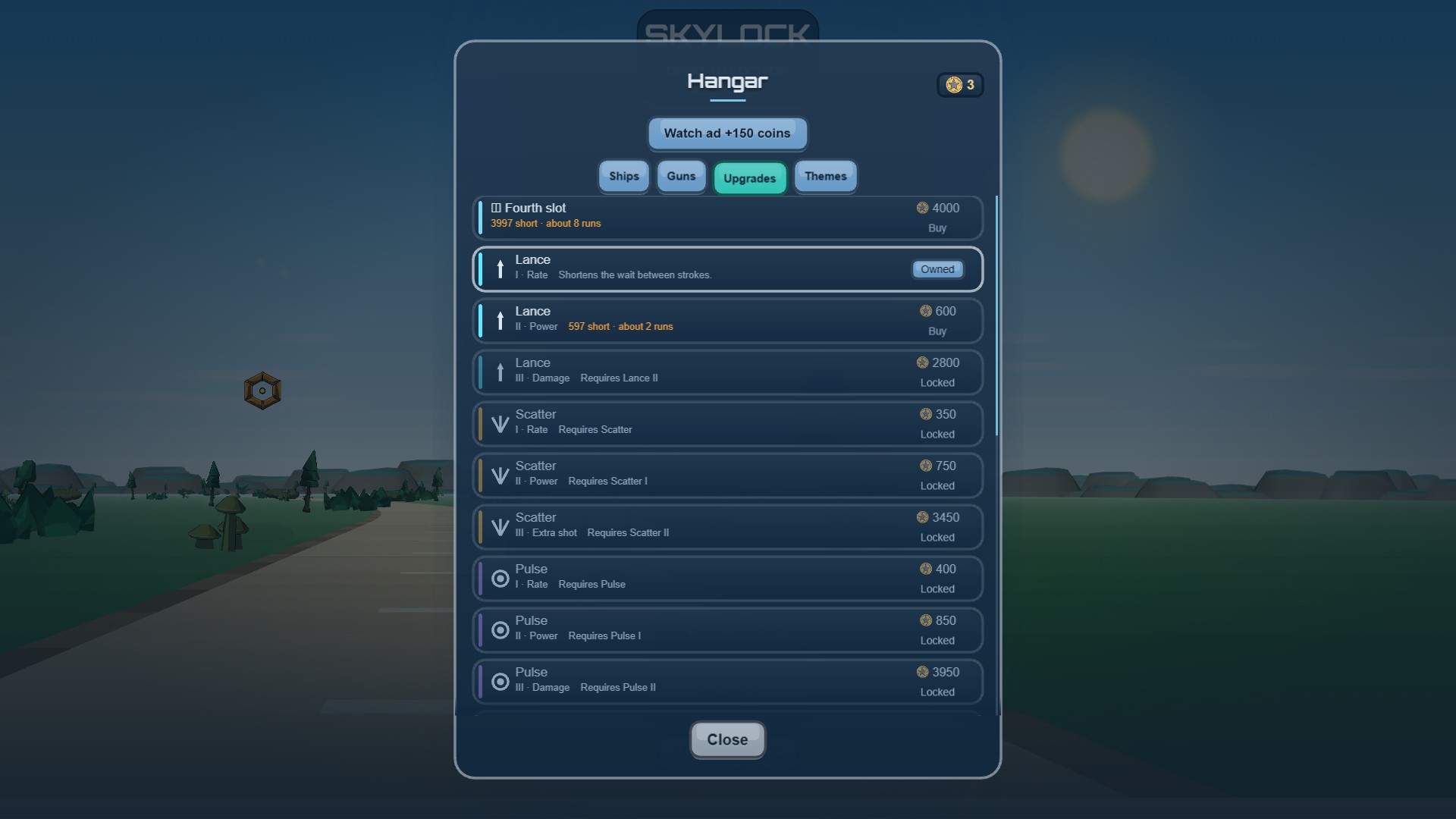
Lance upgrade in the Hangar
Use saved Coins on Hangar upgrades. The Lance I Rate upgrade is owned here after a 300-Coin purchase.
Using these features
Connect your game, then open Customise in the Windows app. Choose an option, check its available values and follow its instructions. Each option lists its own requirements and limits.
Setup for Sky Lock →