


Move on from the current mini-game
Sometimes you want to try something else. Complete current level takes an active mini-game to its normal result screen so you can decide what to play next.

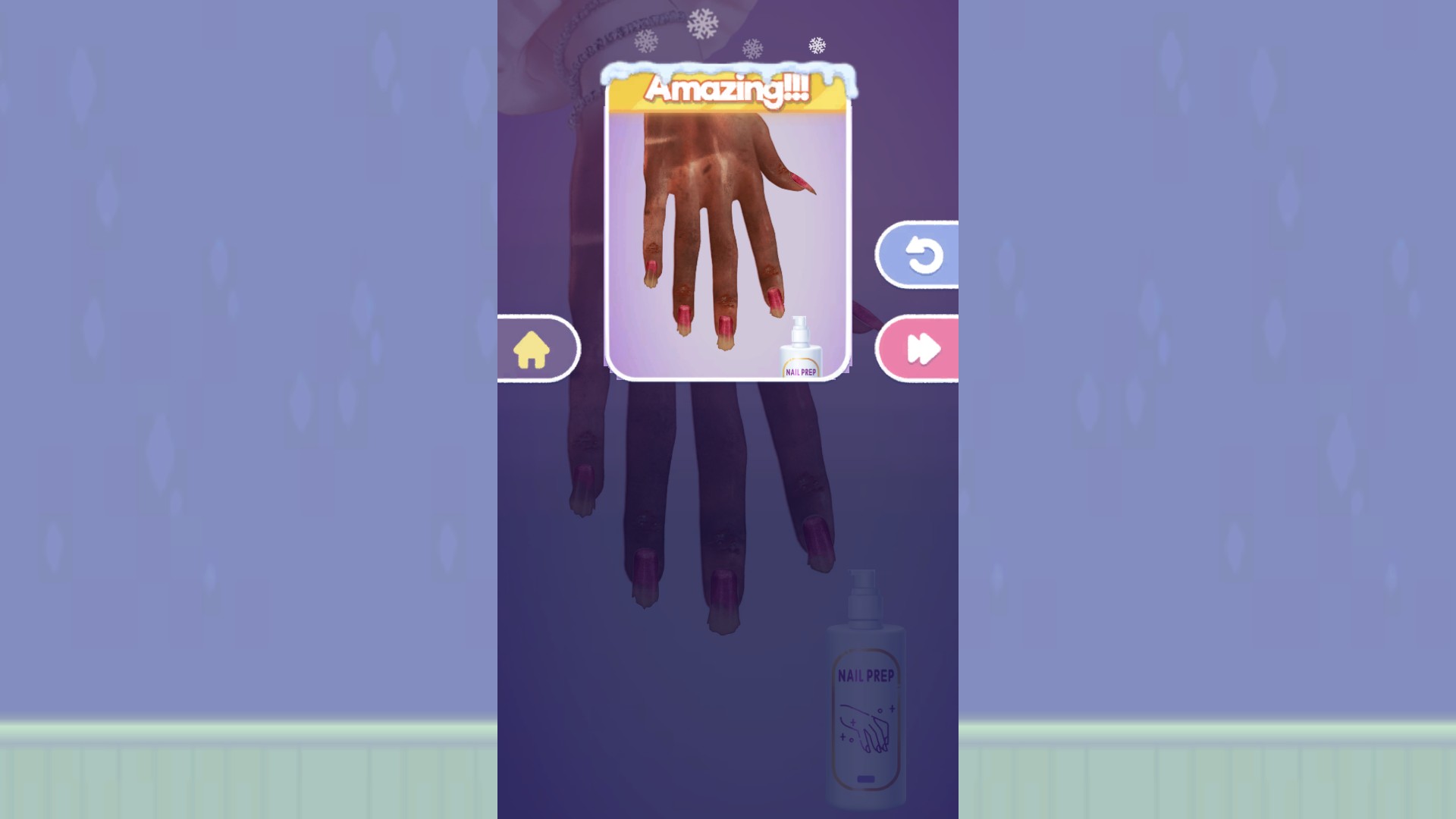
Finish a level when you want to move on
Reach the result screen with Complete current level when you want to move on without finishing every step.
Use it during a level
Start a mini-game, then press Complete current level in the app. The action refuses to run from the title screen or level menu, and an already completed level is left alone.
Completion follows the game’s progress flow. It does not perform every cosmetic step: a task can reach the result screen while the character or nails still look unfinished.
Available game actions
Complete current levelFree
Finish the mini-game you are playing and show its normal result screen.
Start a level, then press the action in the app.
Before you use it: Affects the active level only and does not perform every visible cosmetic step.
More ways to customise Skincare Time: Makeover ASMR
- Skincare Time: Makeover ASMR customise
Choose how many of the first twelve levels are available in the menu.
Questions about game actions
- Will it finish every level at once?
- No. It affects the active level only; choose and start another mini-game before using it again.
Using these features
Choose the feature in the Windows app after connecting your game. Check its requirements before making a change.
Setup for Skincare Time: Makeover ASMR →