

Resources
2 optionsSet a balance directly or add and subtract an amount.
View resources →Keep your next voyage supplied with Sand Dollars, Tendrils and useful items brought straight to your Fool. Aboard the Stormstrider, you still have cannons to man, repairs to make and a route to chart through the Archipelago.

Start with free mods
Download Bytonian Mods for Windows and try these free features. Choose one to see how it works and any requirements.
Bring unlocked items such as Molotov ammo boxes, planks and trinkets to your Fool. Browse by category or name, check the icon and choose one to five items.
Open Spawn in your own hosted game while your Fool is ready. Items appear nearby for the normal pickup or interaction.
Resume play before spawning, and use one locally controlled Fool.
Give your Fool the Sand Dollars balance you want for the next leg of the journey.
Set the balance directly, or add and subtract amounts while your game is active.
Choose a balance from 0 to 1,000,000.
Use the resource controls to set, add or subtract Sand Dollars and Tendrils. The free Spawn browser offers ammo boxes, ammunition, ammo generators, artifacts, chests and trinkets, with game icons to help you choose.
Open Ship of Fools in Bytonian Mods, start your own hosted game and enable the controls you want once your Fool is ready. Resume play before using Spawn, and use one locally controlled Fool when spawning items.
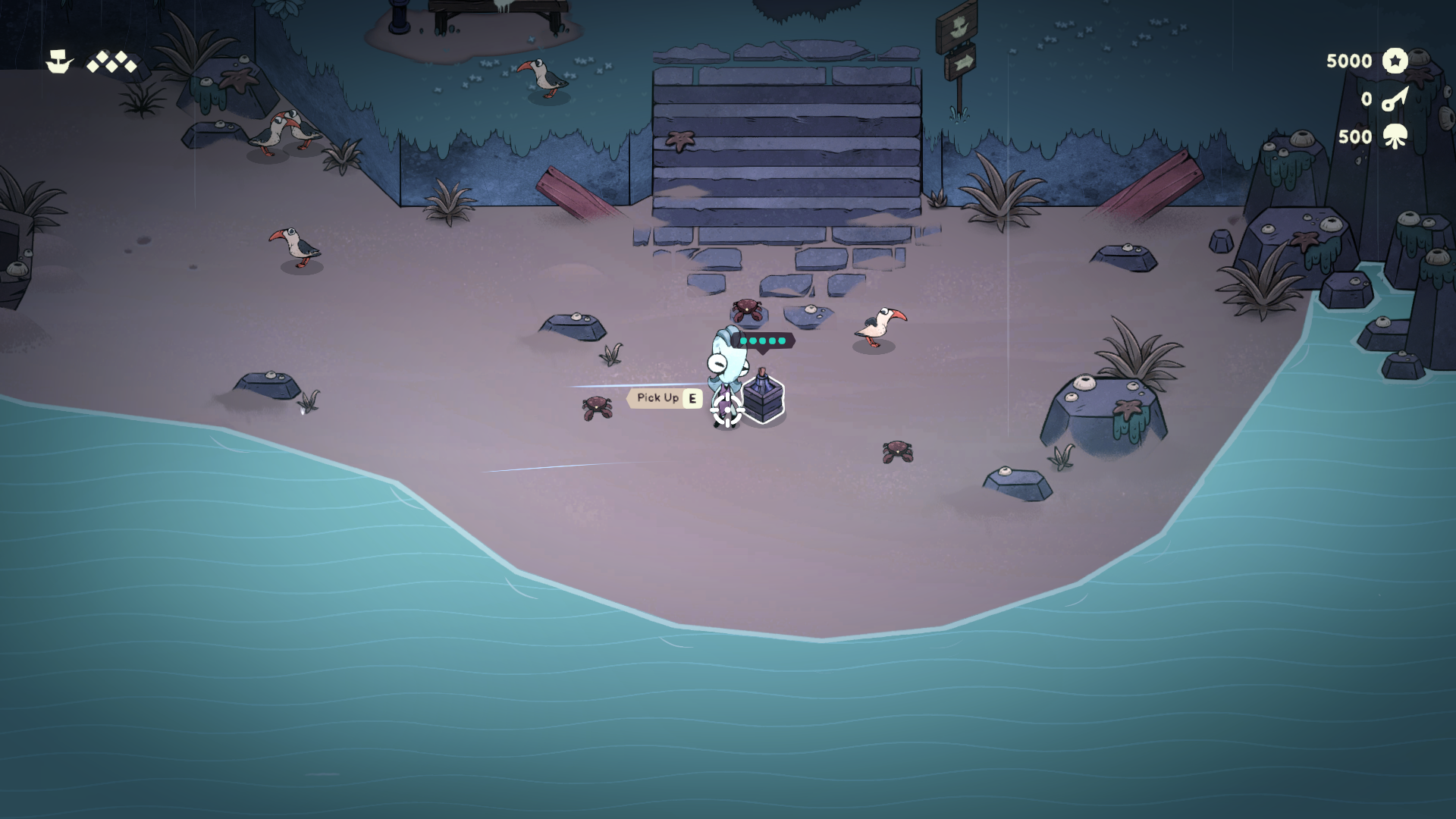
Stock up before setting sail
Adjust your Sand Dollars and Tendrils, then bring useful items within reach before setting sail.
Set a balance directly or add and subtract an amount.
View resources →Browse ammo boxes, ammunition, ammo generators, artifacts, chests and trinkets.
View game actions →Browse the Steam achievement names and descriptions for Ship of Fools. Choose and unlock achievements for free with Bytonian Mods in the Windows app.
View all achievements →Download the Windows app and follow the setup prompts.
Open Ship of Fools and select it in Bytonian Mods. Follow the app’s connection prompts.
Review the available options in the app and choose the ones that suit how you play.