

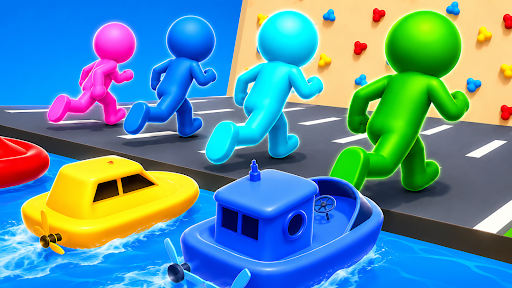
Choose Level 1 or Level 2
Pick an early level for your next race, then choose the vehicle that suits each section of the course.
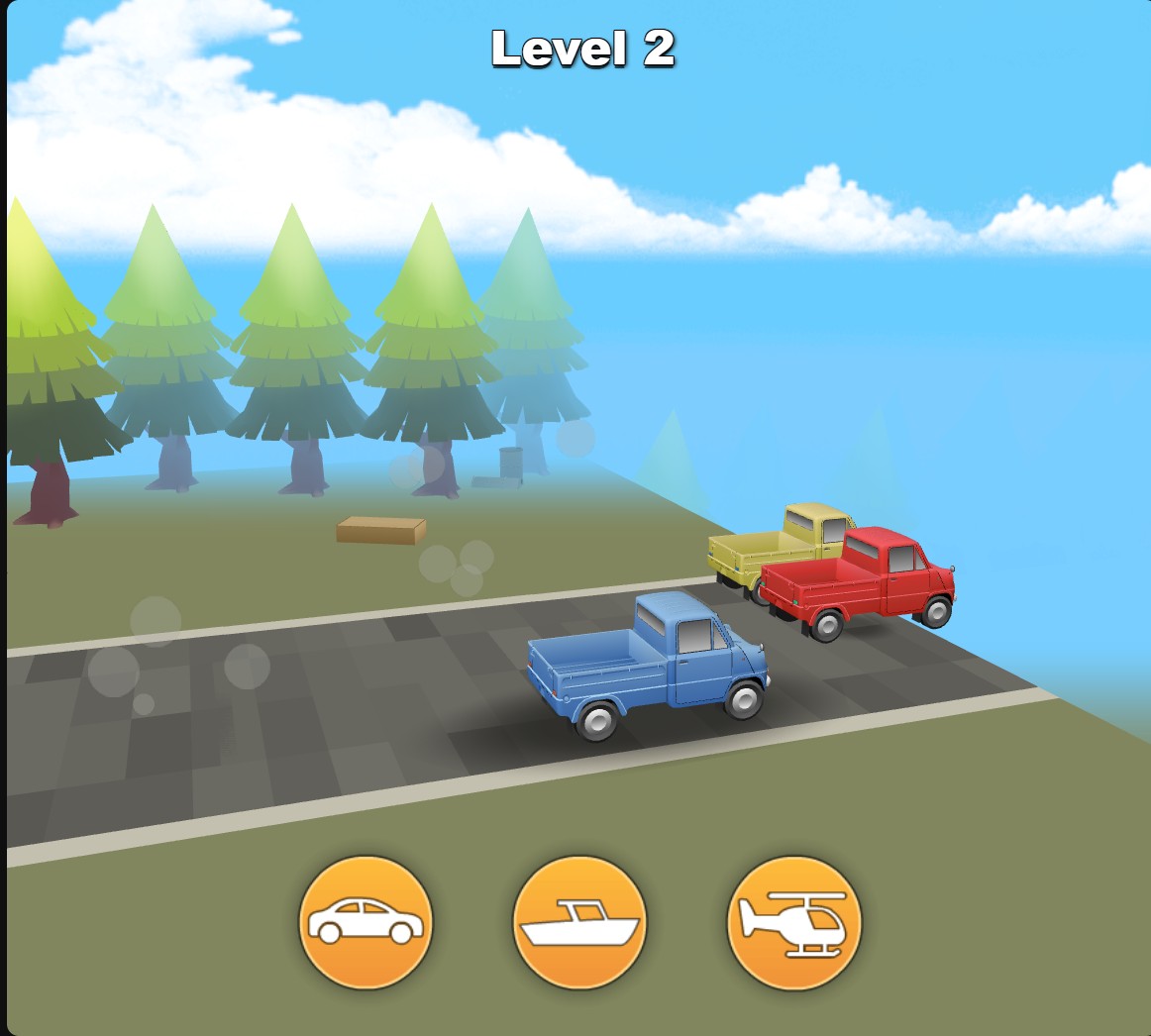
Start at Level 2
Choose an early level, then start the race and switch vehicles through the normal controls.
Starting the selected level
Choose Level 1 or Level 2, then press Play when the selected level appears. Use the car, boat and helicopter buttons as the terrain changes.
Courses contain random sections, so choosing the same level can produce a different route.
Available customise
LevelFree
Choose Level 1 or Level 2 for your next race.
Select 1 or 2, then press Play and use the normal vehicle buttons.
Before you use it: Routes contain random sections and can change between races.
Questions about customise
- How do I start the selected level?
- Choose 1 or 2, then use the normal Play button when that level appears.
Using these features
Choose the feature in the Windows app after connecting your game. Check its requirements before making a change.
Setup for Shift Shapes Car →