

Game Actions
2 optionsRefill available water and ration storage in a custom-difficulty shelter.
View game actions →Manage your family's supplies in Sheltered with simple controls for water and rations.

Start with free mods
Download Bytonian Mods for Windows and try these free features. Choose one to see how it works and any requirements.
Fill your shelter's available water storage.
Use the refill control while playing a custom-difficulty survival shelter.
The refill does not increase water storage capacity.
Fill your shelter's available ration storage.
Use the refill control while playing a custom-difficulty survival shelter.
The refill does not increase ration storage capacity.
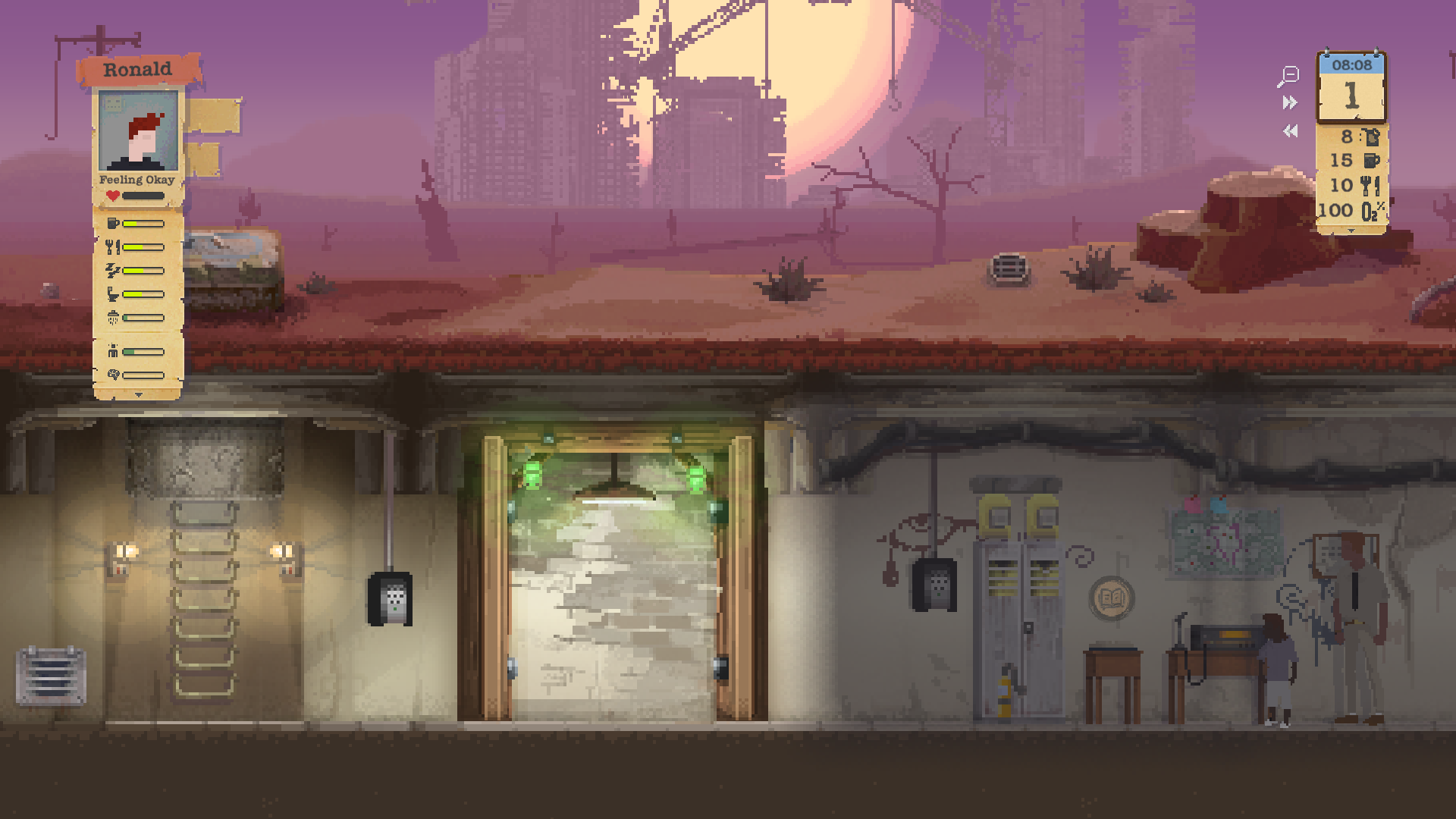
Inside the shelter
Manage supplies and look after your family in your underground shelter.
Sheltered asks you to look after a family living underground after a disaster. Water and food are part of keeping the shelter going.
Use the water or rations control to fill the storage you have available. Each control works in a custom-difficulty survival shelter.
Choose a custom difficulty when starting a survival game, then enable the mods you want and use their refill controls while your shelter is loaded.
Refill available water and ration storage in a custom-difficulty shelter.
View game actions →Browse the Steam achievement names and descriptions for Sheltered. Choose and unlock achievements for free with Bytonian Mods in the Windows app.
View all achievements →Download the Windows app and follow the setup prompts.
Open Sheltered and select it in Bytonian Mods. Follow the app’s connection prompts.
Review the available options in the app and choose the ones that suit how you play.