

Resources
2 optionsSet your current coin balance or load a chosen race number.
View resources →Switch forms as the course changes, then explore the city between races. These controls let you adjust coins and race level, choose an available Human, Car or Boat form, or use the game's finish and replay flows.
Resources contains Coins and Race Level. Actions contains form selection, finishing and replaying an active race, a temporary city ride selector and an experimental boost trigger.
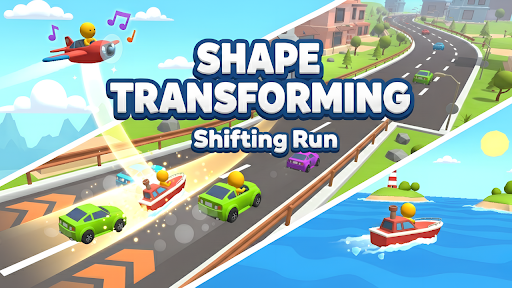
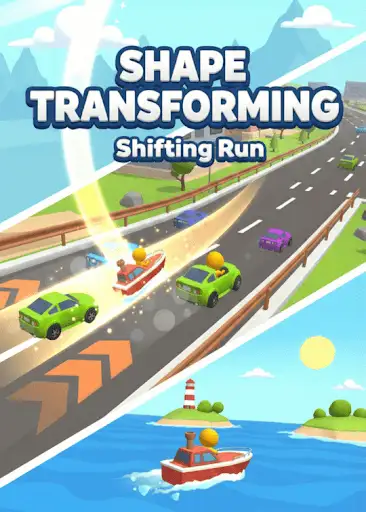
Form choice still matters: a car is not a solution to every wall or stretch of water. Human, Car and Boat can be selected only when the current race offers them.
Open the game, choose the control you want and apply it in the matching mode. Use race actions during an active race. Enter the city hub before using City Ride.
Finish Race and Replay Race are free controls. Other controls may require access shown on their cards. Check each control's notes for its requirements and limits.
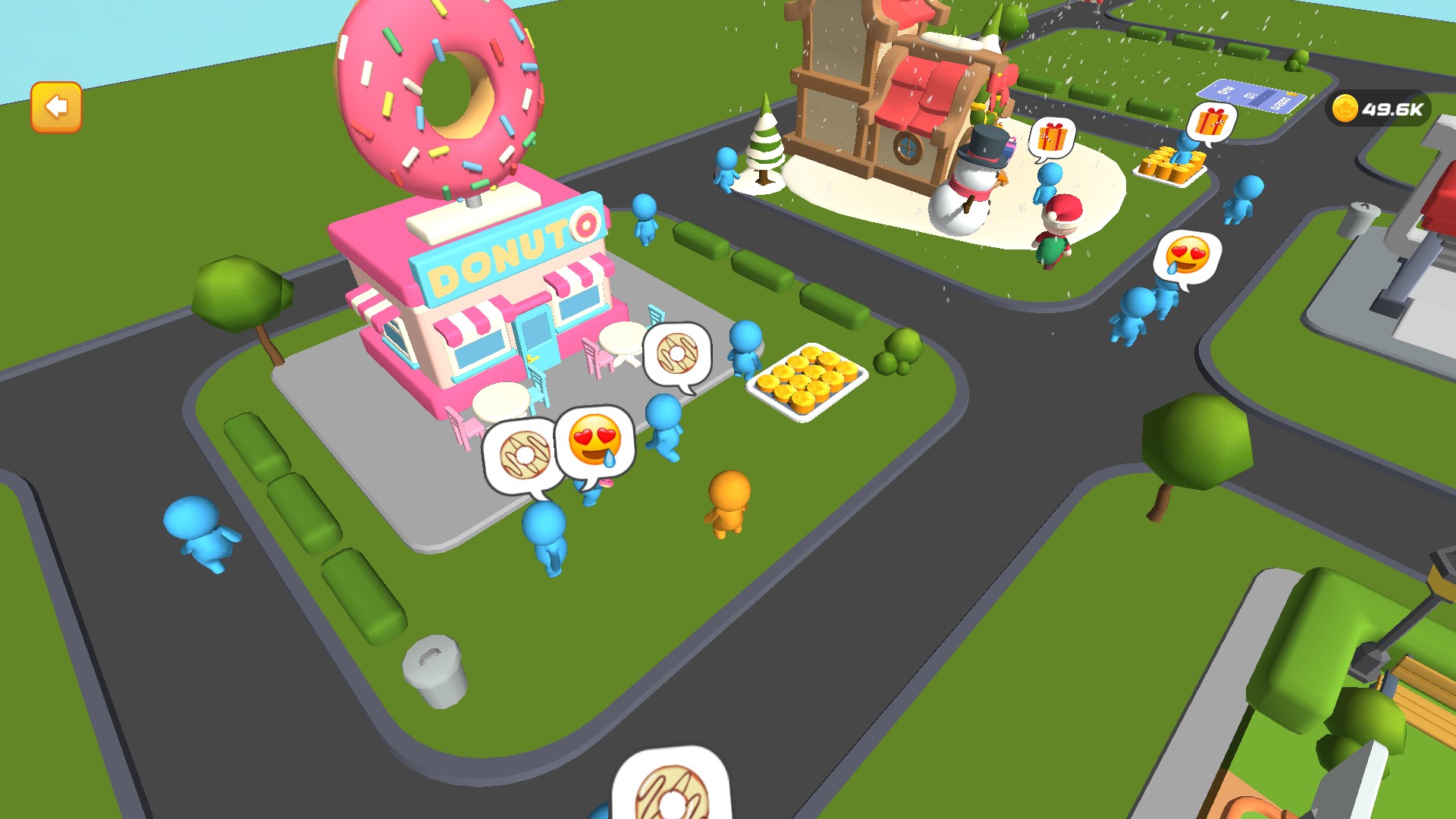
Explore the city between races
Walk through the city hub, build shops and collect the coins they produce between transformation races.
Set your current coin balance or load a chosen race number.
View resources →Choose an offered form, finish or replay an active race, and try a temporary ride in the city.
View all game actions →Download the Windows app and follow the setup prompts.
Set up the browser extension in Chrome or Edge, then open the supported YouTube Playable. Follow the connection guide if the game is already running.
Review the available options in the app and choose the ones that suit how you play.