

Choose your route through Hyland Point
Switch between flight, adjustable walking and a board to explore Schedule I on foot at your own pace.

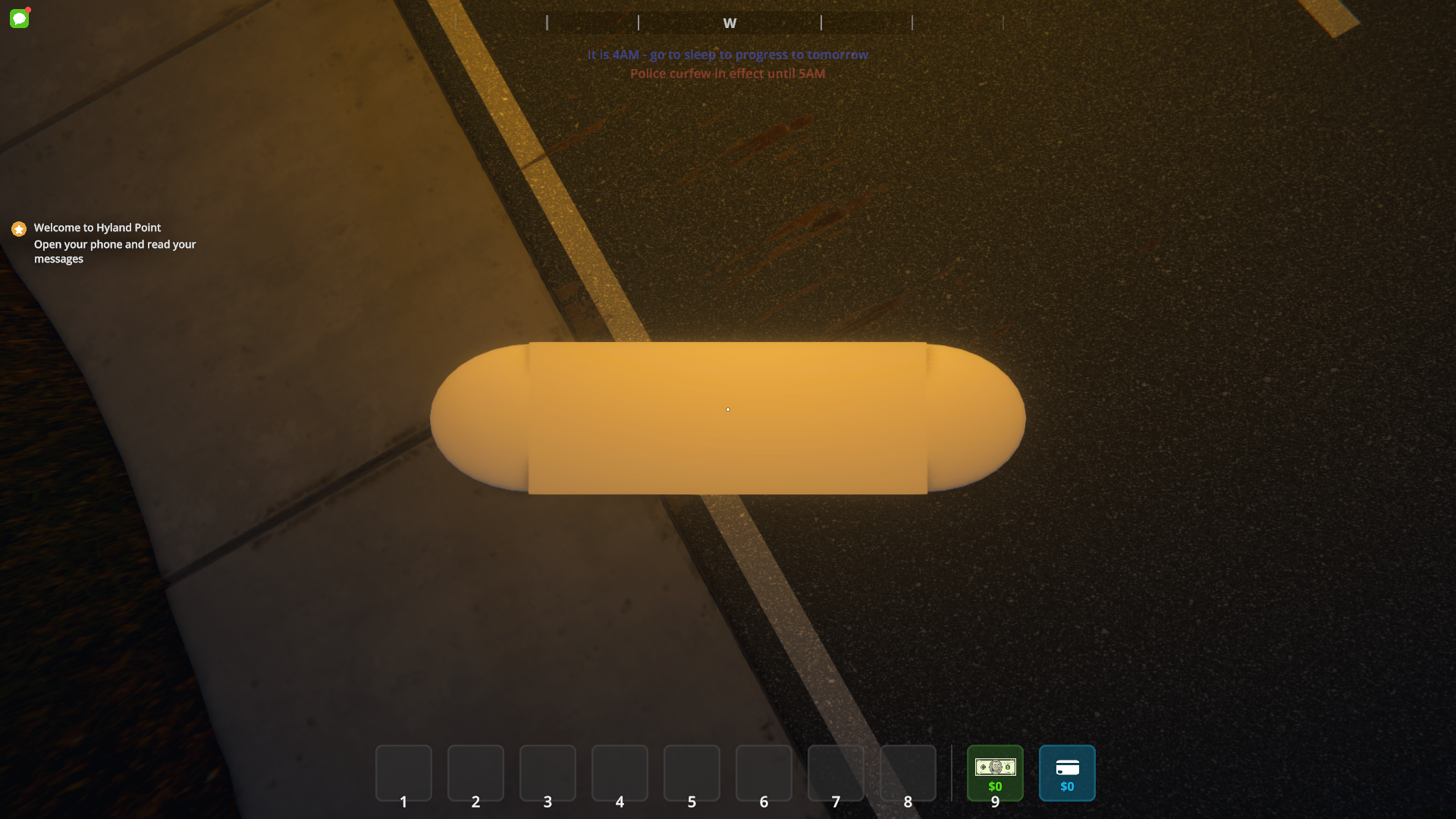
Board movement in Schedule I
Cruise through Hyland Point with a board beneath your feet.
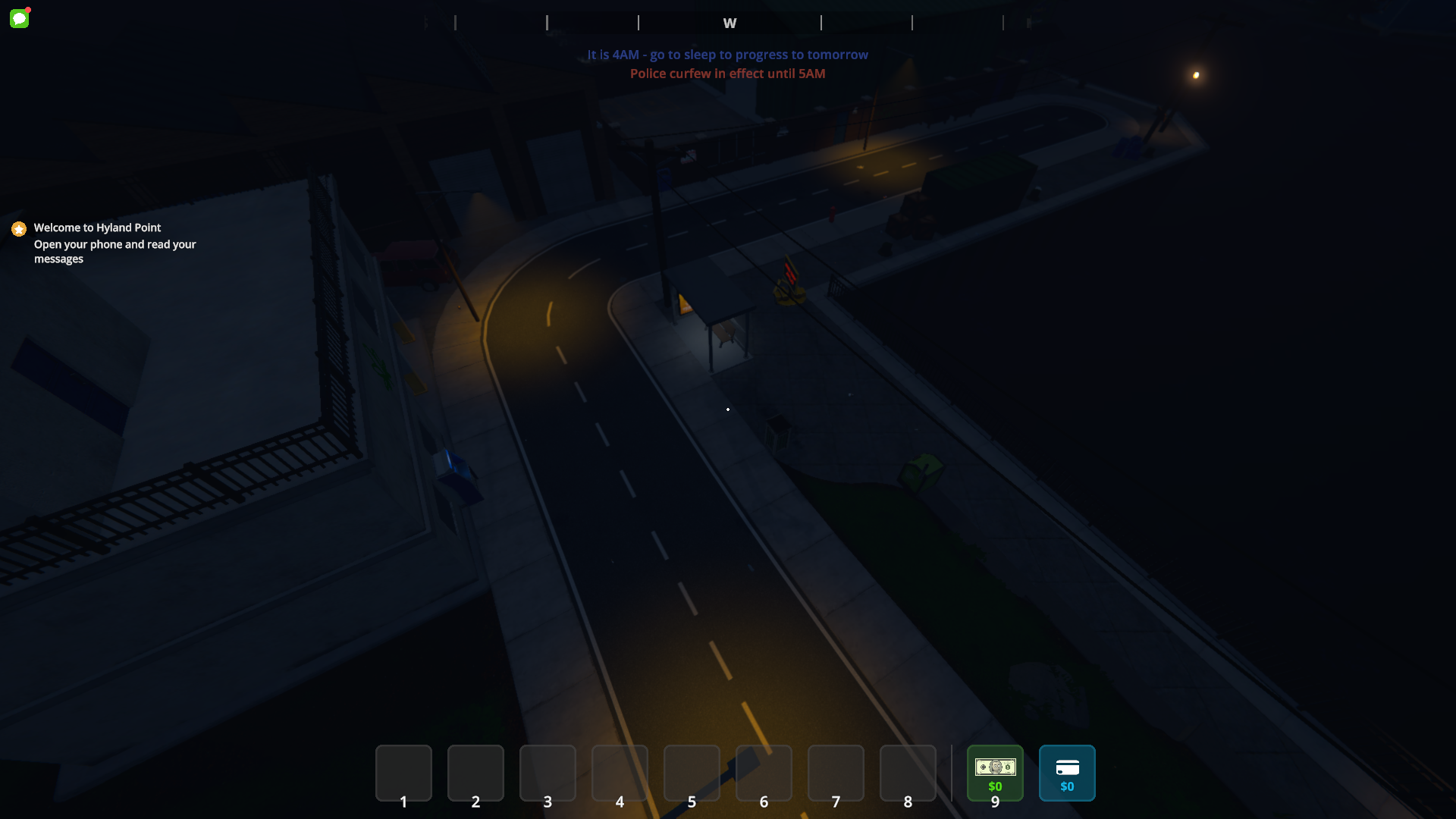
Fly above Hyland Point
Take to the air and explore the streets from above.
Pick a movement style
Fly can pass through ordinary obstacles. Free Walk keeps you on foot, while Board adds momentum, steering, braking and jumps.
Return to normal controls
Menus, tasks and vehicle controls take over when needed. Return to open ground before switching Movement off.
Available ability modifiers
MovementFree
Choose Fly, Free Walk or Board to explore Hyland Point at your own pace.
Enable Movement and select a style. Return to open ground before switching it off.
Menus, tasks and vehicle controls take over when needed.
Supported movement styles: Fly, Free Walk, Board
More ways to customise Schedule I
- Schedule I game actions
A convenient save action for the host.
Using these features
Choose the feature in the Windows app after connecting your game. Check its requirements before making a change.
Setup for Schedule I →