

Ability Modifiers
1 optionFly, walk or ride with adjustable controls.
View ability modifiers →Explore Hyland Point with a different way to move, or keep a quick save control close at hand.

Start with free mods
Download Bytonian Mods for Windows and try these free features. Choose one to see how it works and any requirements.
Choose Fly, Free Walk or Board for on-foot exploration. Fly passes through ordinary obstacles, while the Free Sample map boundary stays in place. Board builds momentum as you steer and brake. Menus, tasks and vehicle controls take over when needed. Return to open ground before switching off.
Explore this free feature →Save your current game without returning to a save point.
Use Save Game after loading your world and finishing character setup.
Only the host can save. Saving is unavailable during the introduction or while another save is in progress.
Use Fly to rise above ordinary obstacles, Free Walk for travel on foot, or Board for rolling momentum, steering and braking. The demo map boundary stays in place.
Save Game gives the host a direct save control after the world has loaded and character setup is complete.
Install the Windows app, open Schedule I: Free Sample and choose the controls you want. Movement starts switched off. Press V or use its switch in the app to toggle it, and return to open ground before switching off.
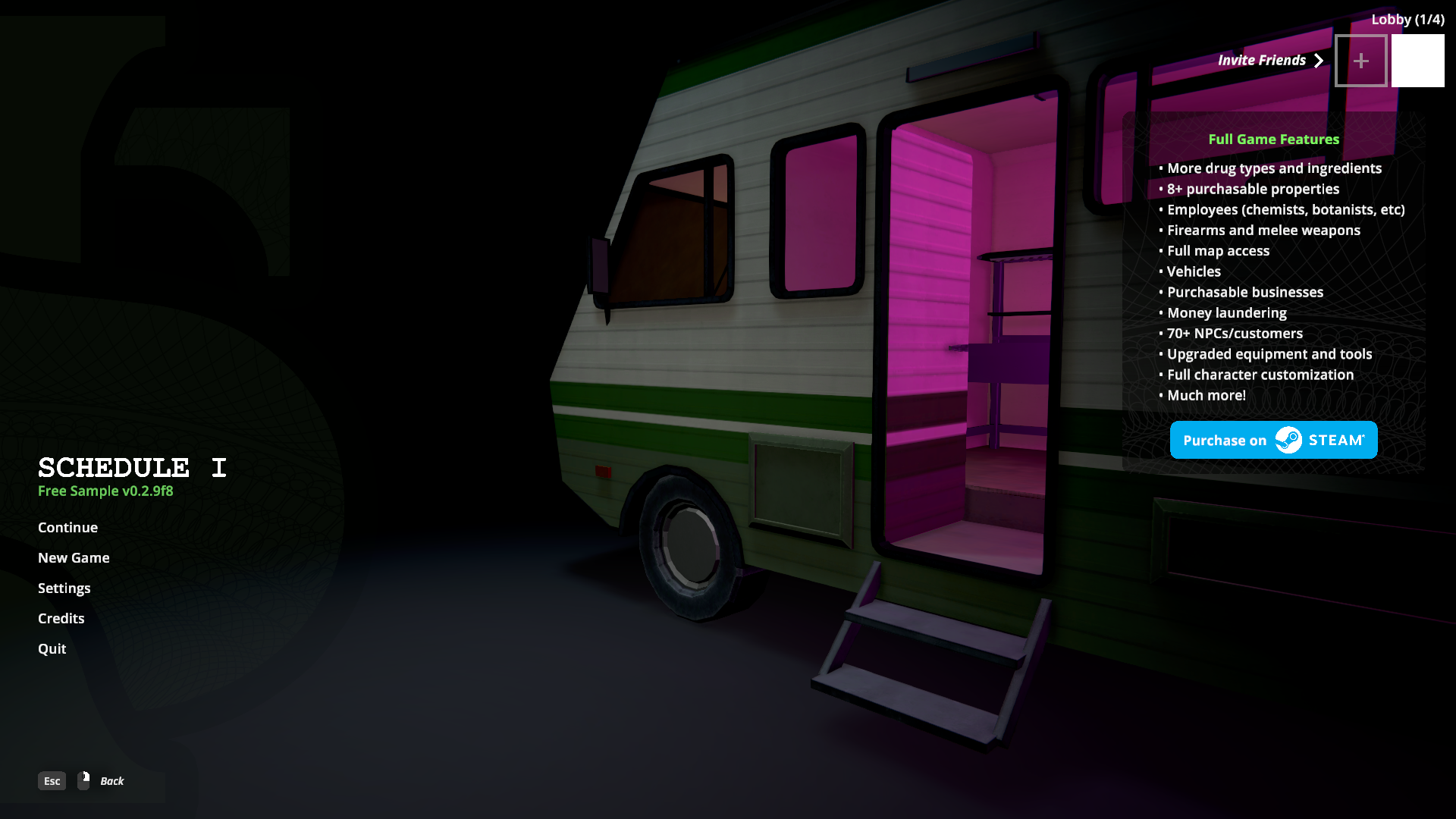
Schedule I: Free Sample
Movement styles and a quick save control for your game.
Fly, walk or ride with adjustable controls.
View ability modifiers →A direct save control for the host.
View game actions →Download the Windows app and follow the setup prompts.
Open Schedule I: Free Sample and select it in Bytonian Mods. Follow the app’s connection prompts.
Review the available options in the app and choose the ones that suit how you play.