
Choose your starting cash
Set the cash balance you want to begin with when the game reloads. Whether you have your eye on another room or an upgrade, you can choose how much to put towards it.
Requires the Windows app and the Bytonian Mods browser extension for Chrome or Edge. Browser setup guide

Set up your balance
Enter your preferred amount under Starting cash, apply your changes and reload. Your chosen balance is then ready to spend in the game.
Available customisation options
Starting cashFree
Choose your cash balance for building and upgrading haunted rooms.
Enter an amount, apply your changes and reload the game.
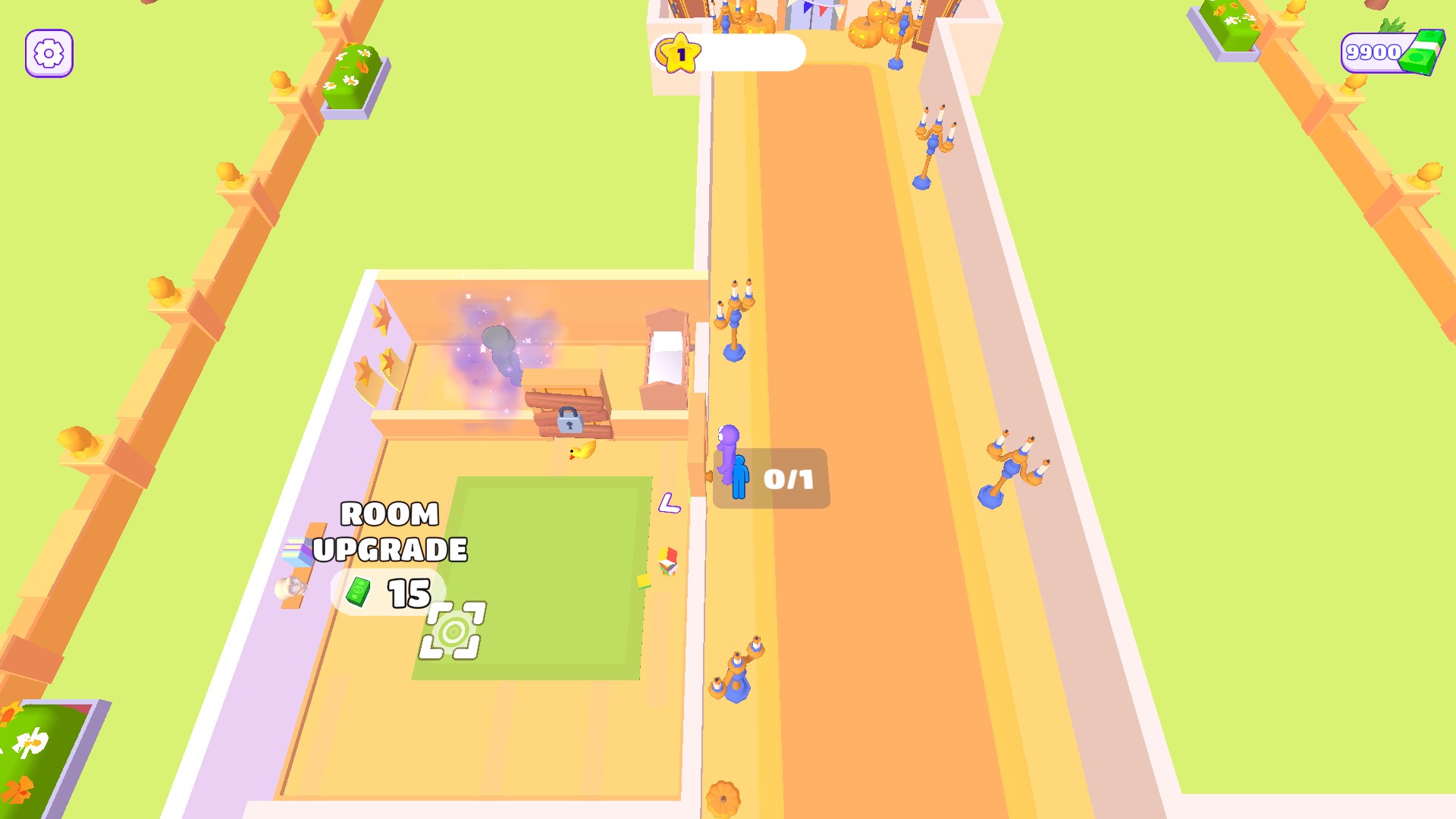
Build your haunted rooms
Choose your starting cash and put it towards new rooms and upgrades.
Using these features
Connect your game, then open Customise in the Windows app. Choose an option, check its available values and follow its instructions. Each option lists its own requirements and limits.
Setup for Scary Rooms: Idle Horror →