

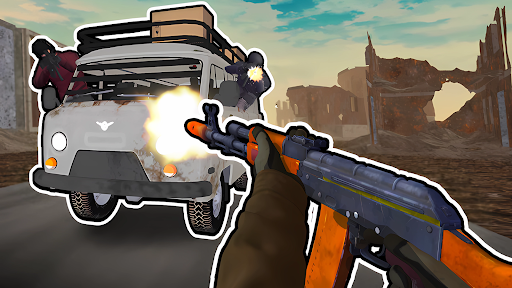
Choose your loaded rounds
Give your current weapon a larger magazine for the chase. Set the loaded-round count to spend more time aiming and firing at the vehicles behind you.
Apply the round count
Enter the chase, choose a value and apply it to your current weapon. The on-screen ammo count updates when you fire.
Available resources
Magazine RoundsFree
Set the number of rounds loaded in your current weapon.
Enter the chase, choose your round count and apply it. Fire to update the on-screen counter.
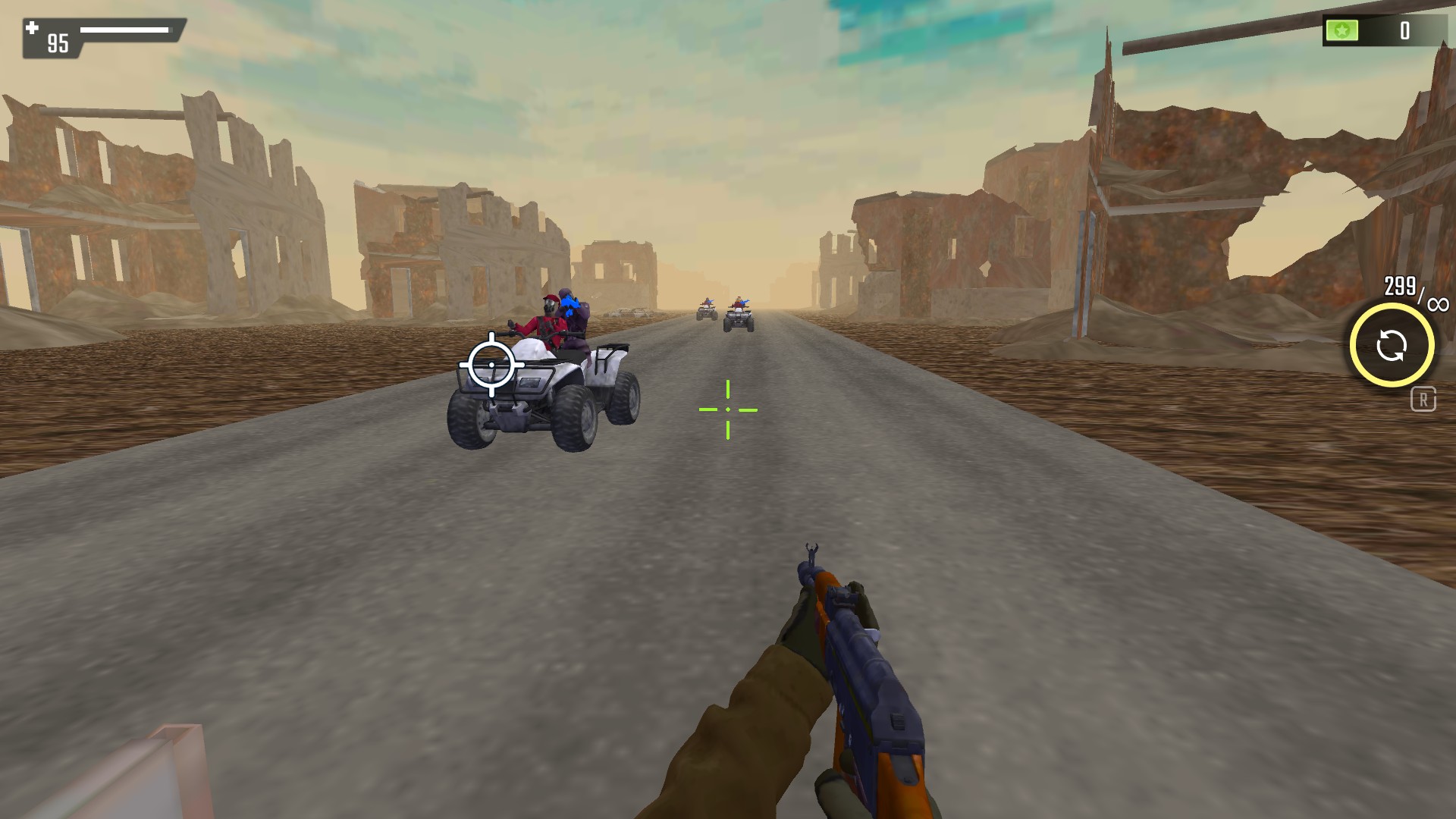
Keep more rounds loaded
Set the current magazine to 300 rounds and keep firing during the chase. This view shows 299 rounds remaining after a shot.
More ways to customise Road Chase: Shooter Realistic Guns
- Road Chase: Shooter Realistic Guns rule modifiers
Protect your player from incoming combat damage.
Using these features
Choose the feature in the Windows app after connecting your game. Check its requirements before making a change.
Setup for Road Chase: Shooter Realistic Guns →