
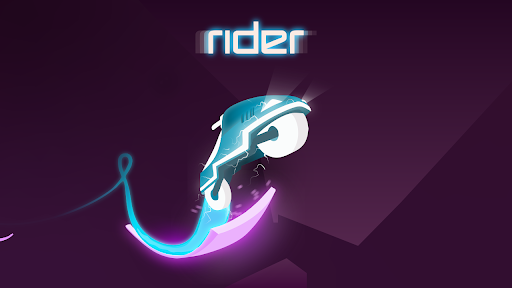
Choose your Rider Lite gems
Give yourself a gem balance for your next bike purchase. Open the collection, buy a bike and follow the prompts to claim and select it.
Requires the Windows app and the Bytonian Mods browser extension for Chrome or Edge. Browser setup guide
Set your balance and start shopping
Open Customize, enter your gem balance and select Apply & reload. Once Rider Lite opens, visit Collection to buy your next bike.
Spend your chosen balance at the collection's normal bike prices, then return to Play with the bike you selected.
Available customisation options
GemsFree
Choose your gem balance for bike purchases.
Enter the balance you want and select Apply & reload. Visit Collection, buy a bike and follow the prompts to claim and select it.
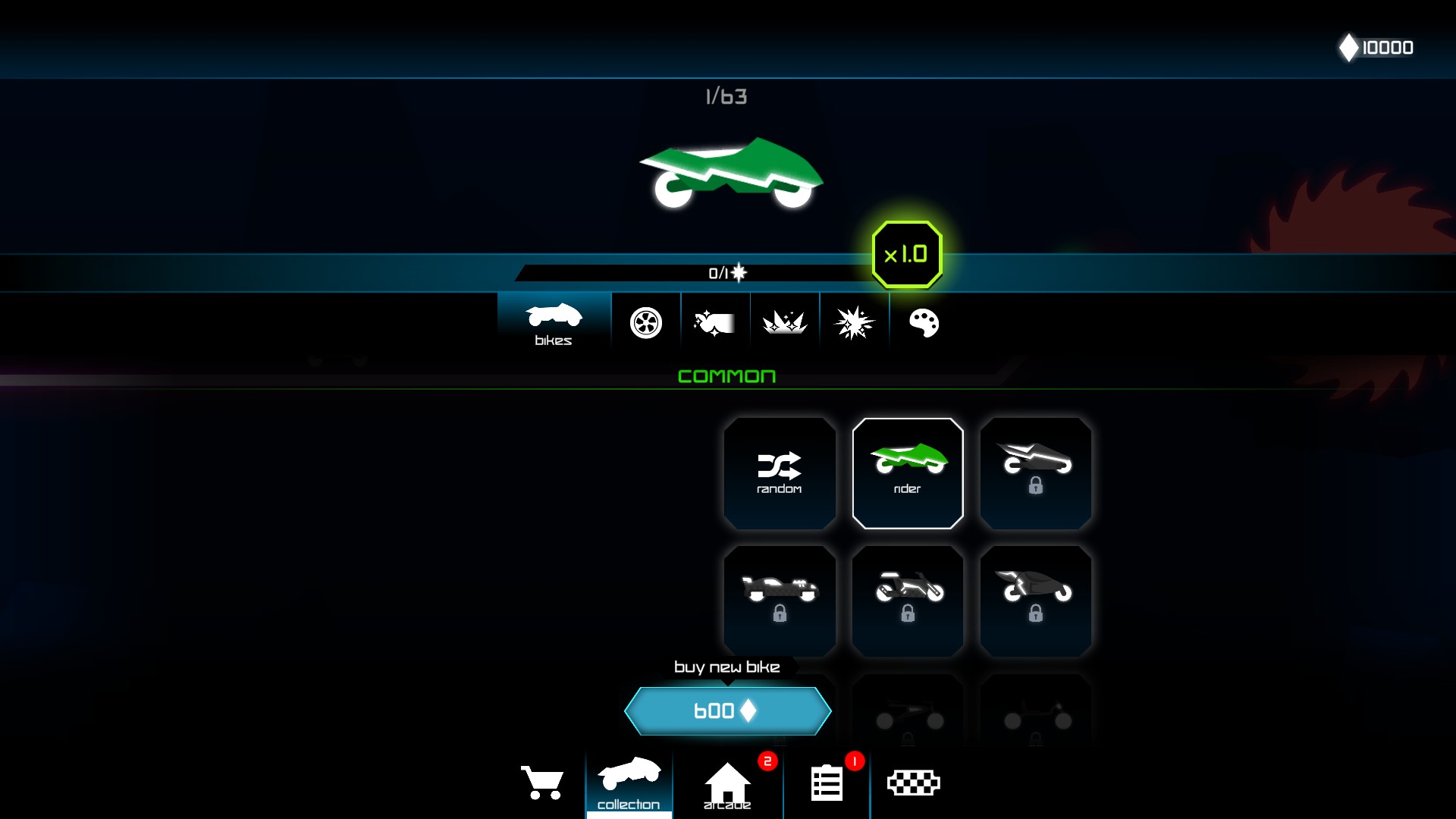
Gems for your next bike
A 10,000-gem balance is ready to spend on bikes in Rider Lite's collection.
Using these features
Connect your game, then open Customise in the Windows app. Choose an option, check its available values and follow its instructions. Each option lists its own requirements and limits.
Setup for Rider Lite →