

Customise
1 optionUse Vinyl to fund purchases in the car selector.
View customise →Choose a new ride for Retro Drift’s bright city roads. Set your vinyl balance, browse the car selector and buy the car you want at its displayed price.
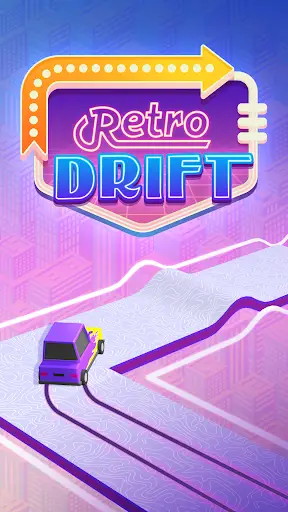
Use the arrows beside the car on the title screen to browse the selection. Locked cars show a vinyl price beneath them. Buying a car removes its lock and makes it available in the selector.
Choose the vinyl balance you want and apply the change. Return to the car selector and make your purchase through the game’s normal controls.
Use Vinyl to fund purchases in the car selector.
View customise →Download the Windows app and follow the setup prompts.
Set up the browser extension in Chrome or Edge, then open the supported YouTube Playable. Follow the connection guide if the game is already running.
Review the available options in the app and choose the ones that suit how you play.