
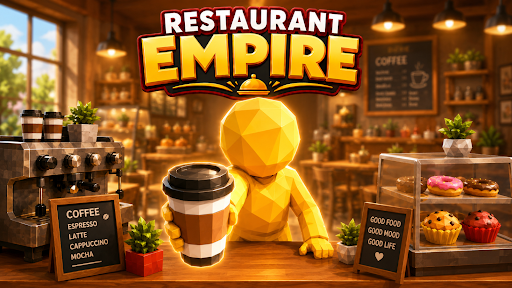
Cash and carrying capacity for Restaurant Empire
Set your restaurant's cash balance or choose how much food you can carry. Prepare for your next purchase or pick up a larger load in one trip.
Requires the Windows app and the Bytonian Mods browser extension for Chrome or Edge. Browser setup guide

Cash for your next addition
Choose the balance for the restaurant you have open. To build something, step into its purchase area and pay the displayed cost.
Bigger food runs
Set your base carrying limit to pick up more food at once. Restaurant carrying upgrades add their usual bonus on top.
Available resources
Carrying capacityPremium
Choose your carrying limit and pick up more food in one trip.
Start your restaurant, refresh Carrying capacity and set your base limit. Restaurant carrying upgrades are added on top.
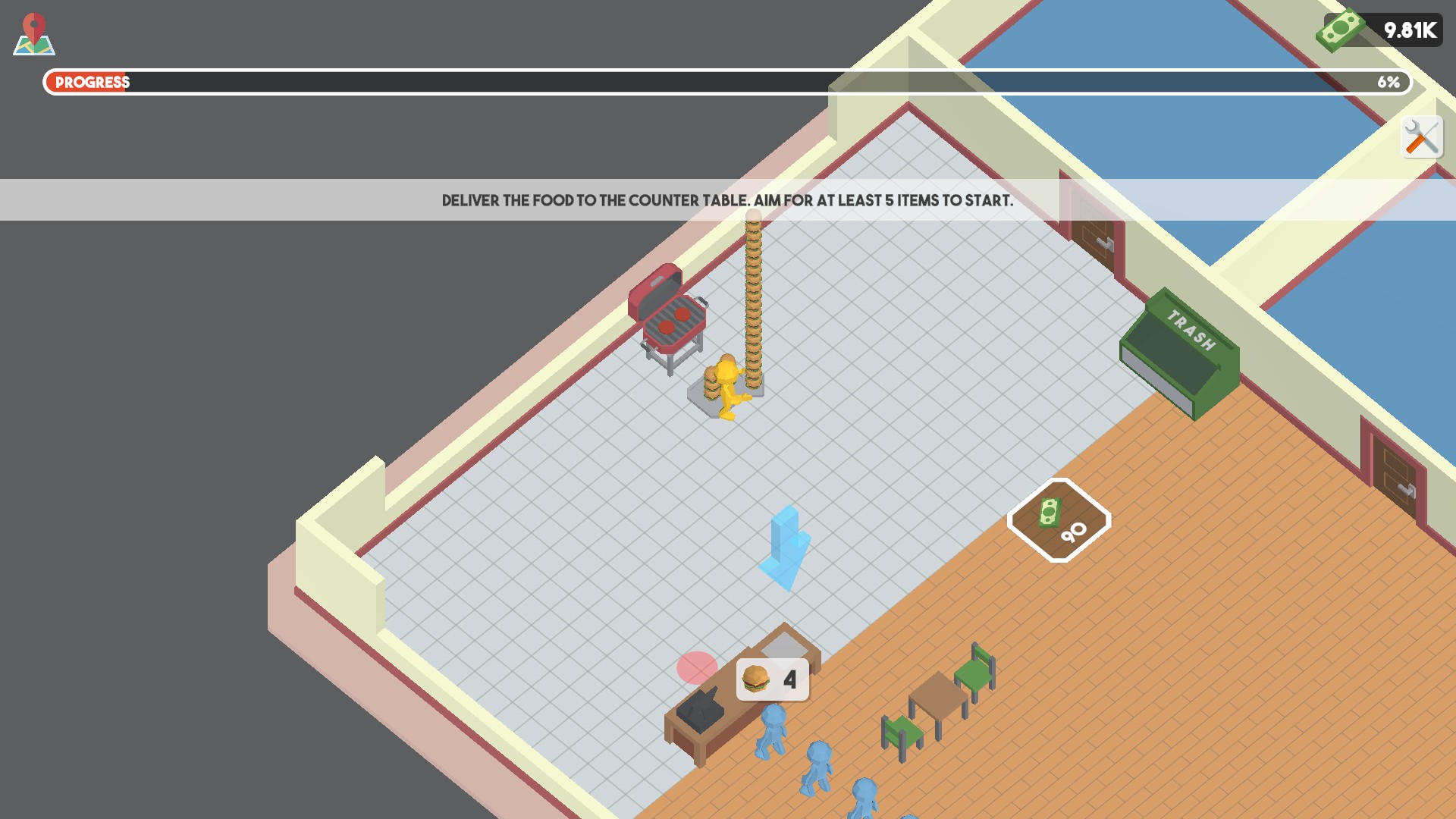
Carry more food in one trip
Pick up a bigger stack of burgers before heading back to the counter.
CashFree
Set the cash balance for your current restaurant and fund new seating and stations.
Open your restaurant, refresh Cash, then set the amount you want. Step into a purchase area to build as usual.
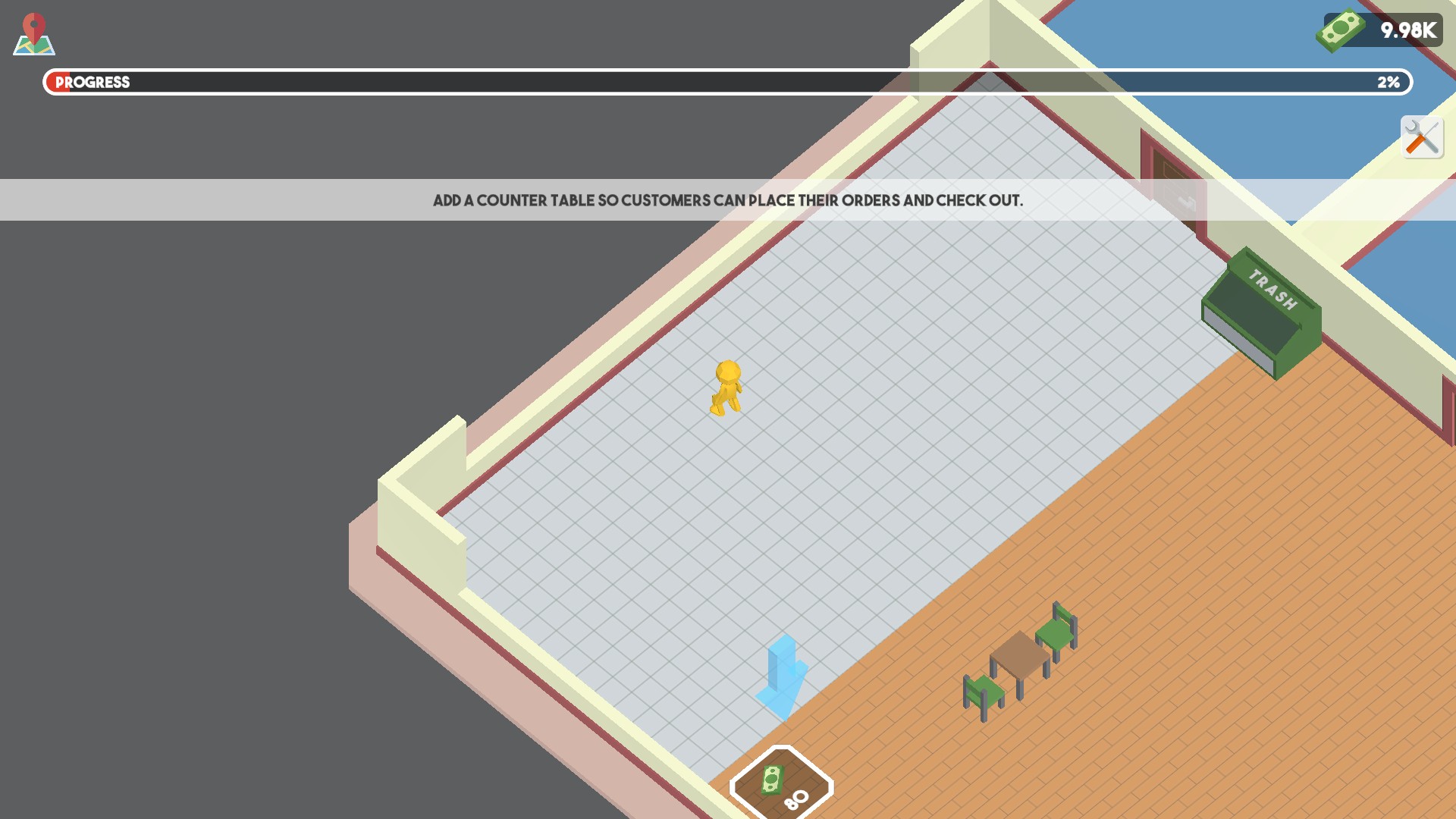
Cash for your next restaurant purchase
Buy new seating with your chosen cash balance and keep building your restaurant.
Using these features
Choose the feature in the Windows app after connecting your game. Check its requirements before making a change.
Setup for Restaurant Empire →