
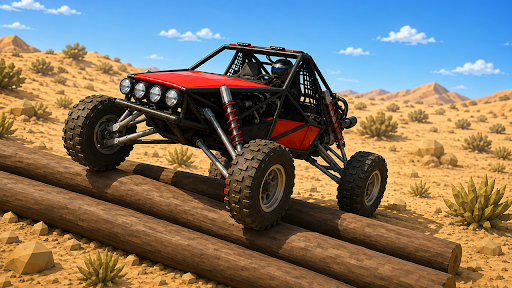
Stat Modifiers
1 optionA grouped vehicle setup with power, braking and speed limits.
View stat modifiers →Adjust your buggy's power, braking and speed limits, or pull back the chase camera for a wider view. Take your setup out on Desert City's open ground and wide roads.
Requires the Windows app and the Bytonian Mods browser extension for Chrome or Edge. Browser setup guide

Start with free mods
Download Bytonian Mods for Windows and try these free features. Choose one to see how it works and any requirements.
Choose how far behind your buggy the chase camera sits, how high it looks from and the angle of the view.
Select the chase-camera view during a single-player drive, then enable this control. Changes apply as you adjust them; switching off restores your earlier view.
Vehicle tuning brings engine power, boost power, braking and forward or reverse speed limits together. The chase camera lets you choose how close, high and angled your view should be.
Open the game in your connected browser and select Realistic Buggy Controller in Bytonian Mods. Start a single-player drive, choose the settings you want and enable the control. Switch it off to return to your previous settings.
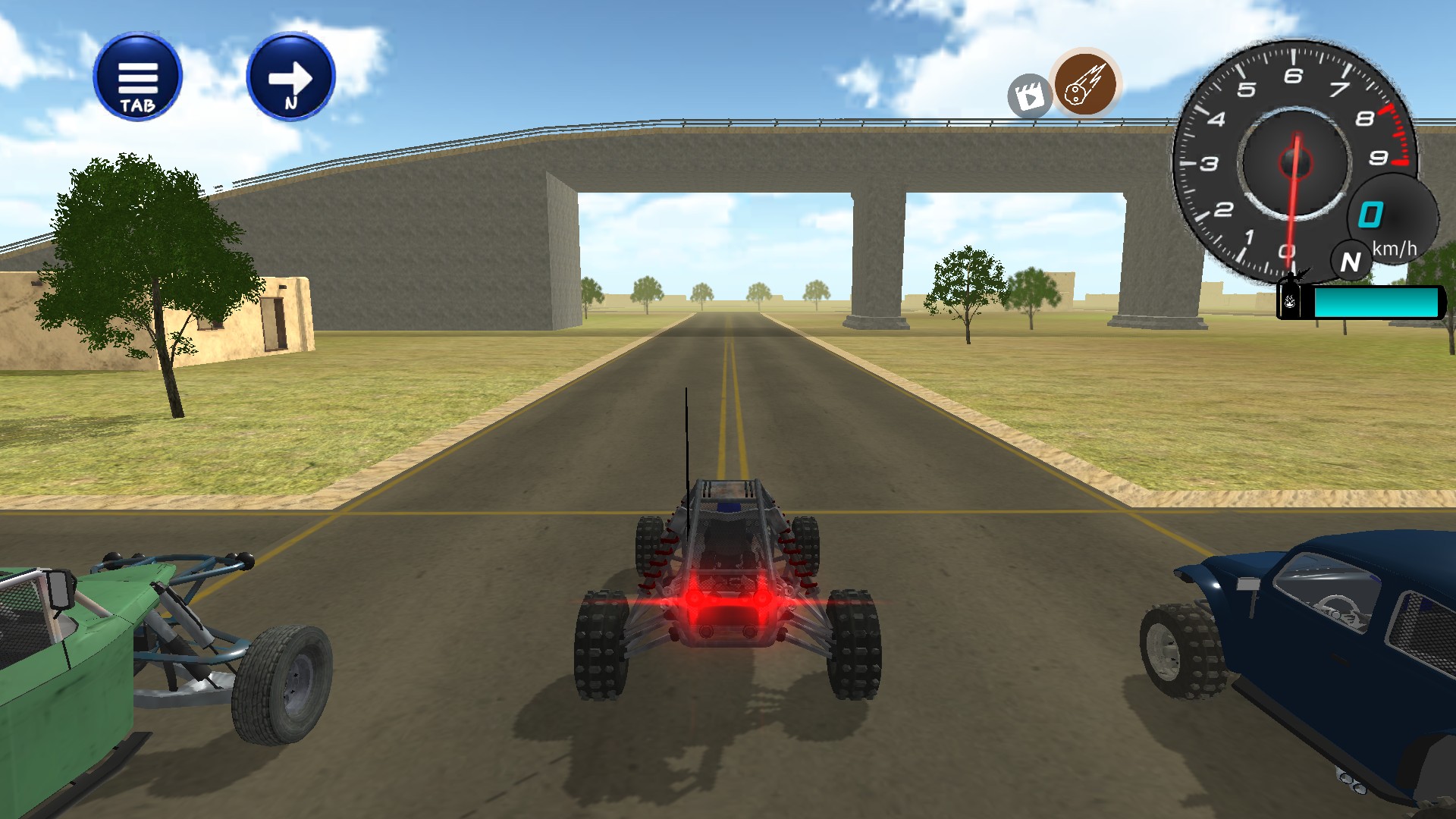
Take the buggy out for a drive
Explore the roads of Desert City from behind the wheel of your off-road buggy.
A grouped vehicle setup with power, braking and speed limits.
View stat modifiers →A free chase-camera control with distance, height and angle settings.
View perspective modifiers →Download the Windows app and follow the setup prompts.
Set up the browser extension in Chrome or Edge, then open the supported YouTube Playable. Follow the connection guide if the game is already running.
Review the available options in the app and choose the ones that suit how you play.