
Stat Modifiers
1 optionAdjust Randy's ground movement speed between 50% and 300%.
View stat modifiers →Explore the Net-Cubes with a little more control over Randy's 3D adventures. Restore health before continuing along Terra-Qubit's paths, or choose a ground movement pace that suits you.

Start with free mods
Download Bytonian Mods for Windows and try these free features. Choose one to see how it works and any requirements.
Refill Randy's current health so you can keep exploring.
While Randy is alive and ready in a 3D level, press Restore health.
This fills his current health allowance; it does not raise the maximum or revive him.
Game Actions offers a free health refill for Randy. Stats Modifiers lets you slow down or speed up his movement on the ground with a Premium percentage control.
Install the Bytonian Mods Windows app, select Randy & Manilla and connect to your game. Enter a 3D level as Randy and resume normal play before using these controls.
Exploring Terra-Qubit
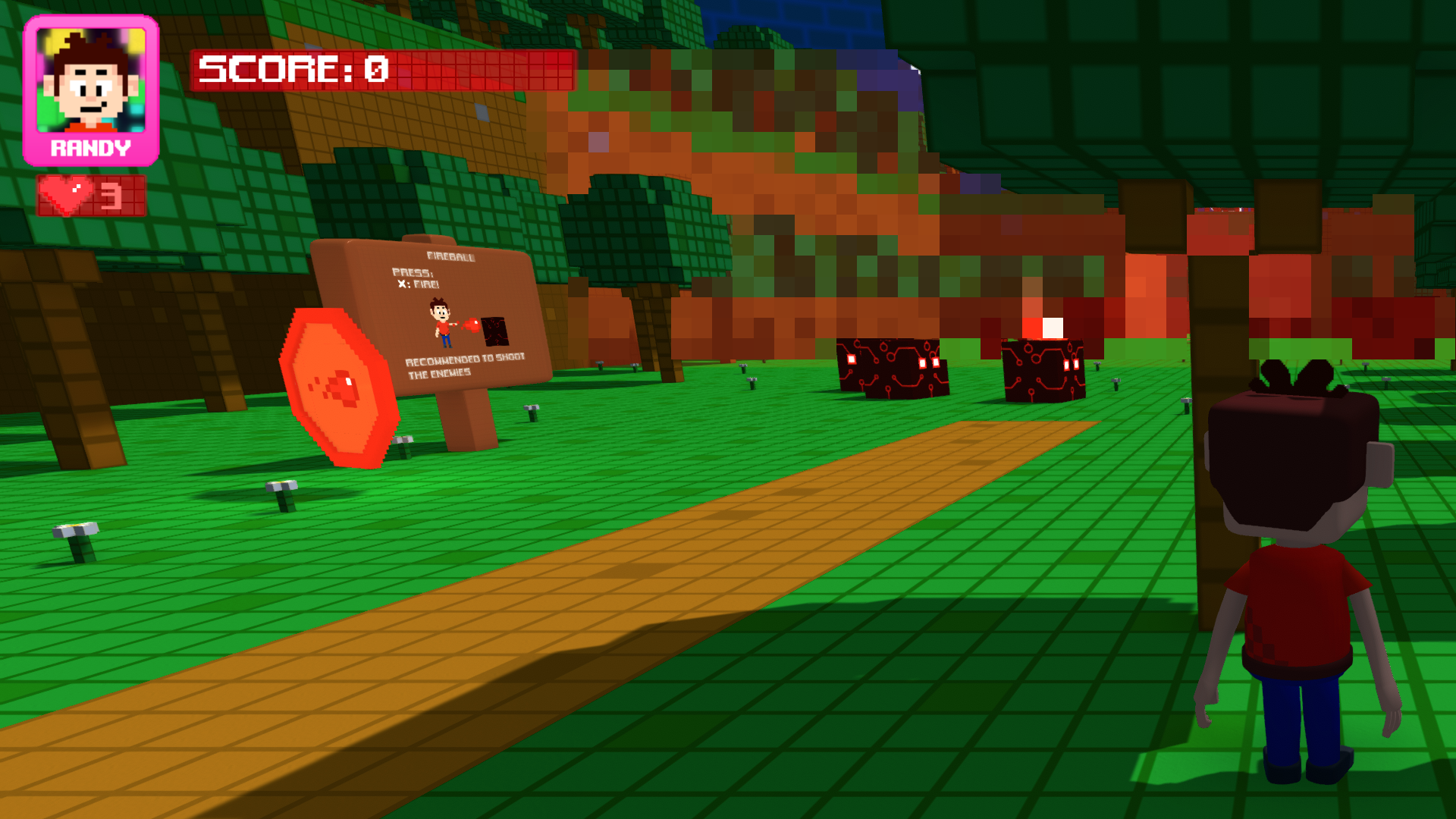
Randy follows the path through Terra-Qubit’s tutorial area.
Adjust Randy's ground movement speed between 50% and 300%.
View stat modifiers →Refill Randy's health during normal 3D play.
View game actions →Download the Windows app and follow the setup prompts.
Open Randy & Manilla and select it in Bytonian Mods. Follow the app’s connection prompts.
Review the available options in the app and choose the ones that suit how you play.