

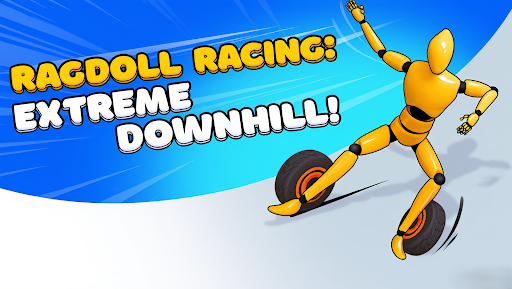
Find a new look in the equipment menu
Explore extra equipment choices, or give a ragdoll a fresh color with the game's color picker. Gear access and Paint controls let you choose which part of the menu to open up.
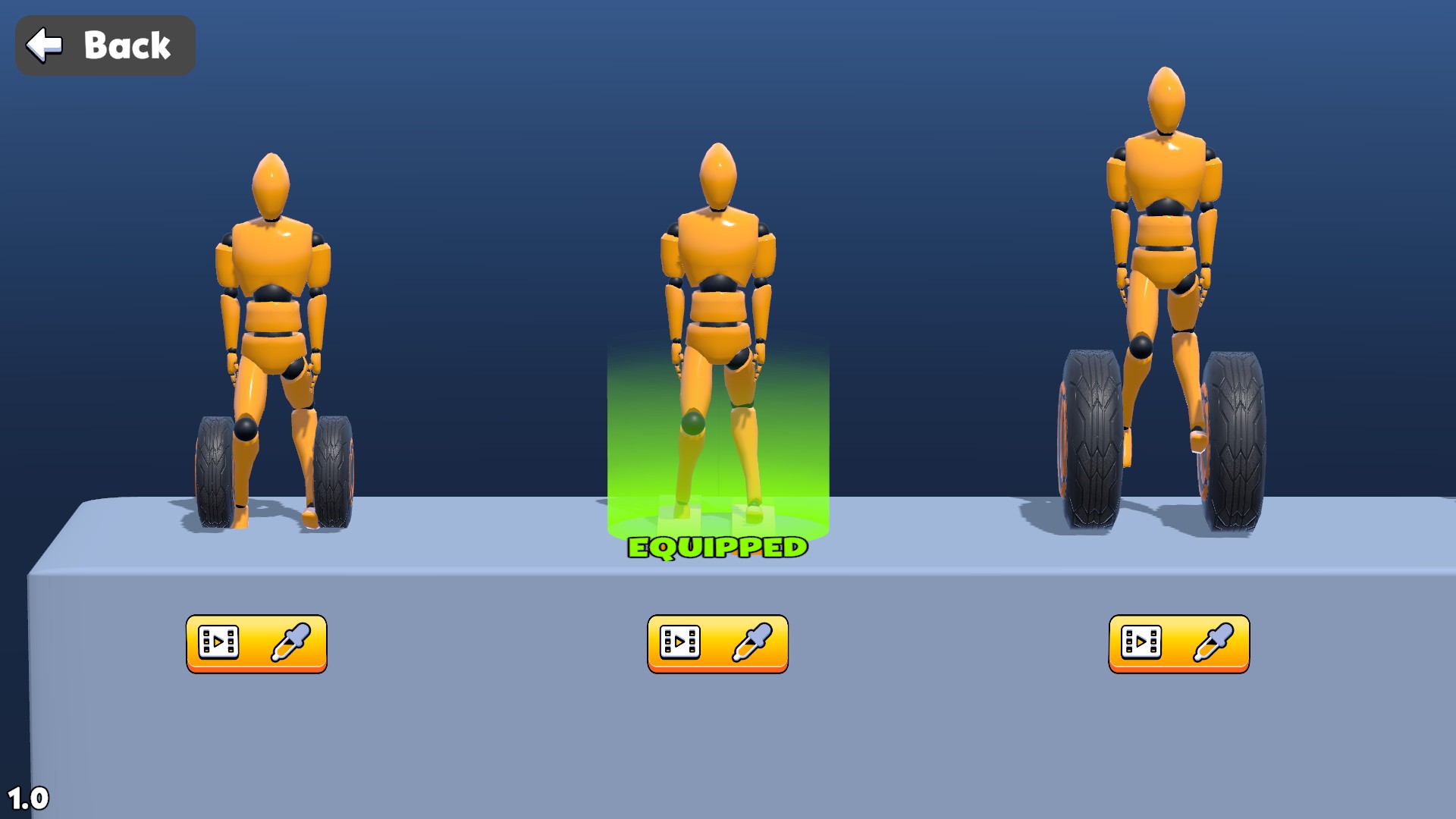
Choose your downhill gear
Browse extra gear choices in the equipment menu.
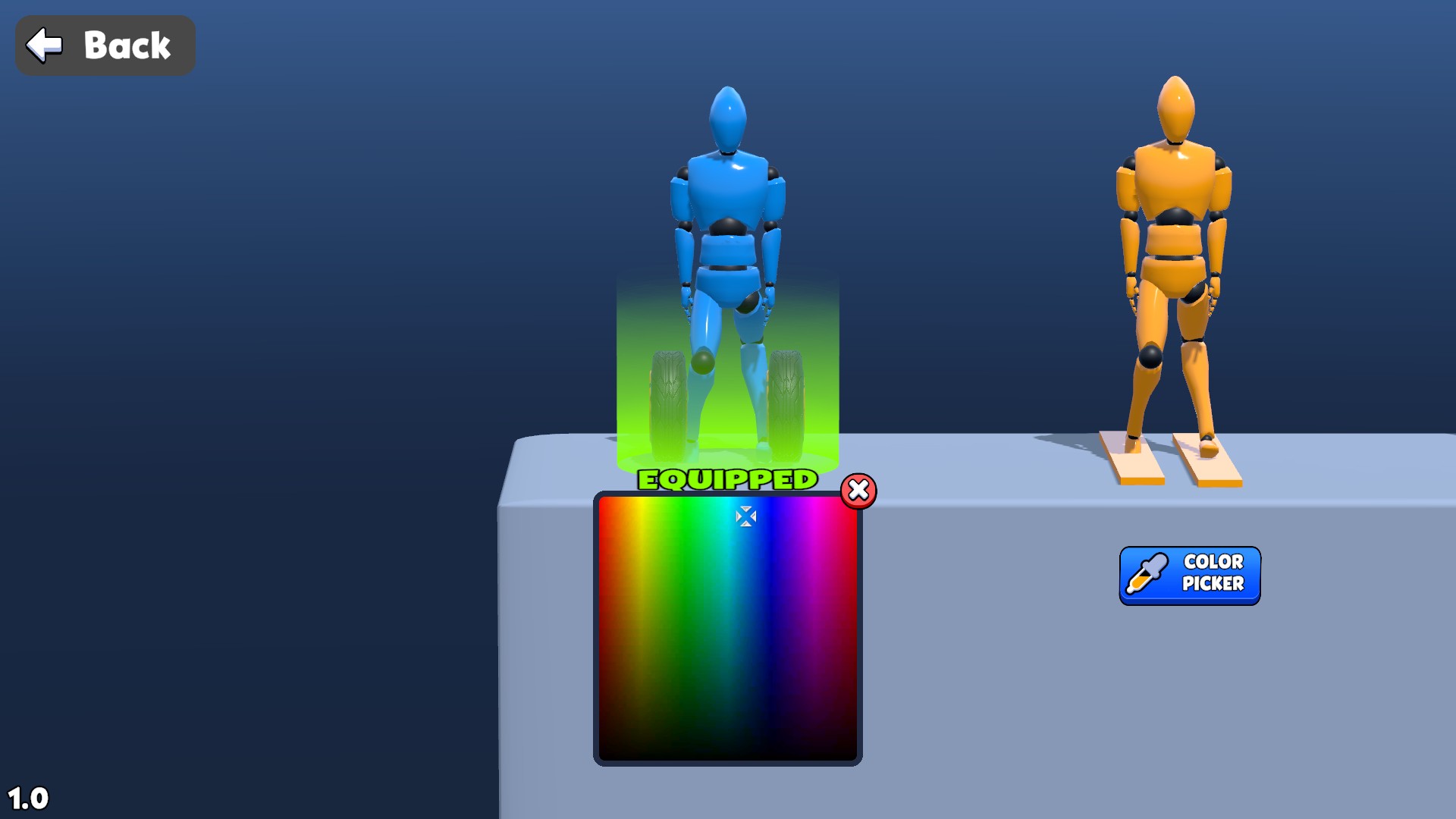
Give your ragdoll a new look
Pick a fresh color for your ragdoll in the equipment menu.
Explore the gear choices
Apply Gear access, open the equipment menu and browse the available setups. Selecting gear marks it Equipped; a course already underway keeps its current setup.
Pick a color
Apply Paint controls and choose Color Picker beneath a ragdoll. Select a color from the palette to change that ragdoll's menu appearance.
Available customise
Gear accessPremium
Browse and select extra gear in the equipment menu.
Apply Gear access, then open the equipment menu and choose a setup.
Before you use it: A course already underway keeps its current setup.
Paint controlsPremium
Choose a new color for your ragdoll in the equipment menu.
Apply Paint controls, open Color Picker beneath a ragdoll and choose a color.
More ways to customise Ragdoll Racing: Extreme Downhill!
- Ragdoll Racing: Extreme Downhill! stat modifiers
Adjust pushing strength for the tyre-equipped ragdoll.
- Ragdoll Racing: Extreme Downhill! game actions
Complete the current course and choose Next.
Using these features
Choose the feature in the Windows app after connecting your game. Check its requirements before making a change.
Setup for Ragdoll Racing: Extreme Downhill! →