

Customise
3 optionsGarage balance controls and free access to extra tracks and driving times.
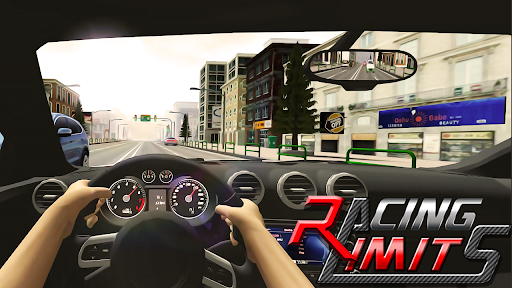
View customise →Pick a road, settle into the cockpit and weave through traffic in Racing Limits. Choose your garage balances and open more driving choices before your next trip.
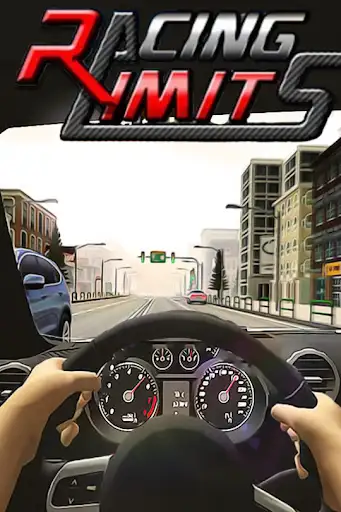
Free Track access opens extra tracks and times of day. Cash and Gold are separate Premium controls for choosing the balances shown in your garage.
Open Racing Limits in YouTube Playables and connect it to Bytonian Mods. Open Customization, choose the changes you want and apply them. For track access, continue from the garage and choose your race mode, track and driving options.
Get ready for your next drive
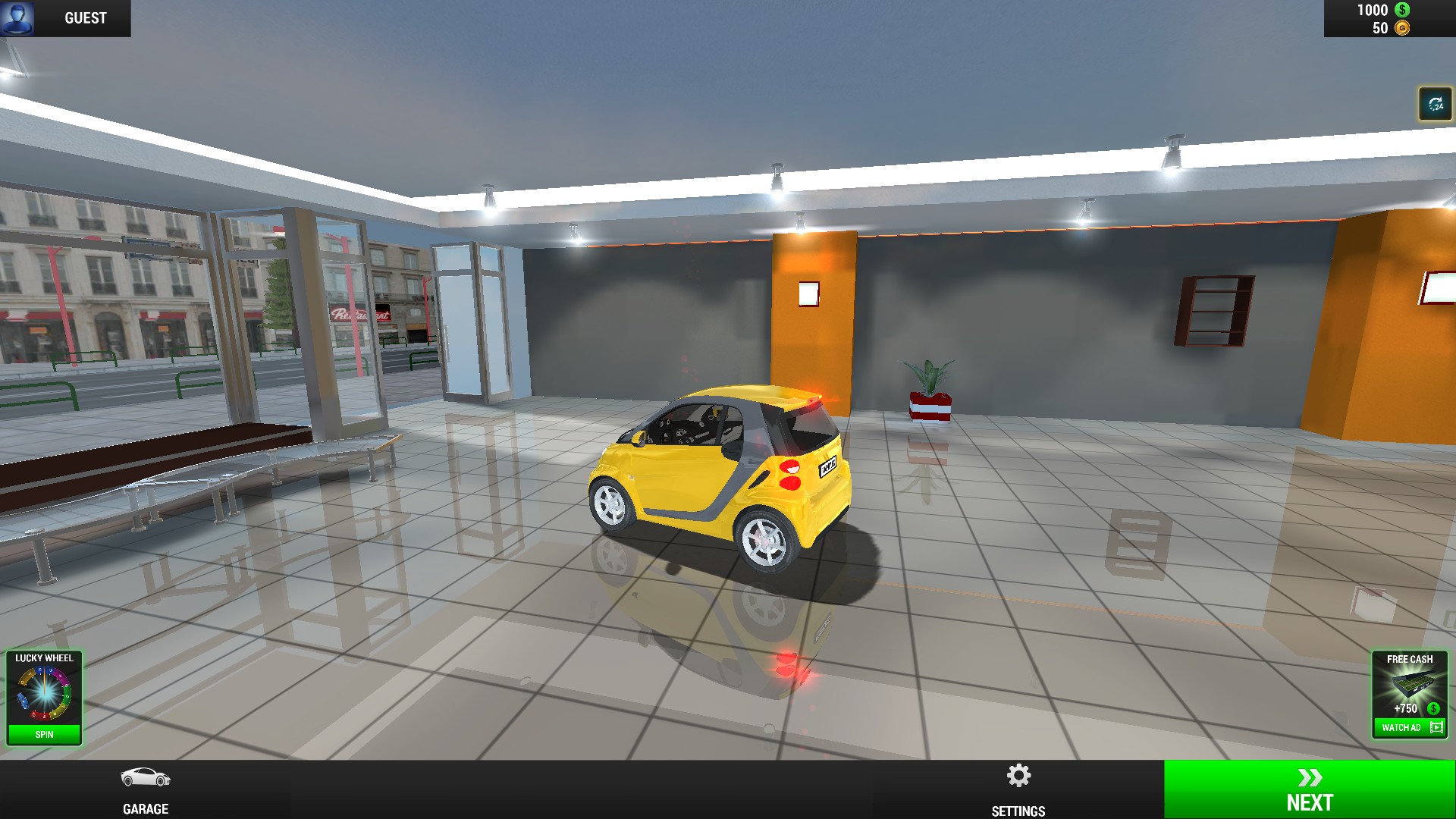
A yellow starter car in the Racing Limits garage.
Garage balance controls and free access to extra tracks and driving times.
View customise →Download the Windows app and follow the setup prompts.
Set up the browser extension in Chrome or Edge, then open the supported YouTube Playable. Follow the connection guide if the game is already running.
Review the available options in the app and choose the ones that suit how you play.