
Choose Pou's Cleanliness
Bring Pou back to a clean state by choosing a cleanliness level from 0 to 100.
Requires the Windows app and the Bytonian Mods browser extension for Chrome or Edge. Browser setup guide
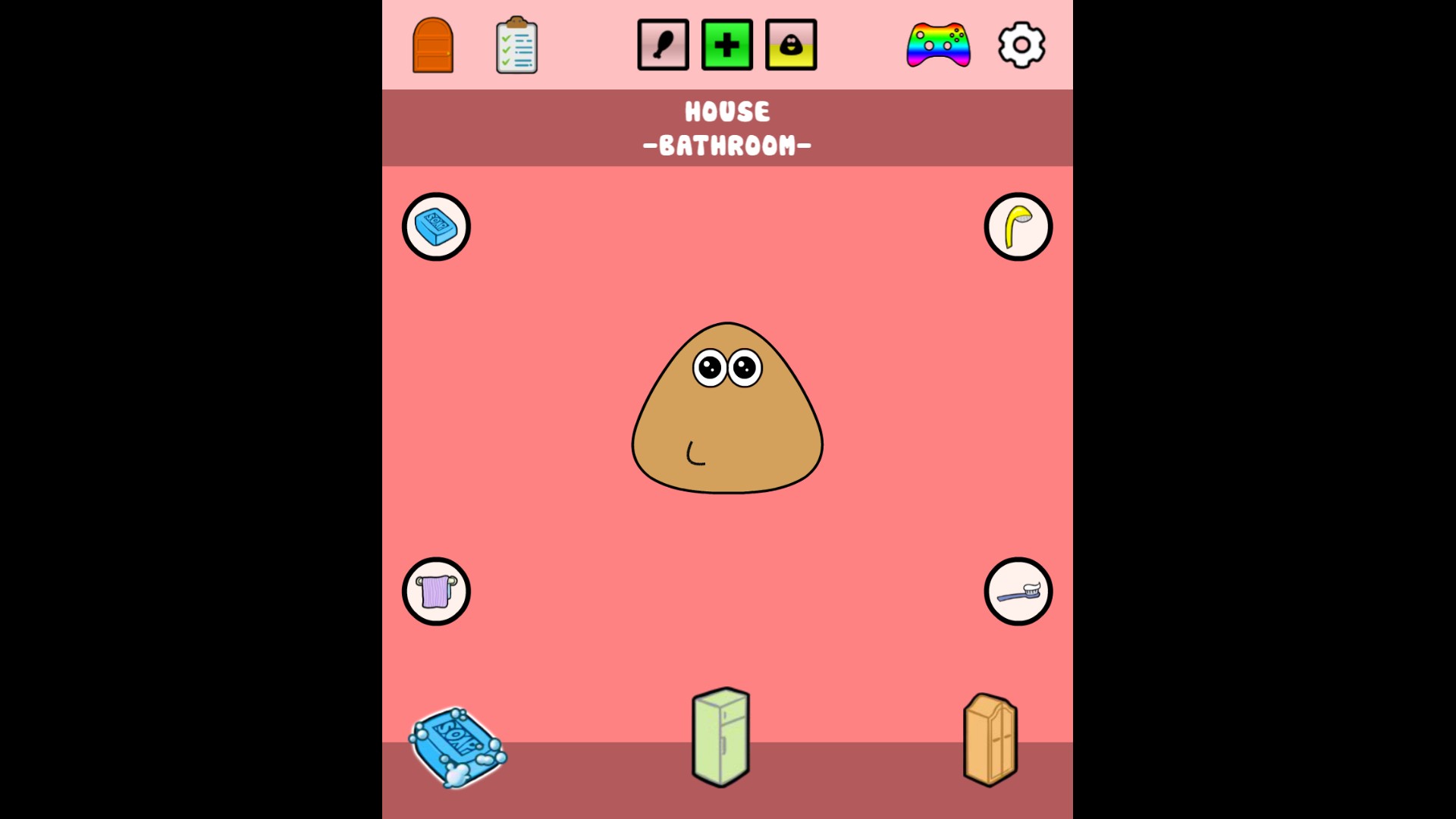
A clean Pou
Set Pou's cleanliness and return to a clean pet in the bathroom.
Apply your care choice
Choose a value, then use Apply. The game reloads with your choice.
Pou's normal care reset still applies. Cleanliness alone does not fill the energy needed for mini games.
Available customisation options
CleanlinessFree
Set Pou's cleanliness from 0 to 100 and remove dirt at full cleanliness.
Choose a cleanliness value and press Apply. The game reloads with your choice.
The normal care reset still applies. Cleanliness alone does not fill mini-game energy.
Using these features
Connect your game, then open Customise in the Windows app. Choose an option, check its available values and follow its instructions. Each option lists its own requirements and limits.
Setup for Pou →