
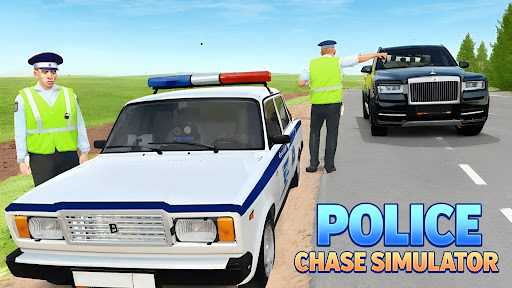
Repair, slow motion and rollover recovery
Choose the action that fits your drive: repair engine damage, slow the simulation for a closer look, or put an overturned car back on its wheels. These controls work with your current car during a single-player drive.
Requires the Windows app and the Bytonian Mods browser extension for Chrome or Edge. Browser setup guide
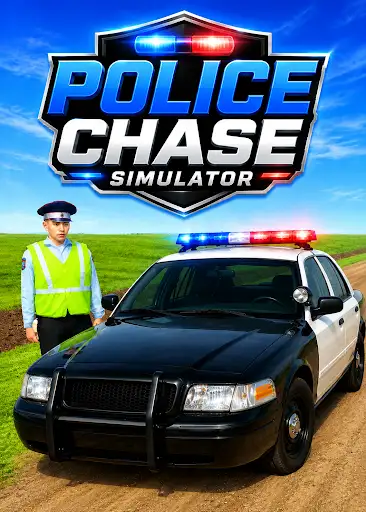
Repair your current car
Press Repair car to restore engine health. It's a quick action for the car you're driving, so you can get back to exploring. New collisions can damage the car again.
Cycle the pace of the drive
Slow motion moves through half speed, quarter speed and normal speed. Press it again whenever you want the next setting. Menus and the game's other speed controls can also change the active setting.
Recover after a rollover
When your car lands on its roof on solid ground, press Rollover reset to turn it upright. Once it's back on its wheels, use the normal driving controls to continue.
Available game actions
Repair carFree
Give your current car a quick engine repair so you can keep exploring.
Start a single-player drive, then press Repair car to restore engine health.
Repairs apply when you press the control; new collisions can damage the car again.
Rollover resetPremium
Turn your overturned car upright and get back to driving.
During a single-player drive, press Rollover reset after your car lands upside down.
Use after a rollover on solid ground.
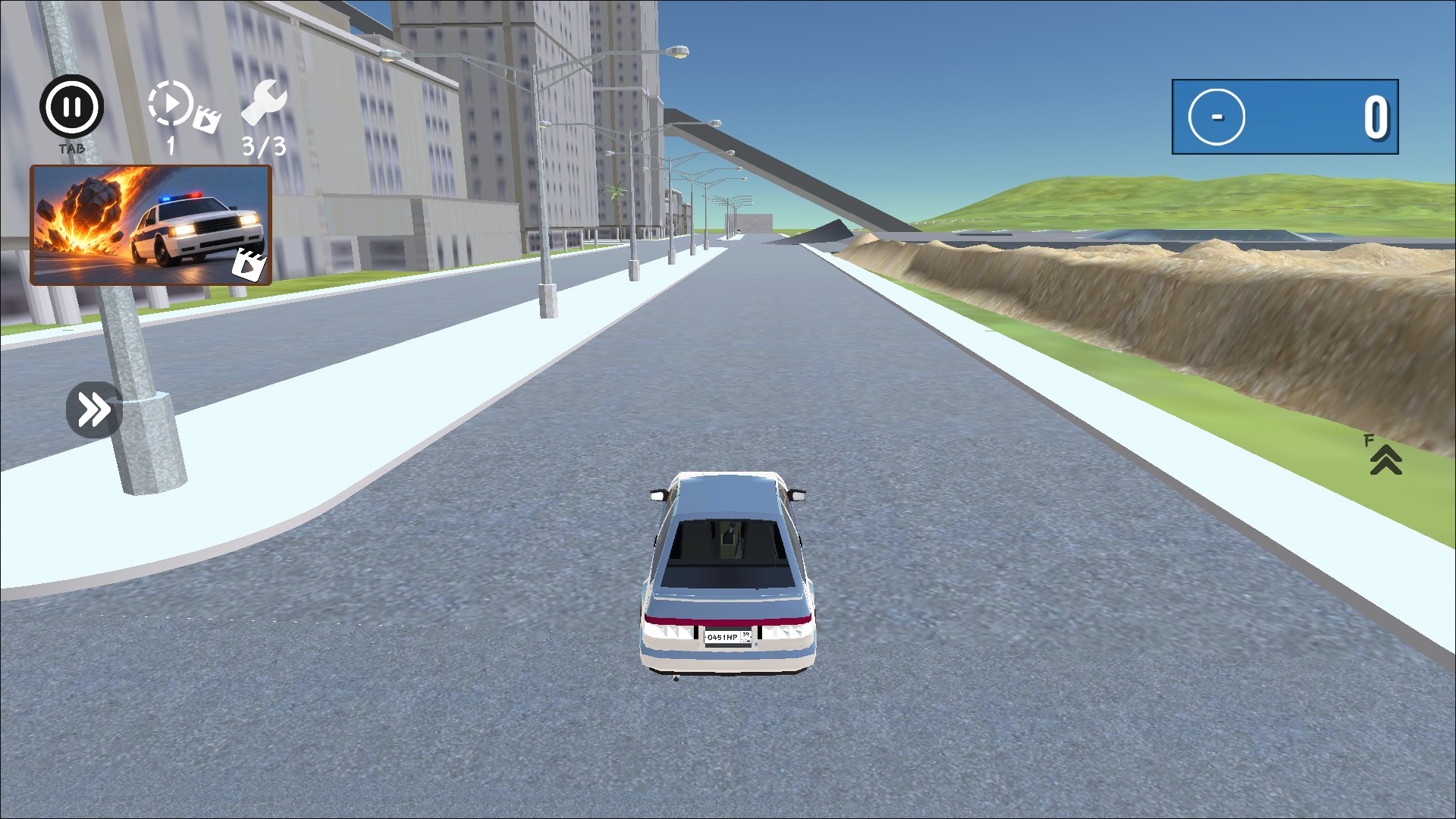
Back on your wheels
Right your car after a rollover on solid ground, then carry on with your drive.
Slow motionPremium
Take a slower look at your drive with half-speed and quarter-speed simulation.
Press Slow motion to cycle through half speed, quarter speed and normal speed.
Menus and the game's other speed controls can change the active setting.
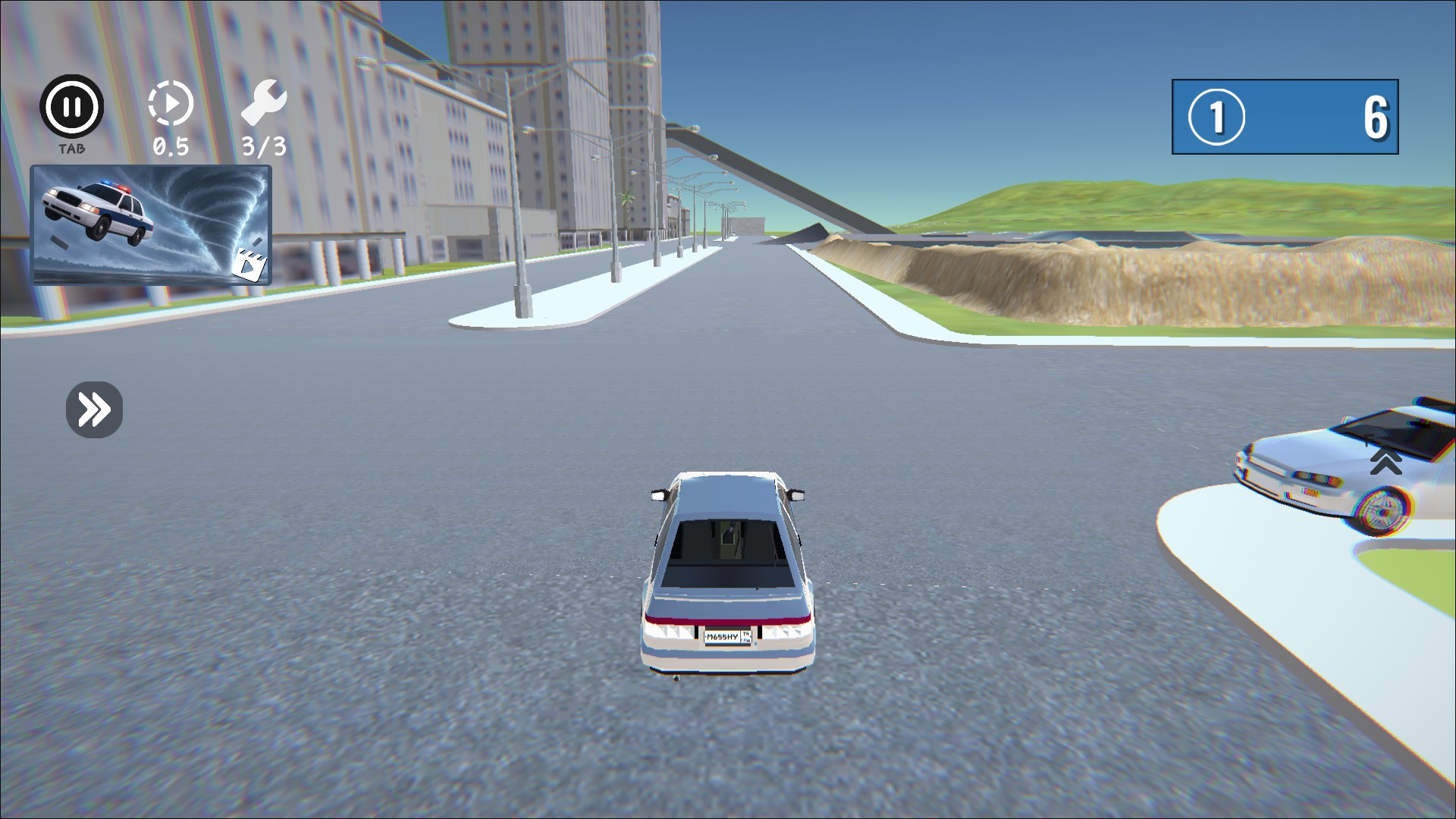
Take the drive at half speed
Switch to half-speed slow motion for a closer look at your drive through the city.
Questions about game actions
- Does repair stay on continuously?
- Repair car applies when you press it. Use it again when you want another repair.
- Where should I use Rollover reset?
- Use it during a single-player drive when your car is overturned on solid ground.
Using these features
Choose the feature in the Windows app after connecting your game. Check its requirements before making a change.
Setup for Police Chase Simulator →