


Choose Your Pocket Champions Coins
Enter your preferred Coins amount and apply it. Open the shop to see your balance and choose a puck design to buy.

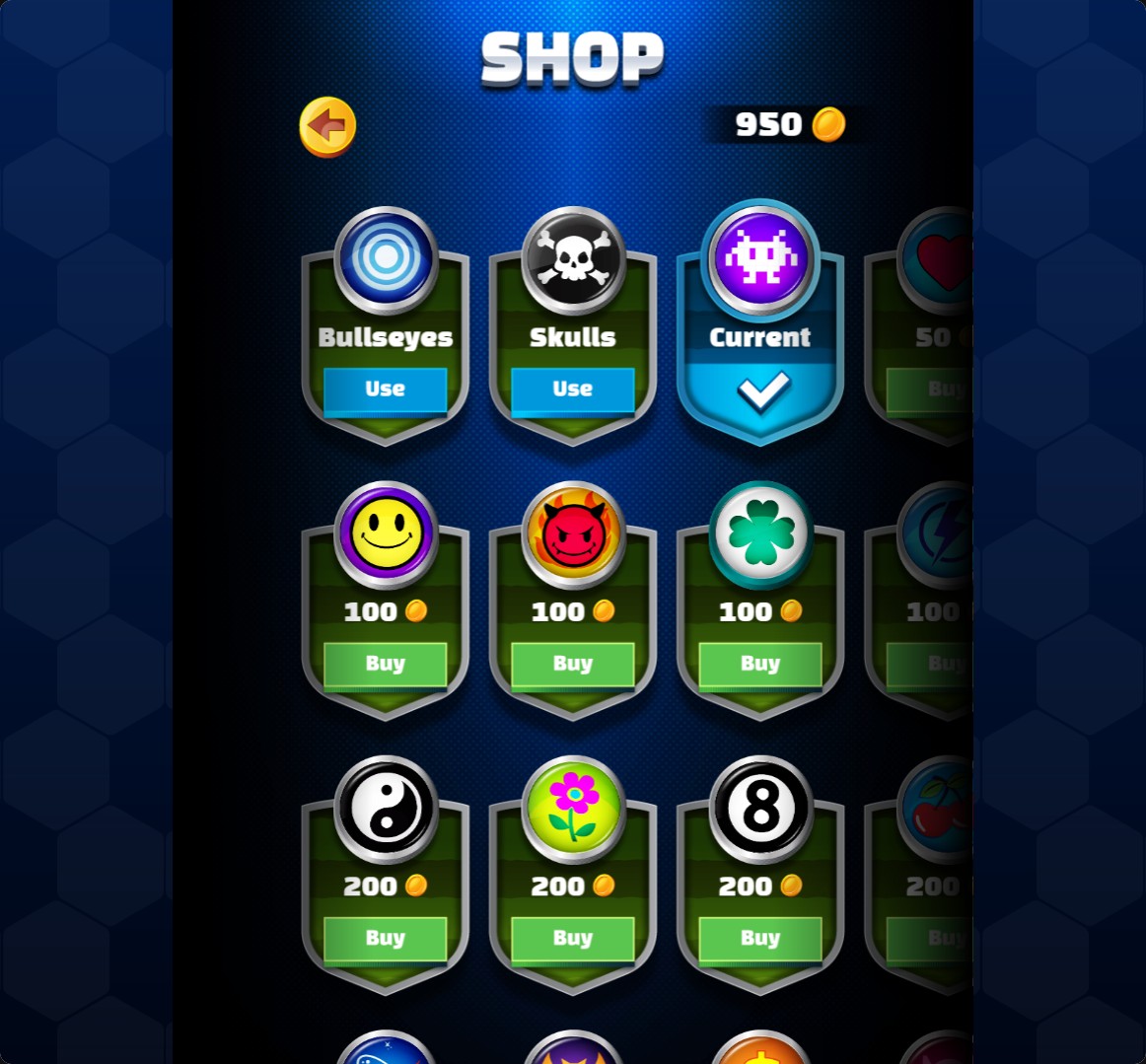
Pick a new puck design
Choose your coin balance, then buy and select a puck design through the normal shop.
Set Your Coin Balance
Use the Coins control to enter your amount and apply your choice. Return to the game and open the shop to check the counter.
Buy and Select a Puck Design
Press Buy on a design you want, then press Use to select it. Purchases use the normal coin prices and the usual shop controls.
Available customise
CoinsFree
Choose your coin balance to spend in the puck shop.
Enter your Coins amount, apply it and open the shop. Buy a design, then press Use to select it.
Before you use it: Normal shop prices and selection controls still apply.
Questions about customise
- Is the Coins setting Free?
- Yes. Coins is a Free customization option.
Using these features
Choose the feature in the Windows app after connecting your game. Check its requirements before making a change.
Setup for Pocket Champions →