
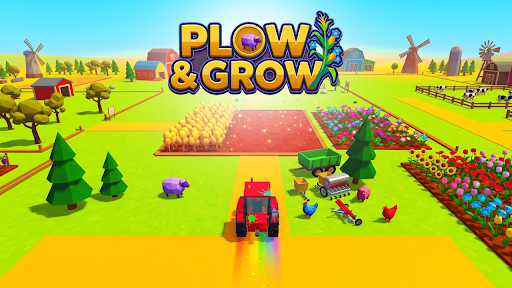
Customise
7 optionsSeven controls for farm money, travel, equipment capacity, the truck and extra land.
View all customisation options →Harvest more before unloading, cover wider rows and open more land in Plow & Grow. Upgrade vehicle speed, unlock the truck or choose farm money to buy crops and upgrades in the shop.
Requires the Windows app and the Bytonian Mods browser extension for Chrome or Edge. Browser setup guide
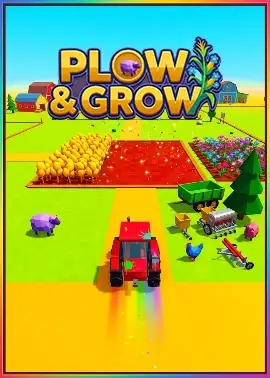
Start with free mods
Download Bytonian Mods for Windows and try these free features. Choose one to see how it works and any requirements.
Choose a vehicle speed level for faster trips around the farm. This control is free.
Explore this free feature →Travel faster between jobs, cultivate a wider strip and collect more crops before unloading. Separate controls let you choose the improvements that suit your farm.
Unlock the truck for another driving option, or open fields B, C and D together for more land to cultivate.
Set spendable money for normal shop purchases, including new crops to grow on your farm.
Seven controls for farm money, travel, equipment capacity, the truck and extra land.
View all customisation options →Download the Windows app and follow the setup prompts.
Set up the browser extension in Chrome or Edge, then open the supported YouTube Playable. Follow the connection guide if the game is already running.
Open Customise in Bytonian Mods, choose an option and follow its instructions. Check the available values and any limits before making your change.